
Sanpanza
Known Participant
May 11, 2019
Question

Stroking Tapered Lines from vector mask

  • May 11, 2019
  • 6 replies
  • 2166 views

Hi folks, I am trying to control the taper of a stroked vector mask when I stroke the vector. I am failing.

The first image (screen shot 1) is the selection of my vector mask which I stoked with "simulate pressure" checked.

The second image (screen shot 2)  is the taper I would expect to get when stoked with the vector line with using a brush.

But if I try and stroke the spiral path of the vector line on screen shot 3,  then I get a different kind of line. Not tapered link in screen shot 2

I think it is because the line is not closed like in screen shot 1.

Is there any way around this problem without trying to do it in illustrator?

My method is to choose my brush and preferences, then select the path with the "convert point tool" in the pen tool menu,  hold the control key down and choose "Stroke Path" with the "simulate pressure" checked.

Please ignore the different color lines (black vs brown)

Any thoughts would be appreciated.
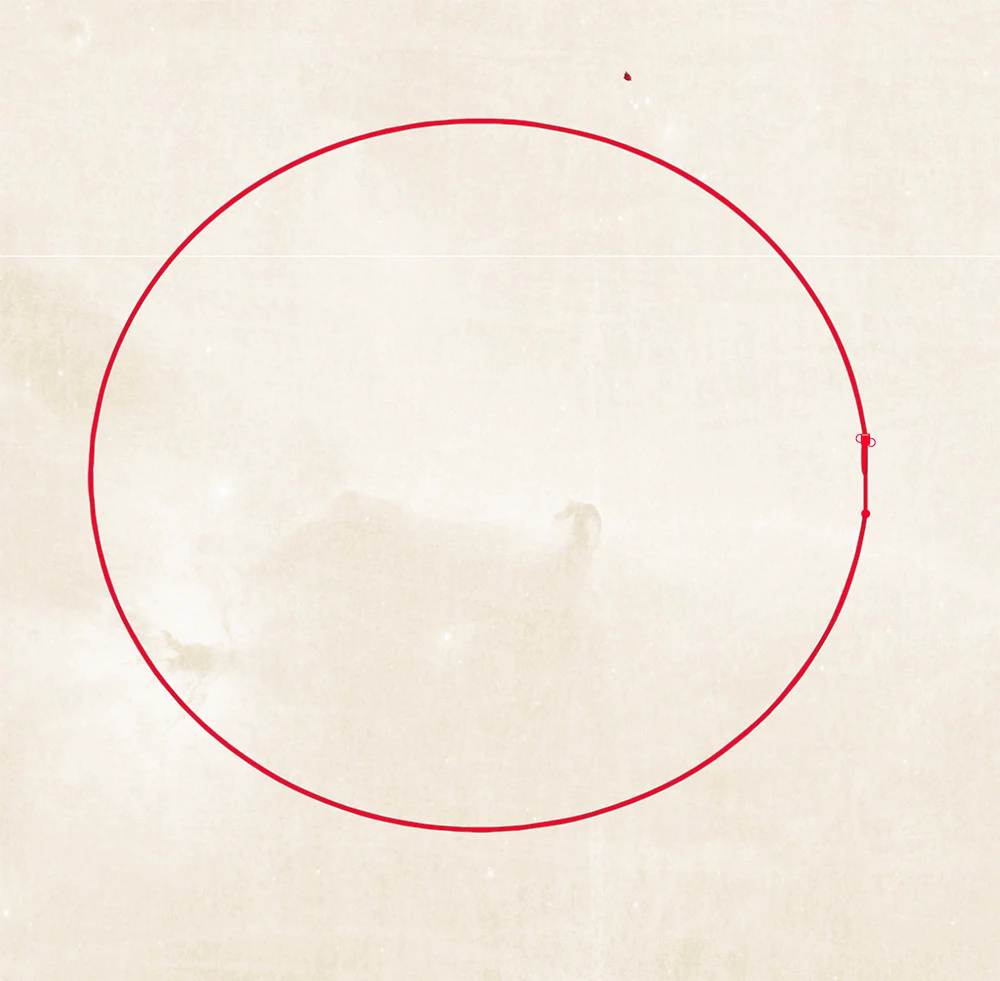
Vector Line above. Screen shot 1
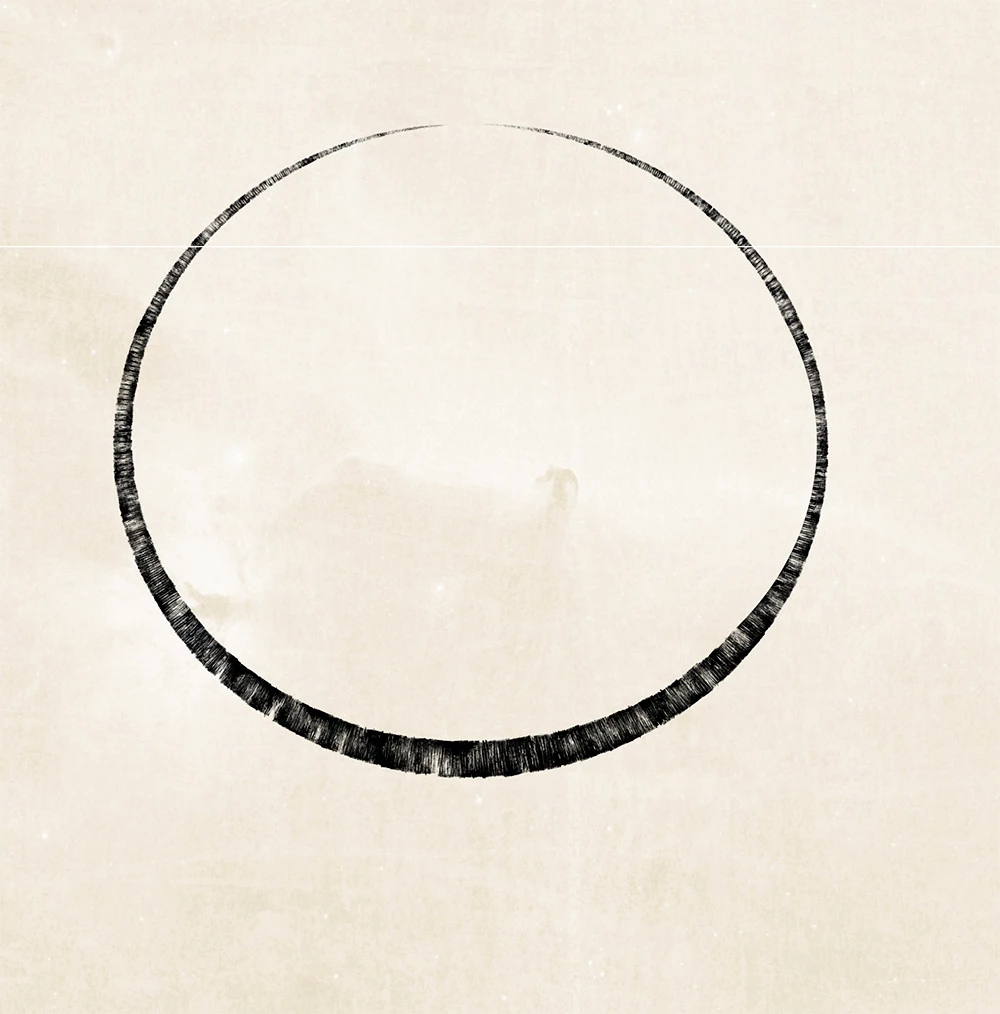
Stroked Line above. Screen shot 2
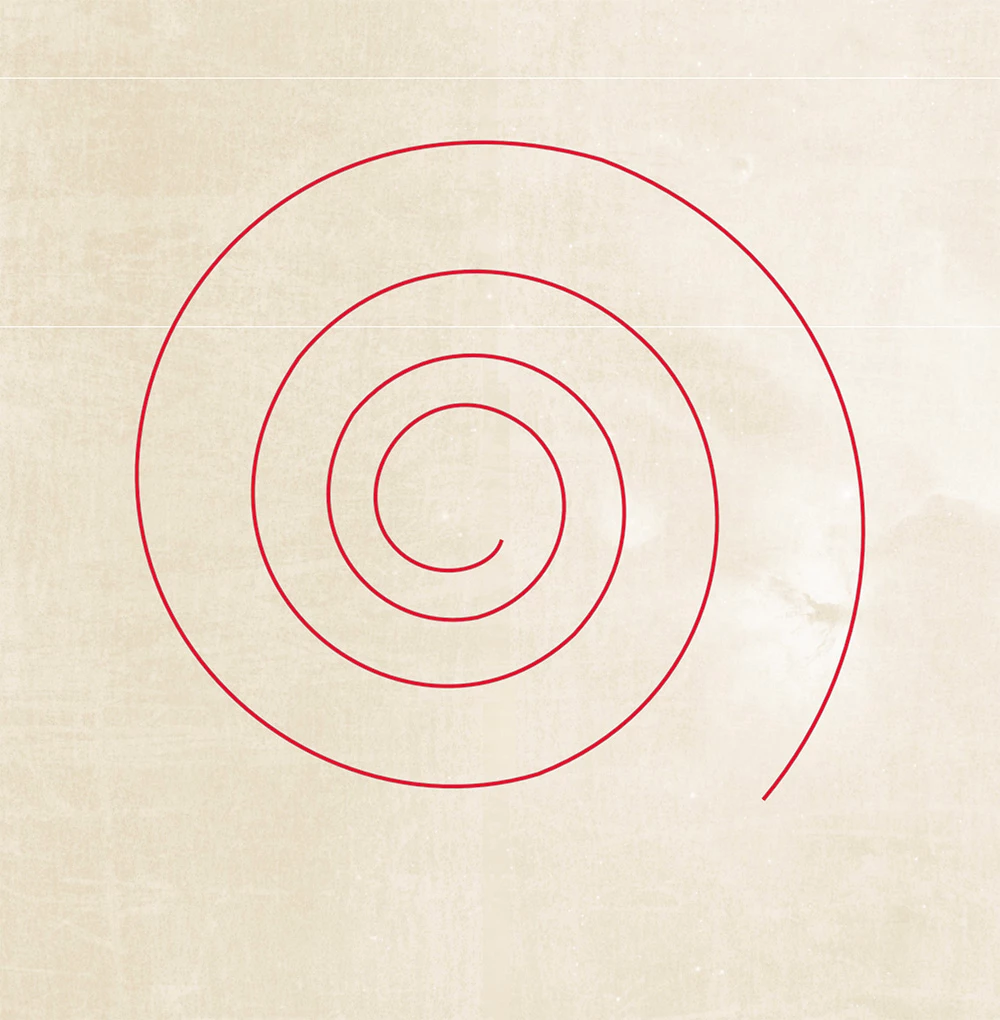
Vector Line above. Screen shot 3

Stoked line above. Screen shot 4

This topic has been closed for replies.

6 replies

Sanpanza
SanpanzaAuthor
Known Participant
May 19, 2019

You guys are great!!!!!!! Trevor.Dennis​ and jane-e​ Much obliged to the two of you!

jane-e
Community Expert
Community Expert
May 19, 2019

You’re welcome, Sanpanza​!

Several of these would work. Which one did you end up using?

~ Jane

Sanpanza
SanpanzaAuthor
Known Participant
May 19, 2019

I ended up selecting the one end of the spiral for one stroke and then the middle for the second spiral because I did not want the element to look like commercial art. I also used one of Kyle's ink brushes to add texture. I made it sloppy on purpose. You can see an example of how it turned out on the left spiral for this unfinished gravitational wave piece I am working on.

Trevor.Dennis
Community Expert
Community Expert
May 14, 2019

I've seen Bert Monroy do this breaking the path and using Fade.  It lets you control where the taper changes direction.  In this case the outer stroke was set to 4200 (1% brush spacing) and the inner 1200.  The arrow shows where the paths are broken.

[EDIT]  I am sure you'll know this, but you can't actually make the full path and break it because Fade follows the direction that the path was created.

Sanpanza
SanpanzaAuthor
Known Participant
May 14, 2019

Thanks Trevor.Dennis

Sanpanza
SanpanzaAuthor
Known Participant
May 13, 2019

Now, what if I want the taper to start off thin like in your example but end in an UNTAPERED TIP. Meaning, that one end is fat and the other thin? Any thoughts there or would I have to go to Illustrator to do something like that?

jane-e
Community Expert
Community Expert
May 14, 2019

Sanpanza  wrote

Now, what if I want the taper to start off thin like in your example but end in an UNTAPERED TIP. Meaning, that one end is fat and the other thin? Any thoughts there or would I have to go to Illustrator to do something like that?

Hi Sanpanza,

  • It is super simple in Illustrator. You use the Width Tool to pull out width points.


  • Or you double-click a width point and use the dialog to zero it out or type the width you want.


  • Either end can be blunt / tapered.

~ Jane

Trevor.Dennis
Community Expert
Community Expert
May 14, 2019

John, that is cool info, so thanks.  I got the 'fade follows the direction  the path was made' from the same Bert Monroy video where he broke the path, so  you know something Bert didn't.  This was a very long time ago though, so maybe even Bert Monroy still has stuff to learn with Photoshop.

Jane, I thought right from the start that this was so a job for Illustrator, and that was reinforced when laying the path along Sanpanza's spiral, and not impressing myself with how smooth I was making it.

FWIIW, Fade works with brush spacing, so  with a straight path and a  1% spacing, a  Fade value of 500 will perfectly taper to zero on a 500 pixel long path.  This is regardless  of brush  size of course, and really not very useful when dealing with a spiral.

Sanpanza
SanpanzaAuthor
Known Participant
May 12, 2019

Hi Semaphoric, I think perhaps the problem is that my vector line is not closed. Could that be the problem?

Here is a screen shot of my bush settings.

Vector line as produced by the vector mask I am using.

JJMack
Community Expert
Community Expert
May 12, 2019

See if any of your other brushes create strokes  more to your liking  than that Kyle InkBox brush you are using.

JJMack
Semaphoric
Community Expert
Community Expert
May 11, 2019

Works fine on my end:


Could you show a screenshot of your Brush Settings panel?

JJMack
Community Expert
Community Expert
May 11, 2019

Stroking the vector path with a brush using simulate pressure  seems to come close perhaps using a custom brursh may work better or stroking the path with some other tool.

JJMack