

Stroking Tapered Lines from vector mask
Hi folks, I am trying to control the taper of a stroked vector mask when I stroke the vector. I am failing.
The first image (screen shot 1) is the selection of my vector mask which I stoked with "simulate pressure" checked.
The second image (screen shot 2) is the taper I would expect to get when stoked with the vector line with using a brush.
But if I try and stroke the spiral path of the vector line on screen shot 3, then I get a different kind of line. Not tapered link in screen shot 2
I think it is because the line is not closed like in screen shot 1.
Is there any way around this problem without trying to do it in illustrator?
My method is to choose my brush and preferences, then select the path with the "convert point tool" in the pen tool menu, hold the control key down and choose "Stroke Path" with the "simulate pressure" checked.
Please ignore the different color lines (black vs brown)
Any thoughts would be appreciated.
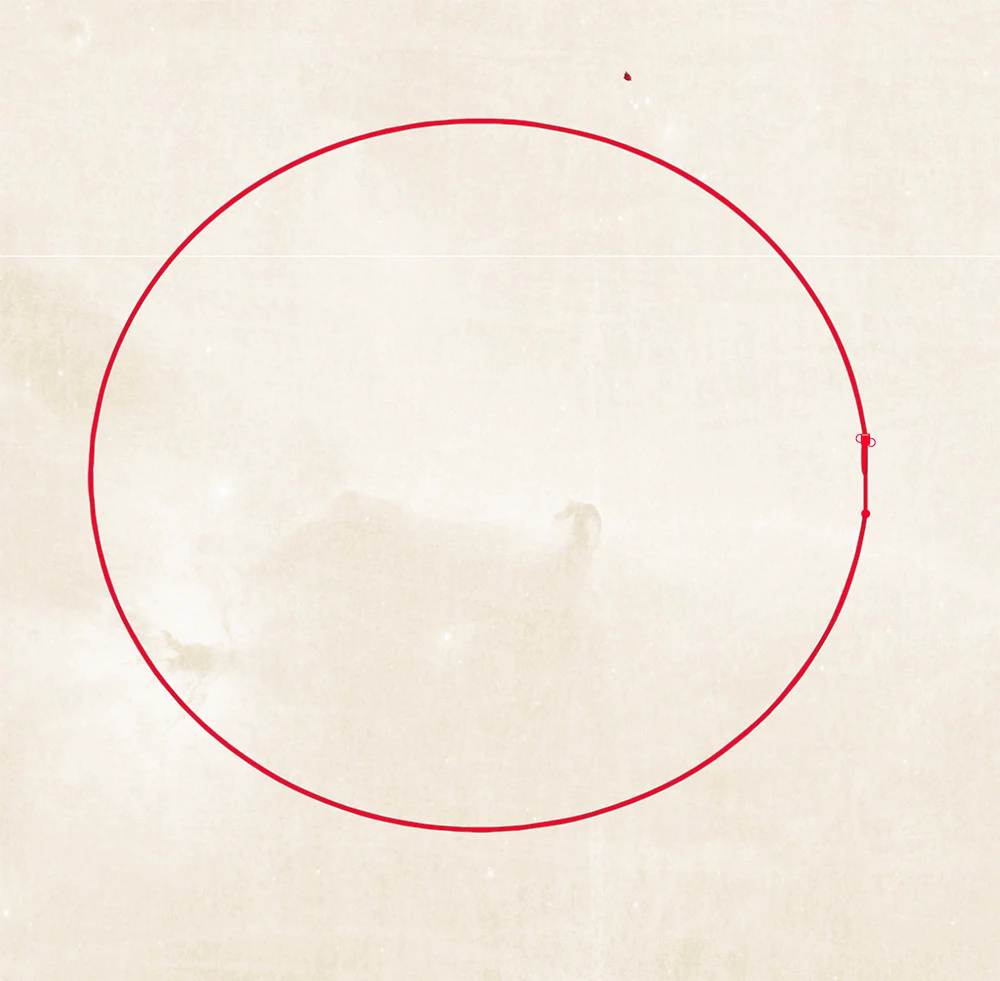
Vector Line above. Screen shot 1
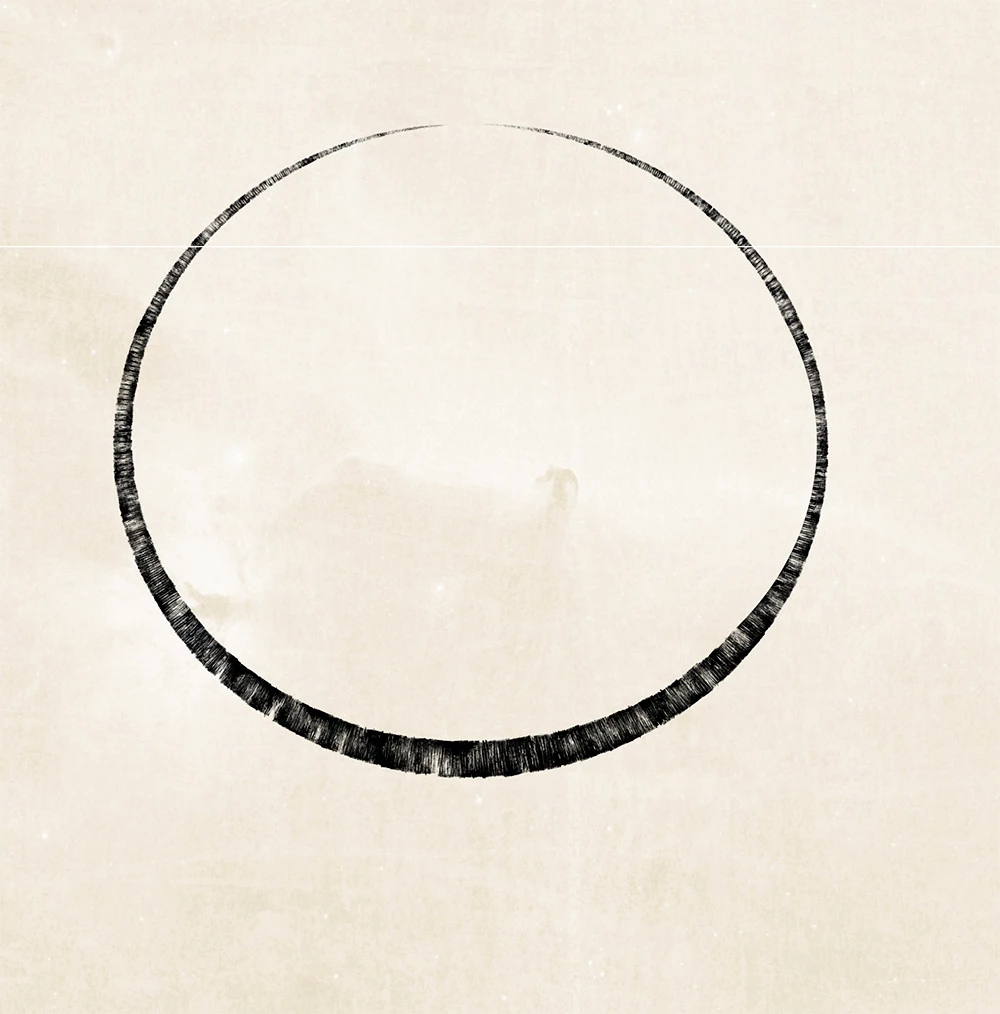
Stroked Line above. Screen shot 2
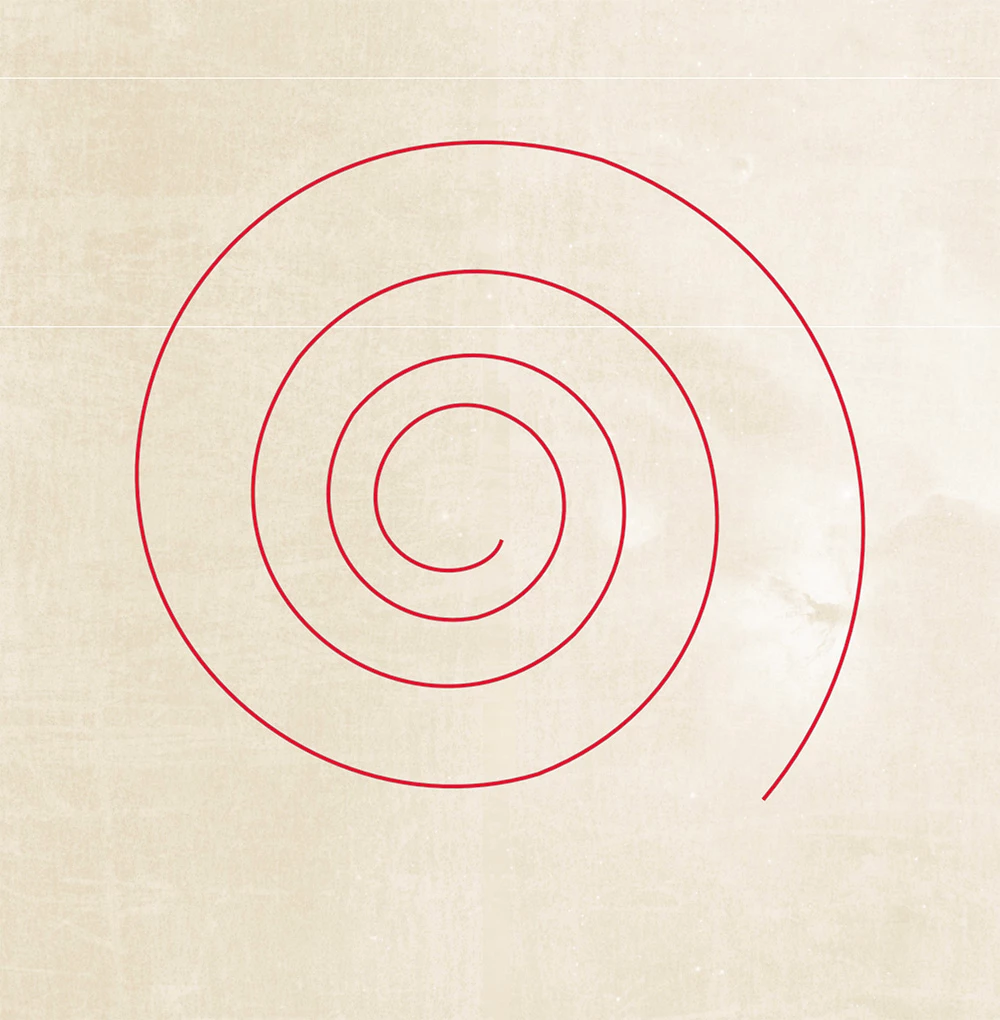
Vector Line above. Screen shot 3

Stoked line above. Screen shot 4
 AdChoices