


Question
Suddenly can't open PS 2026
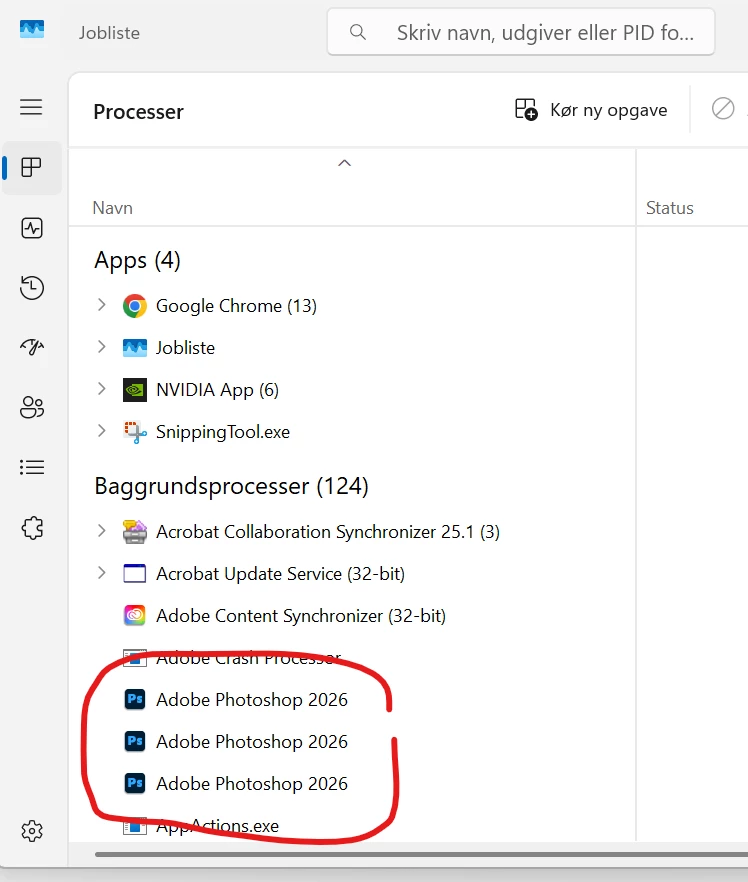
I'm on PS 2026, laptop (Lenovo Legion; GeForce RTX 4070 Laptop GPU) ... I have been using the new version of Photoshop for a few days - and suddenly today I can't open it. When I click the icon nothing happens (no loadingscreen) ... if I click CTRL+shift+ESC, it shows me that Photoshop 2026 is running in the background (each time I click the PS-icon, it adds a new intance on the list). All other Adobe apps work just fine.
Does anyone know how to help this issue???
I have updated the graphicscard to the latest version.
 AdChoices