



Answered
Tab/Window automatically hides when clicking outside of it
[19.1.6 Release] [macOS 10.13.6]
When dragging a tab out it opens a window on the primary workspace as shown in the picture below:
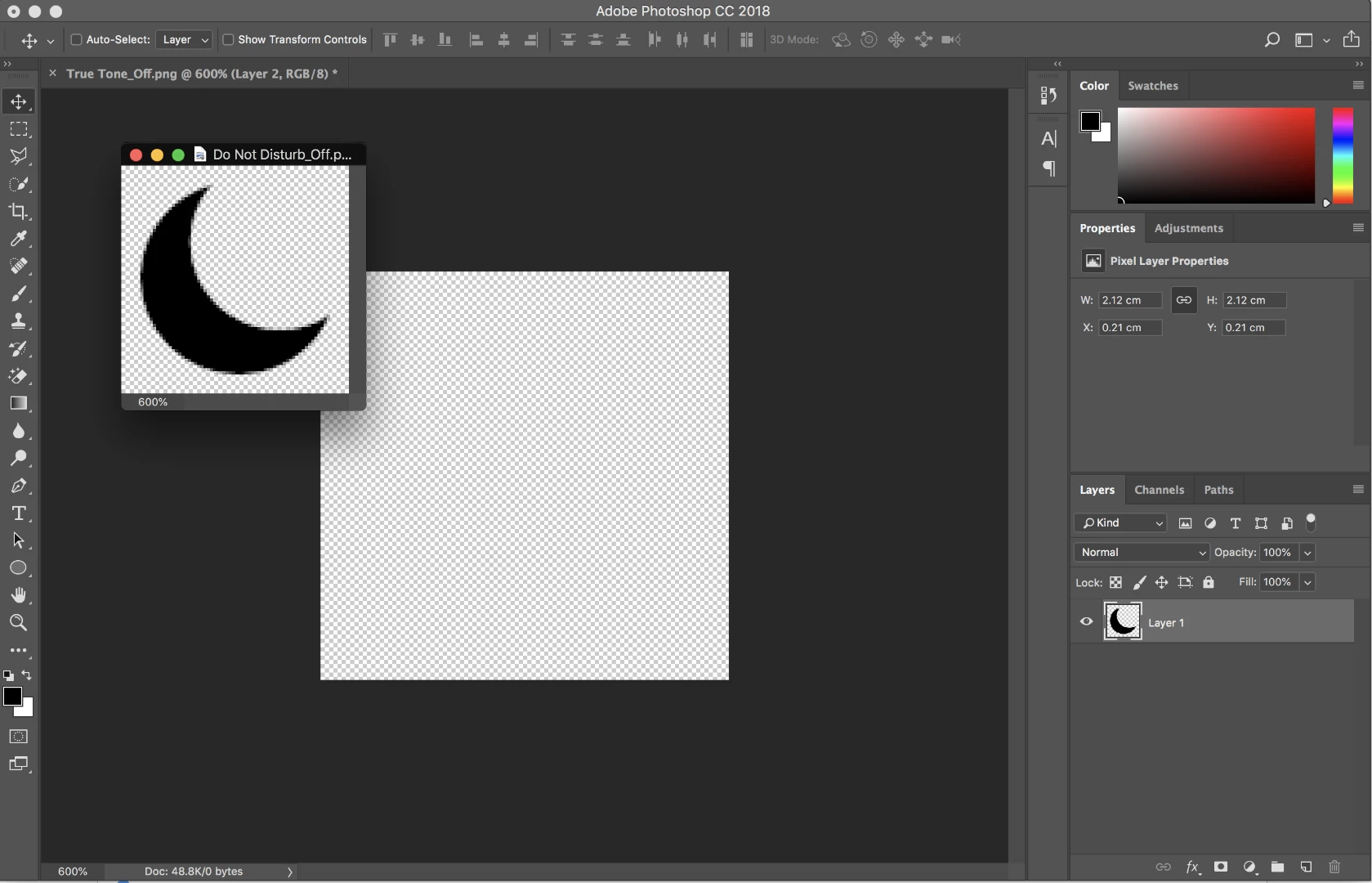
But when I drag the Crescent Moon file to the workspace in the middle. The window automatically hides. This is quite annoying because I have use cmd+` to bring back the window.
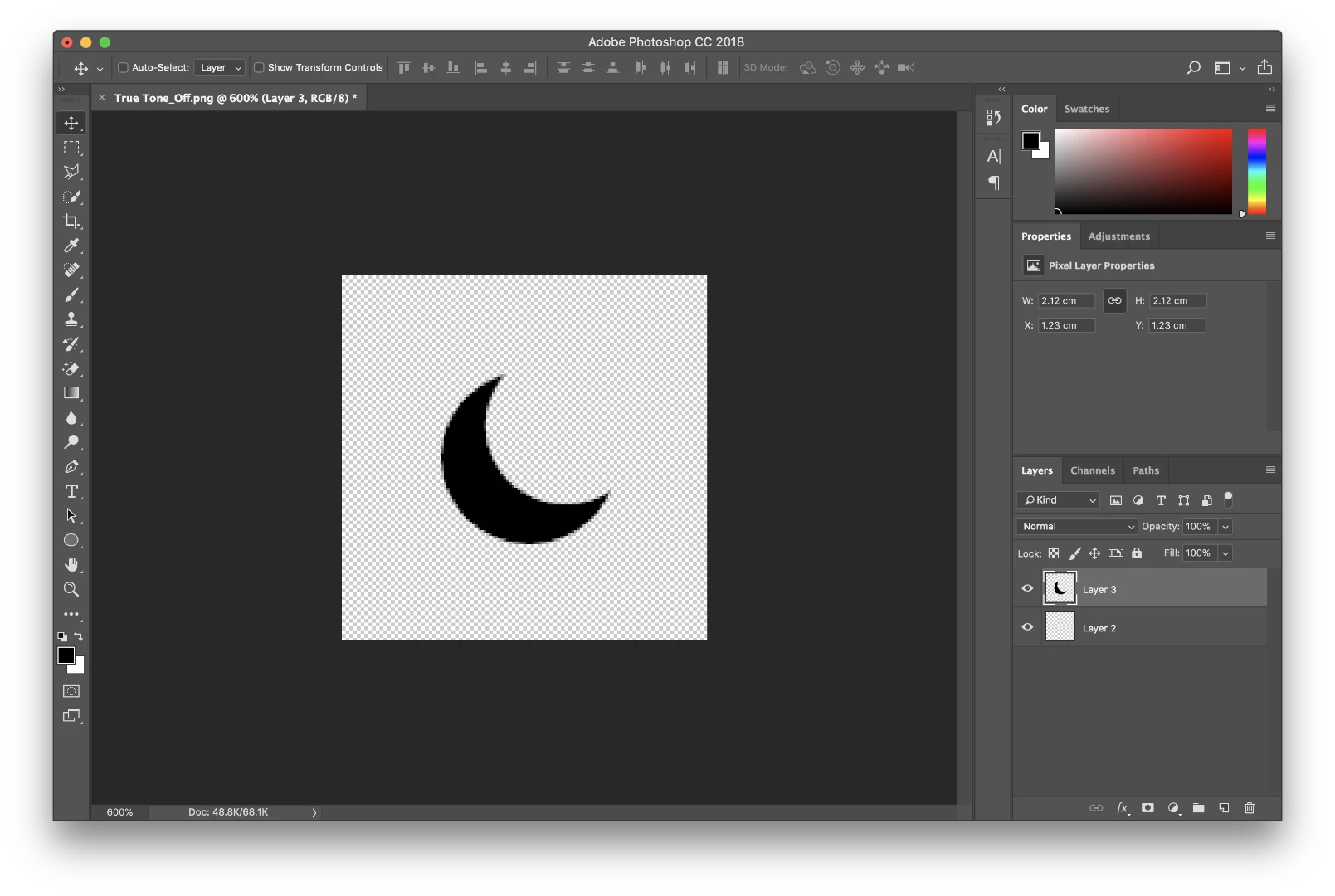
So is there a way to leave the floating tab/window open after dragging or clicking on the the main workspace? I previously used Photoshop on Windows 10 and this wasn't an issue. I believe there must be setting somewhere but I can't seem to find it.
Thanks!

 AdChoices