
Text distorting in Photoshop when rotating
Approaches tried:
1. Pasted text and surrounding rectangles (for position) from Illustrator source file as a smart object, then rotated the object.
2. Pasted text and surrounding rectangles from Illustrator source file as pixels, then rotated the object.
3. Typed text in Photoshop and then rotated it.
4. Pasted text without surrounding rectangles as smart object.
5. Pasted text without surrounding rectangles as pixels.
6. Pasted text without rectangles as shape layer – slight improvement.
7. Tried all the above with objects rotated in Illustrator before bringing into Photoshop.
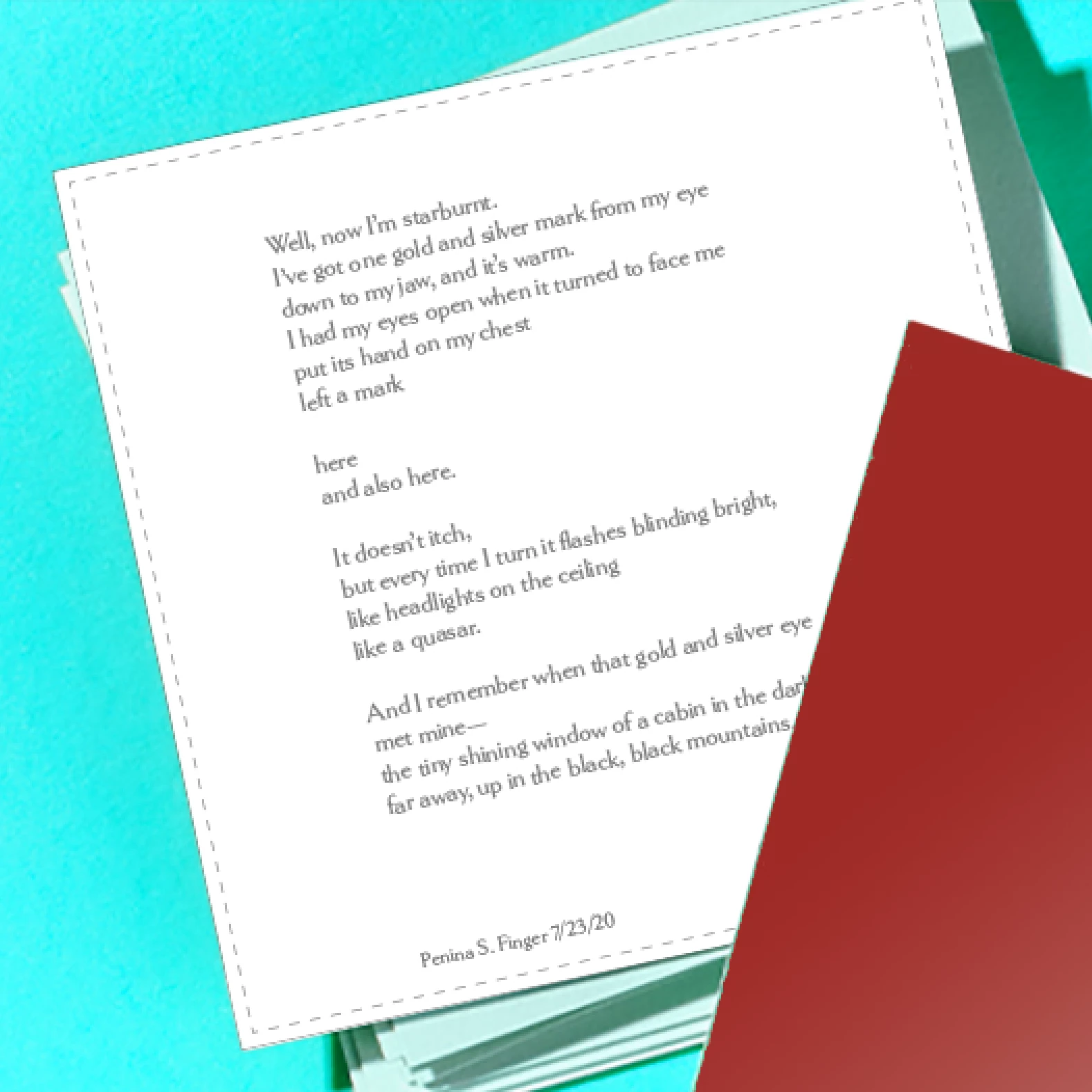
Pasted as shape layer:
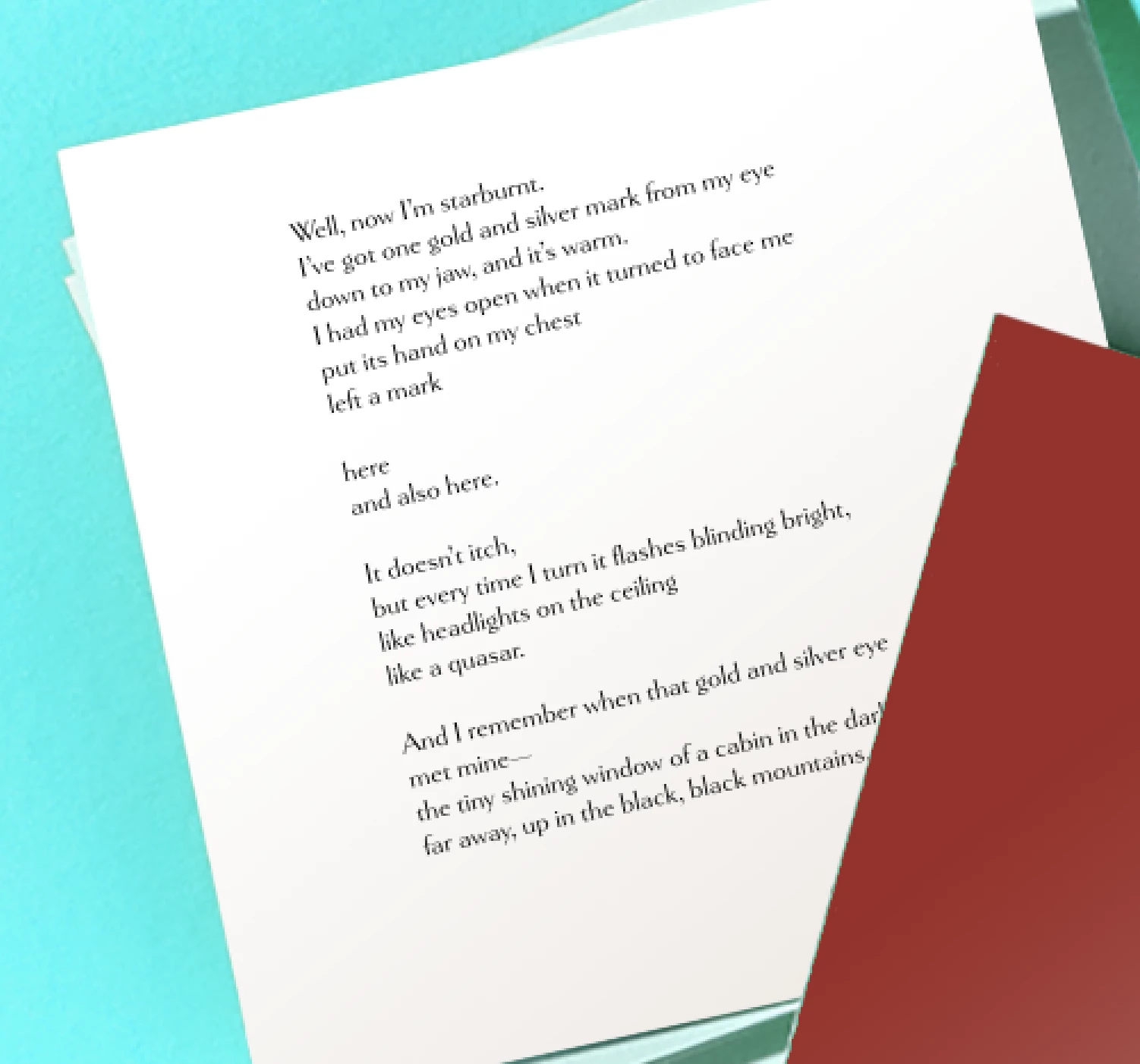
Using Photoshop 22.0.0 on a MacBook Pro OS 10.15.6
I’m not seeing anything in preferences to try adjusting. Haven’t found anything yet in an internet search.


 AdChoices