
Answered
The color picker not working properly in Adobe Photoshop 2026
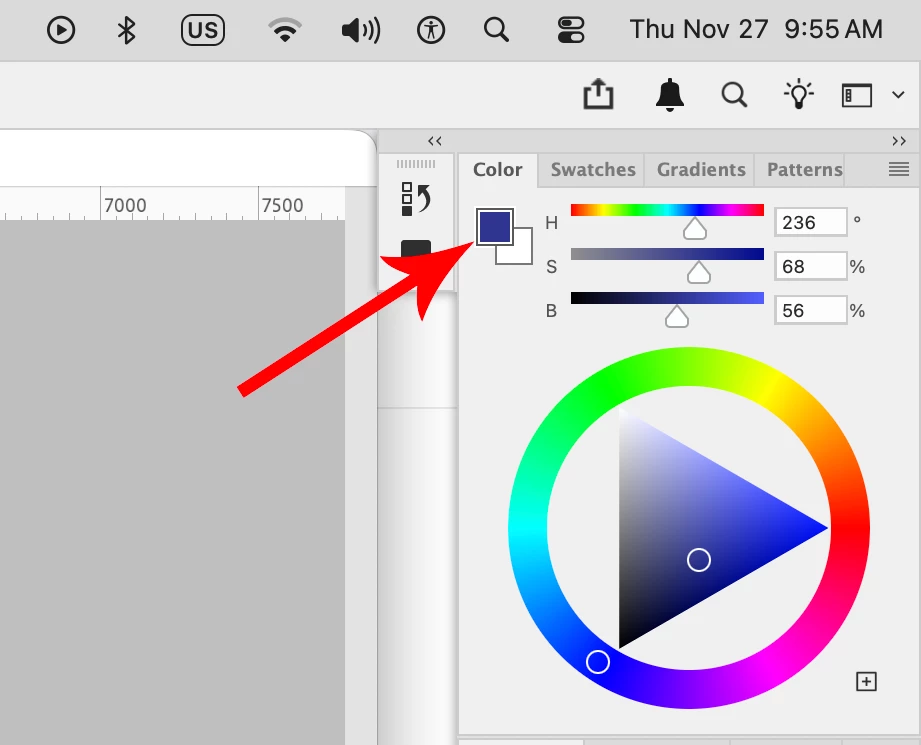
Hi everyone. When I choose a color in Photoshop (2026 Mac), either using the eyedropper or the "Color" window, it's selected as the background color. This never used to be the case; it simply became the foreground color. How can I set it to become the foreground color, as it was in previous versions? Perhaps there's a setting?


 AdChoices