
The colour in my images appear much darker when uploading my PS saved pdf to chrome websites
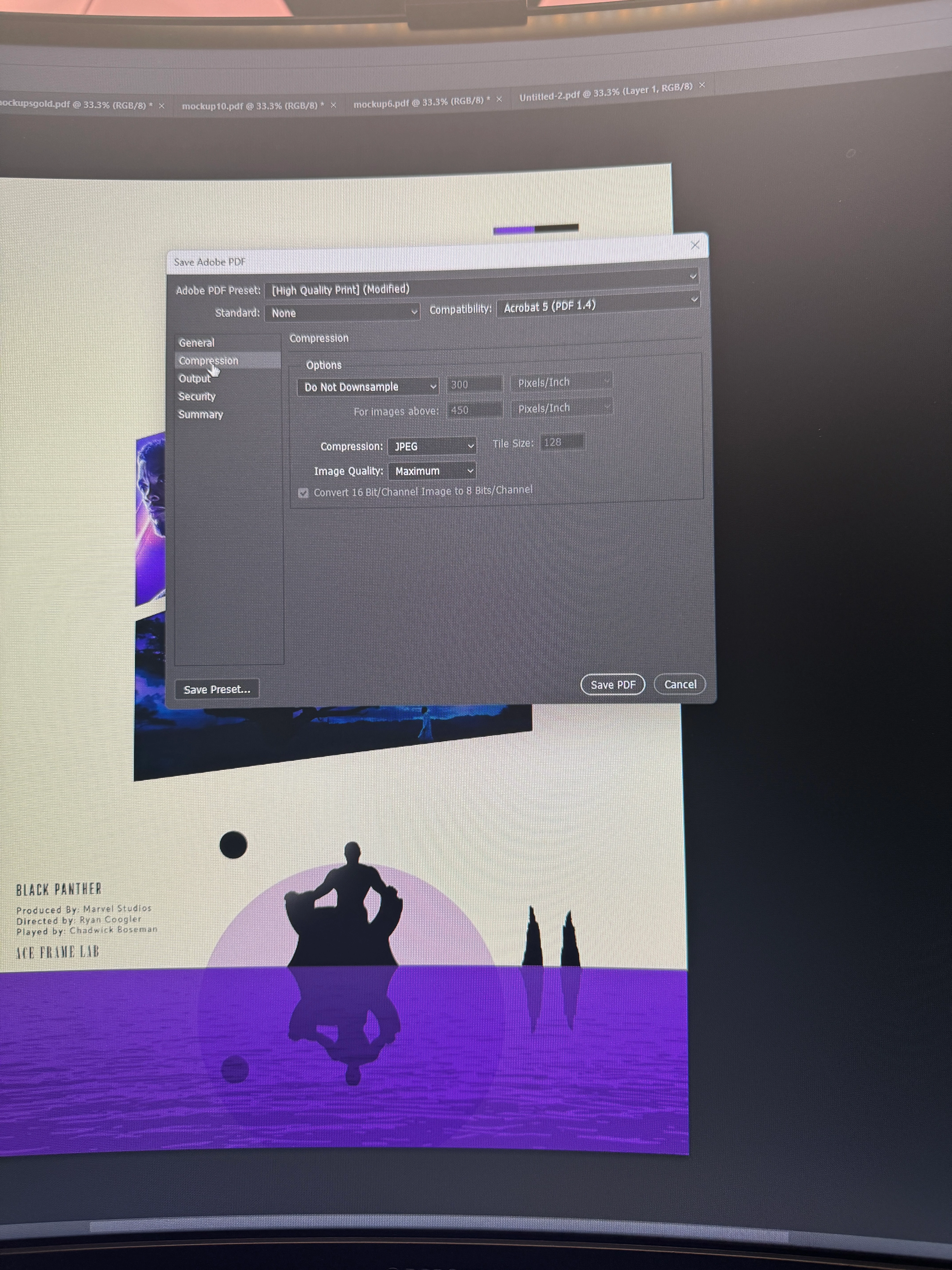
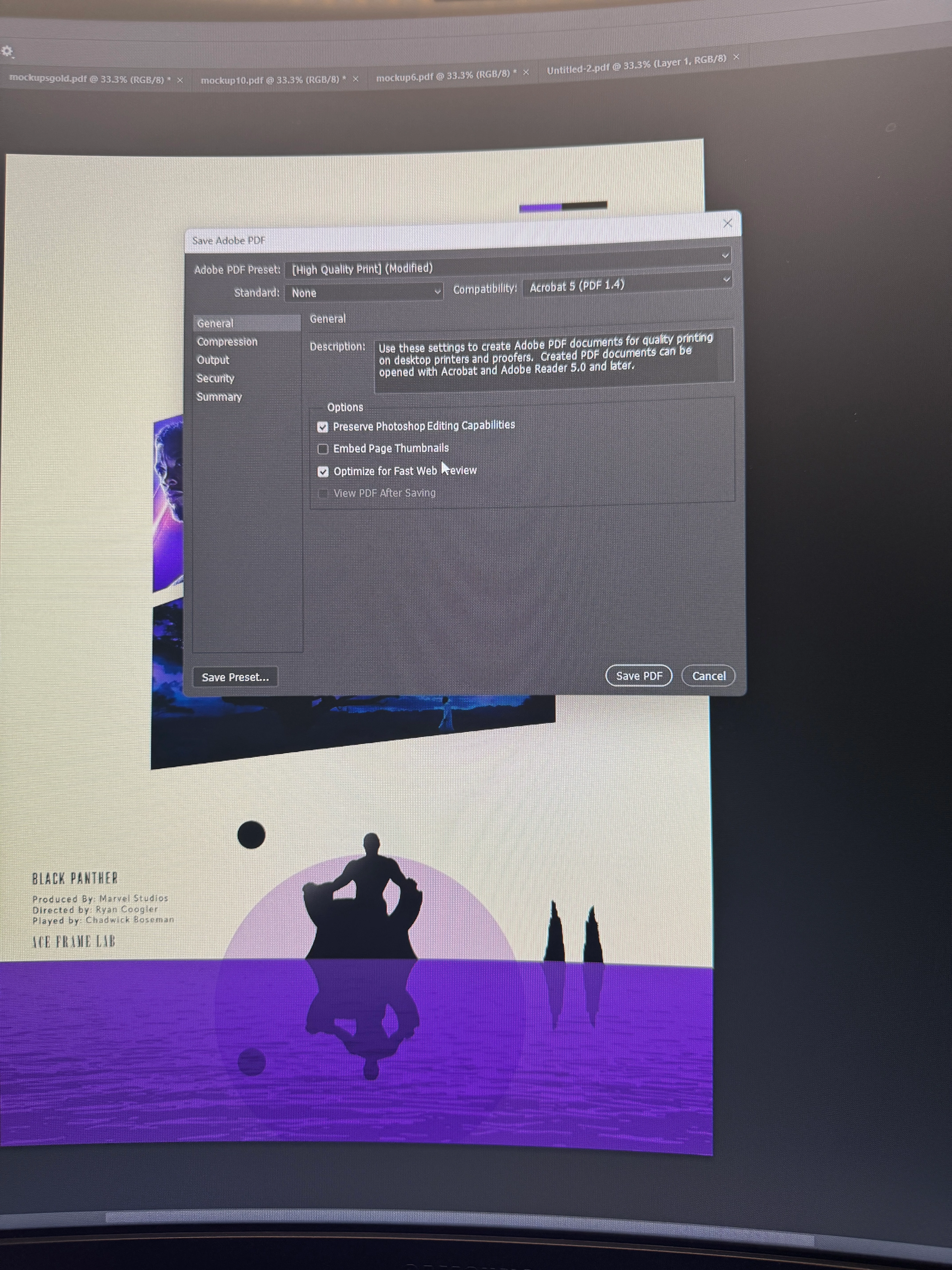
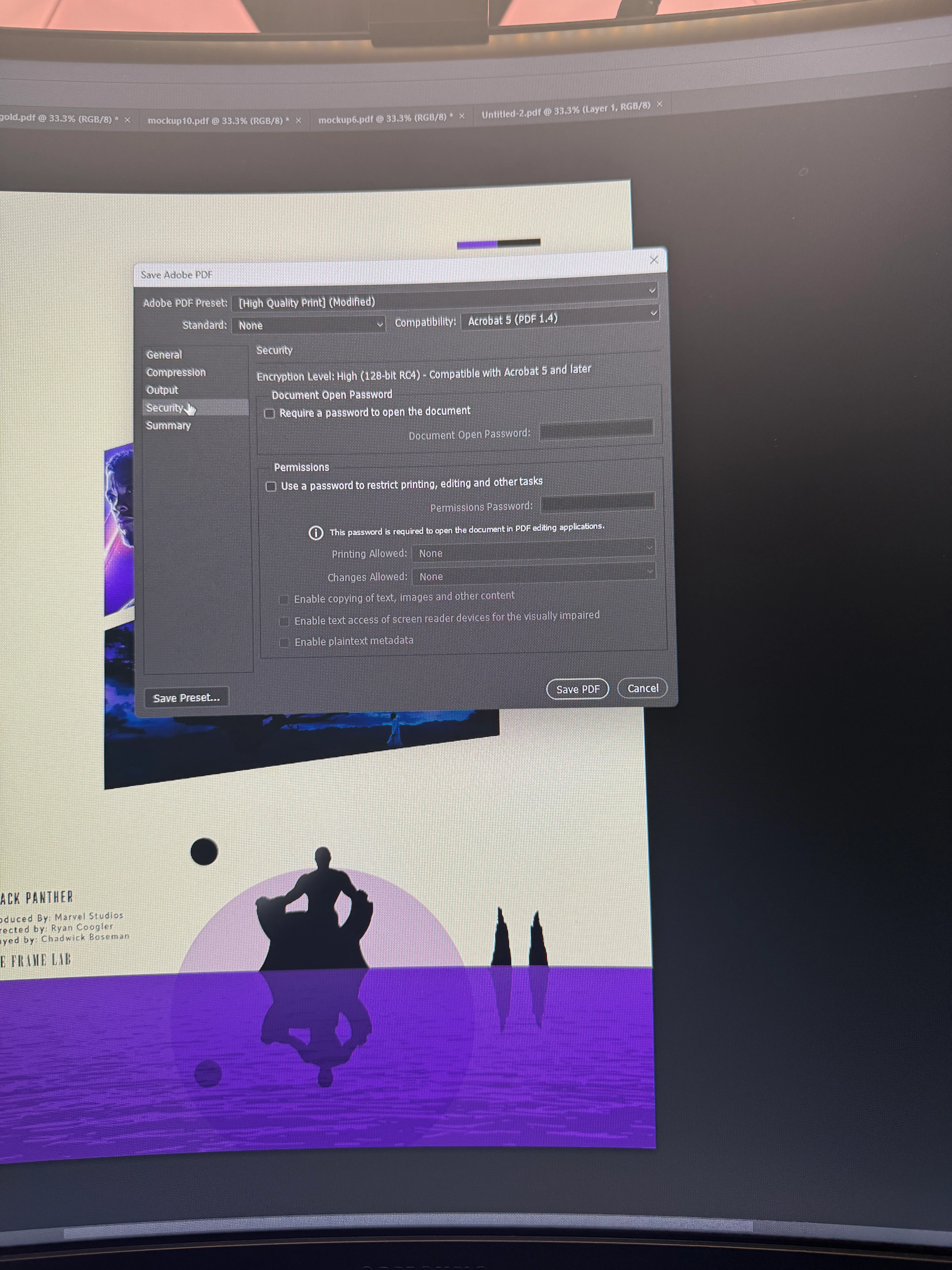
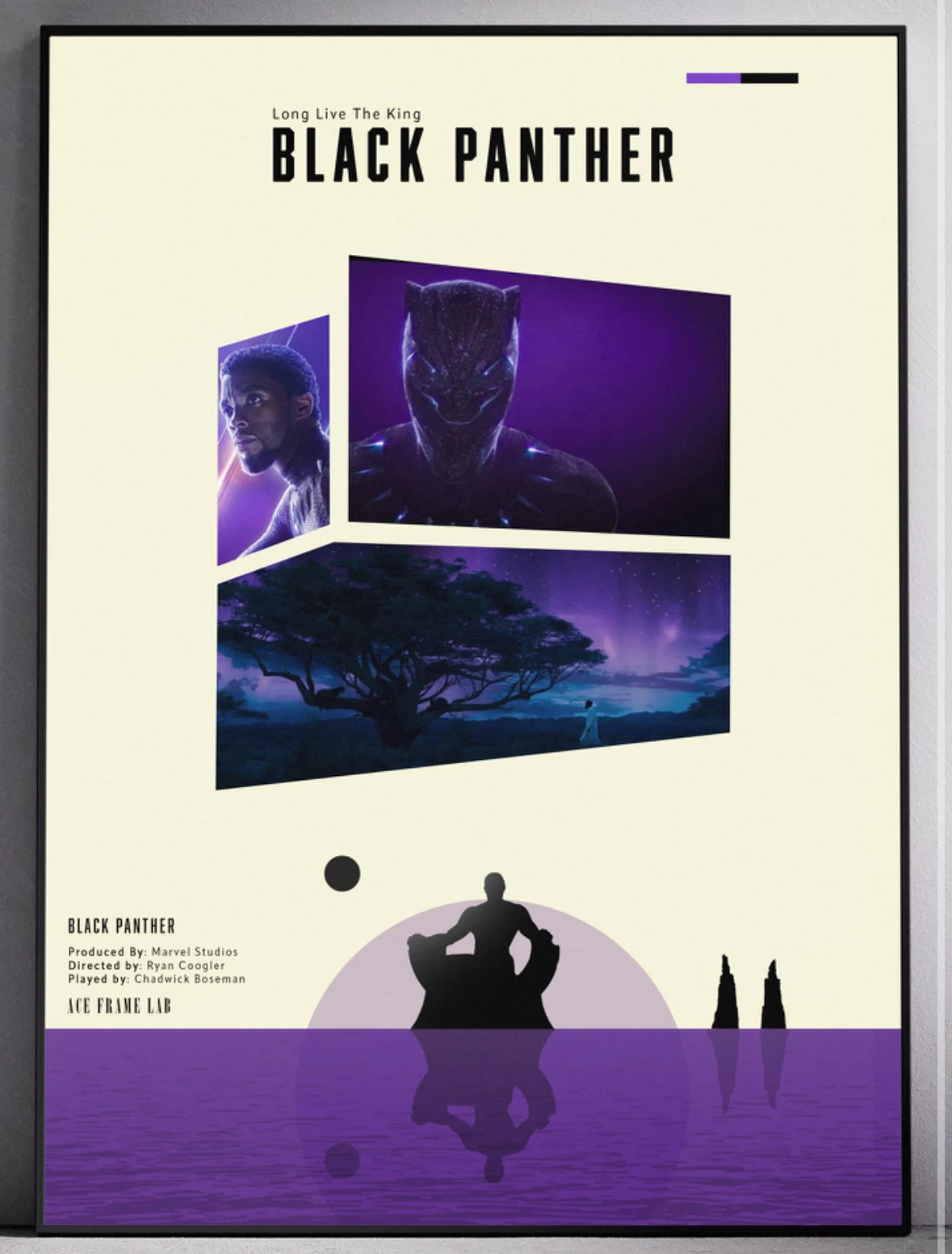
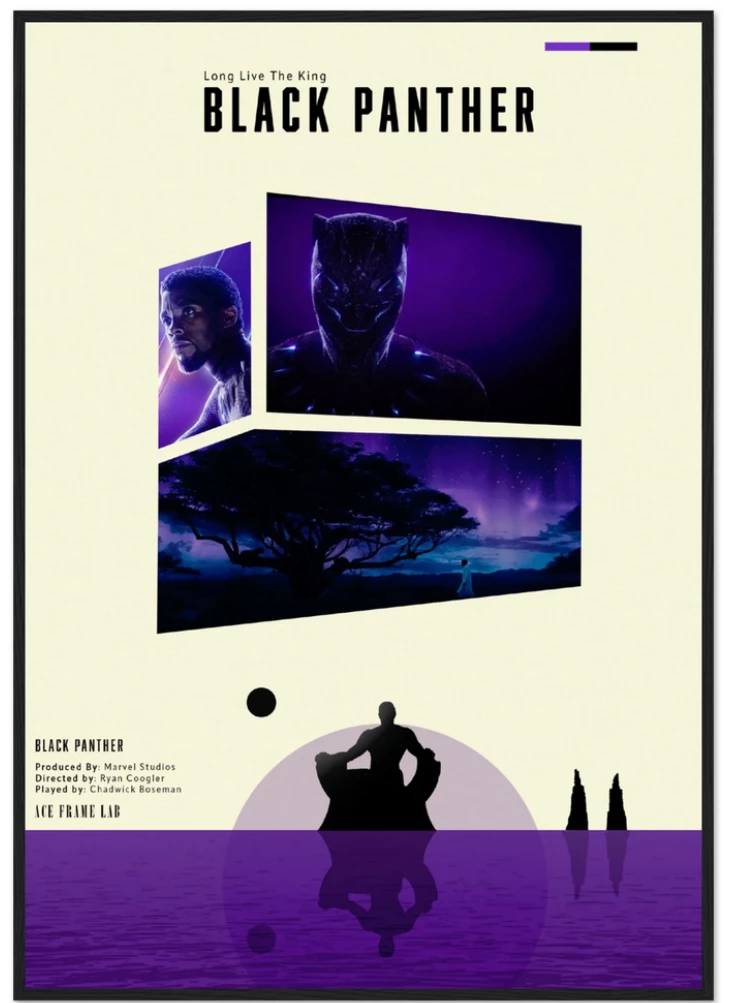
Whenever I save my pdf from photoshop and then proceed to upload them to a website like gelato the colours appear much darker and some details disappear as a result. It's almost like there's a darker layer ontop of my images and it ruins my ability to sell my work online. I am exporting in SRGB and when I try convert to CYMK or something like that the colours get lighter but washed out and distorted a little from the original. Below the first image is the original and the second image is what it looks like when exporting my pdf to the website this is the case with all my images. When opening the actual pdf itself on acrobat it's completely fine but when exporting it to websites is when the issue occurs I tried so many export settings. My export settings are also below


 AdChoices