



rno
Participant
May 3, 2026 8:10 PM UTC
Question

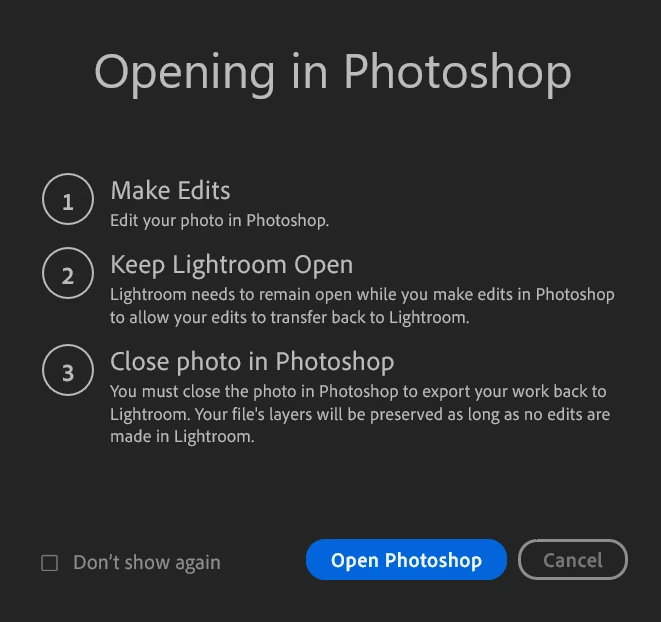
The "edit in photoshop" Lightroom workflow used to work. Now when I press save, even with no additional layers, the adjustment doesn't show up in Lightroom.

Tried with RAW, jpeg, png. I have “maximize psd file compatibility” set to “always”. Pretty dumbfounded as to how Adobe apps are not only not improving, but actively getting worse.
 

    1 reply

    D Fosse
    Community Expert
    Community Expert
    May 3, 2026 9:11 PM UTC

    Since you don’t say, do you close the file in Photoshop after saving, as per the instructions?


    If you do, it sounds like the script that links Lightroom and Photoshop is broken. Try to reinstall Lightroom. If that still doesn’t work, reinstall Photoshop first, then reinstall Lightroom (the sequence matters).


    Oh, btw, is this the cloud-based Lightroom (Lr), or Lightroom Classic (LrC)?

    Translate