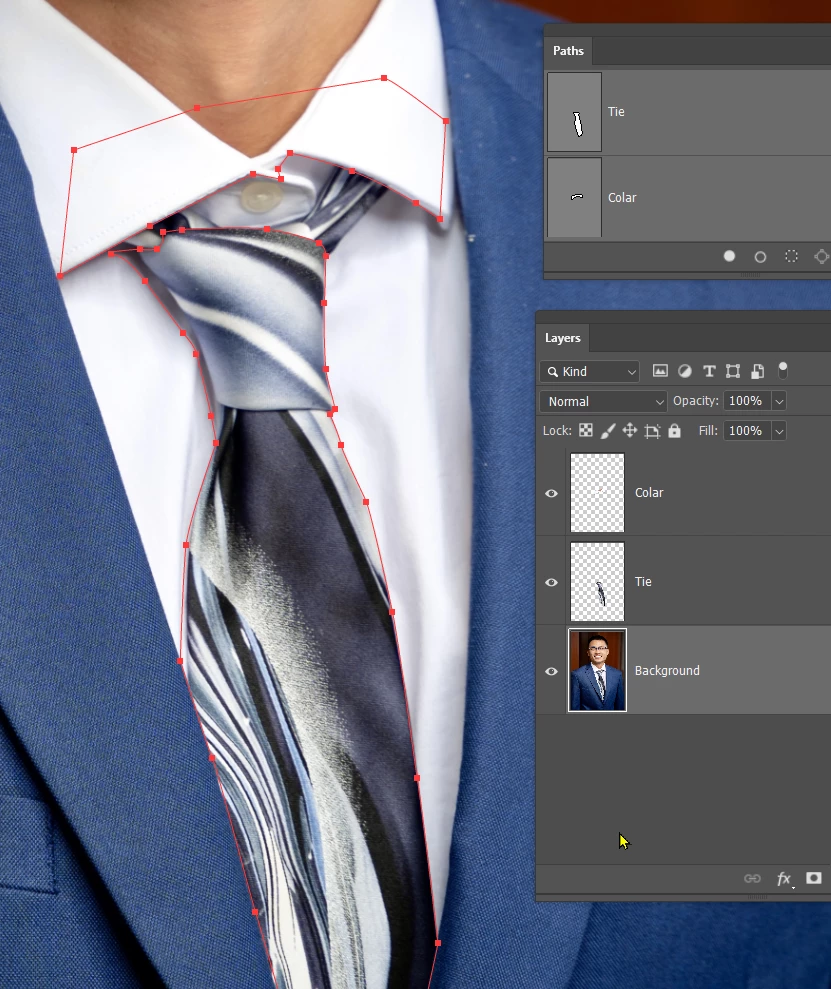
You need to make a selection of the tie at least, and copy it to a new layer.
I also copied the colar to a new layer so we can hid the moved tie behind it if need be.
The pen tool is the best means of making that selection.
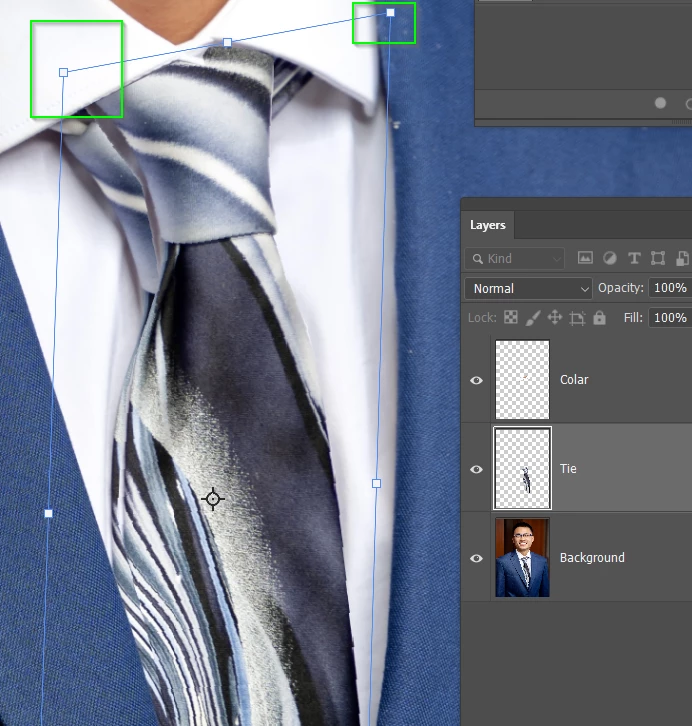
If we move the tie it will leave a gap at the bottom, so instead I have used Free Transform, and Ctrl dragged the top corner handles. Note that the knot has gone behind the copy we made of the colar.
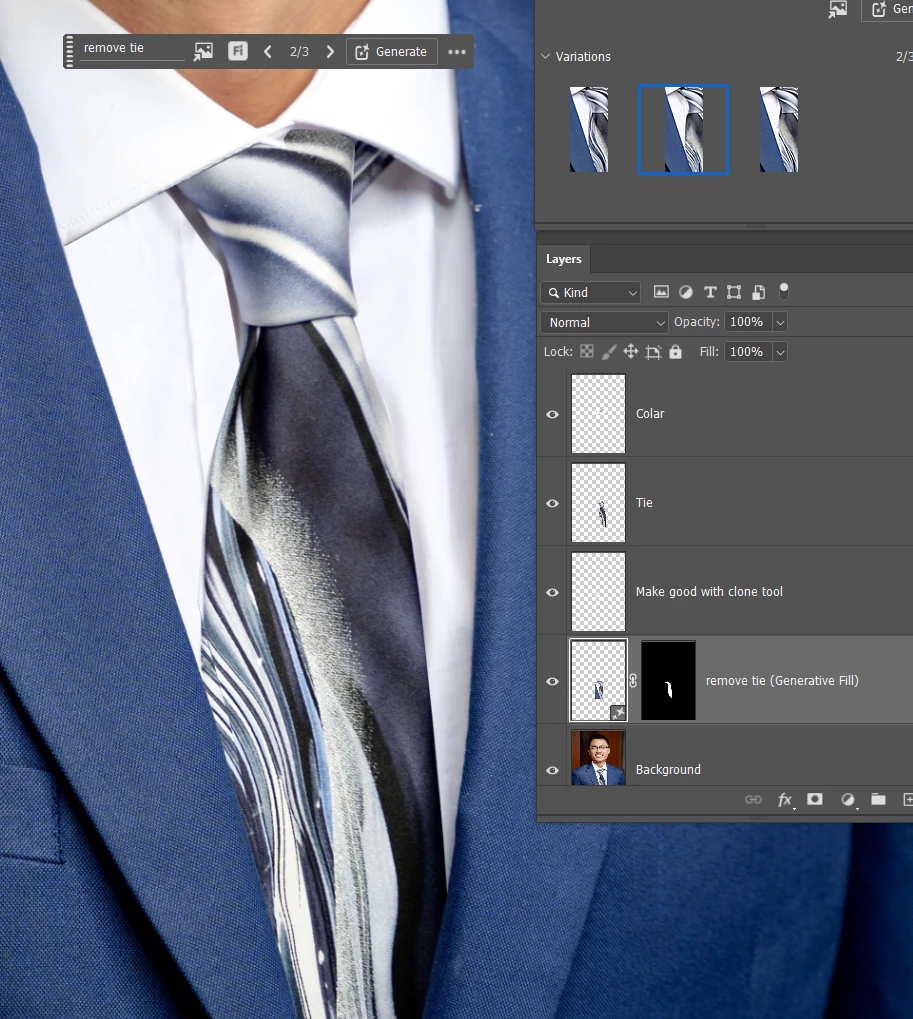
I tried removing the original tie position with Generative Fill, but it did not do a great job.
I tried again asking it to remove the tie, and it was no better.
So I had to use the clone tool. It was easy to do because the short is white with not too much shading.
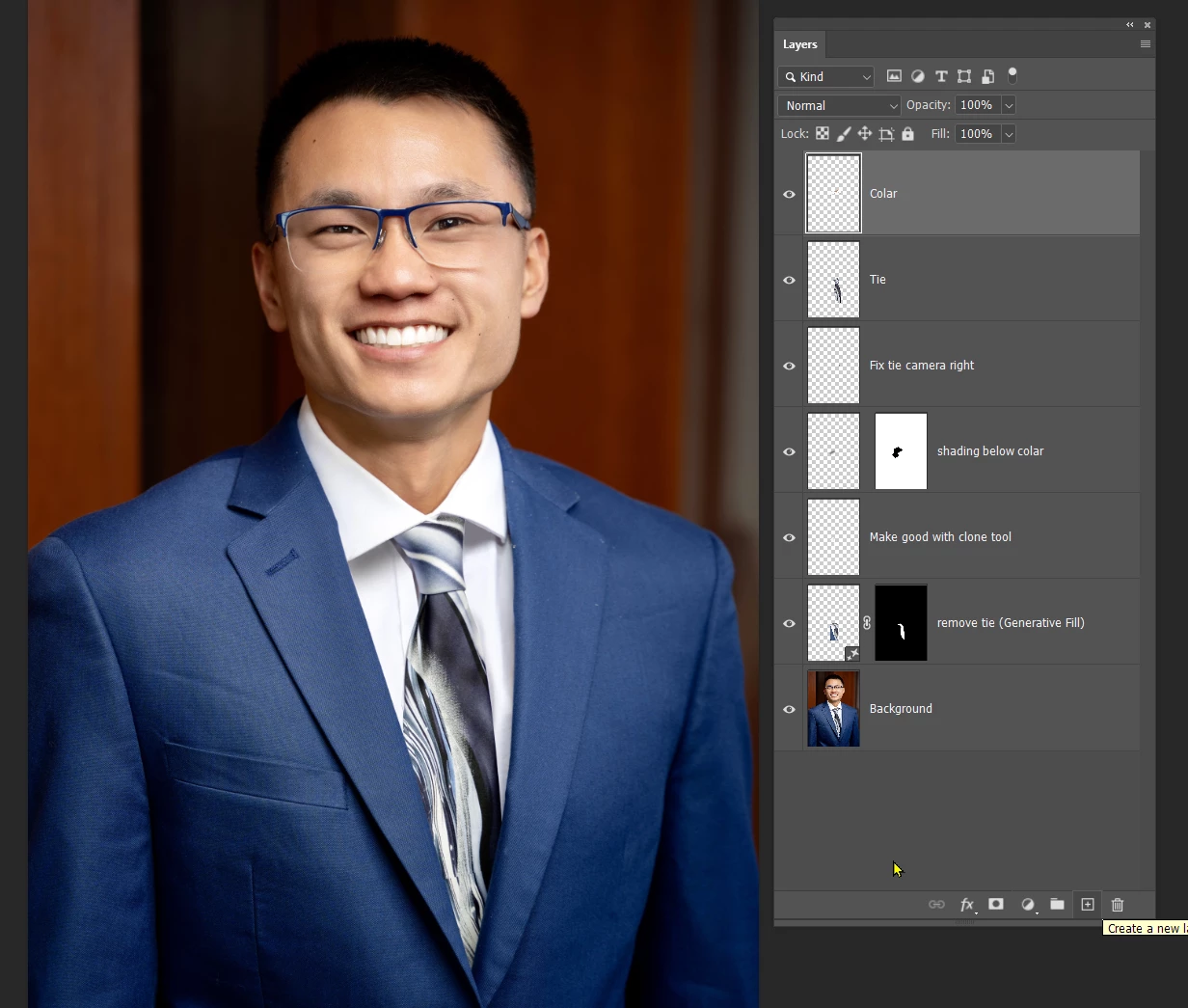
Finally replace the shading on our left of the knot below the coloar, and fix the tie on the right of the knot.
This was done by carefully selecting the area and using the clone tool and pain brush





 AdChoices