

Answered
Tilt-shift blur not working
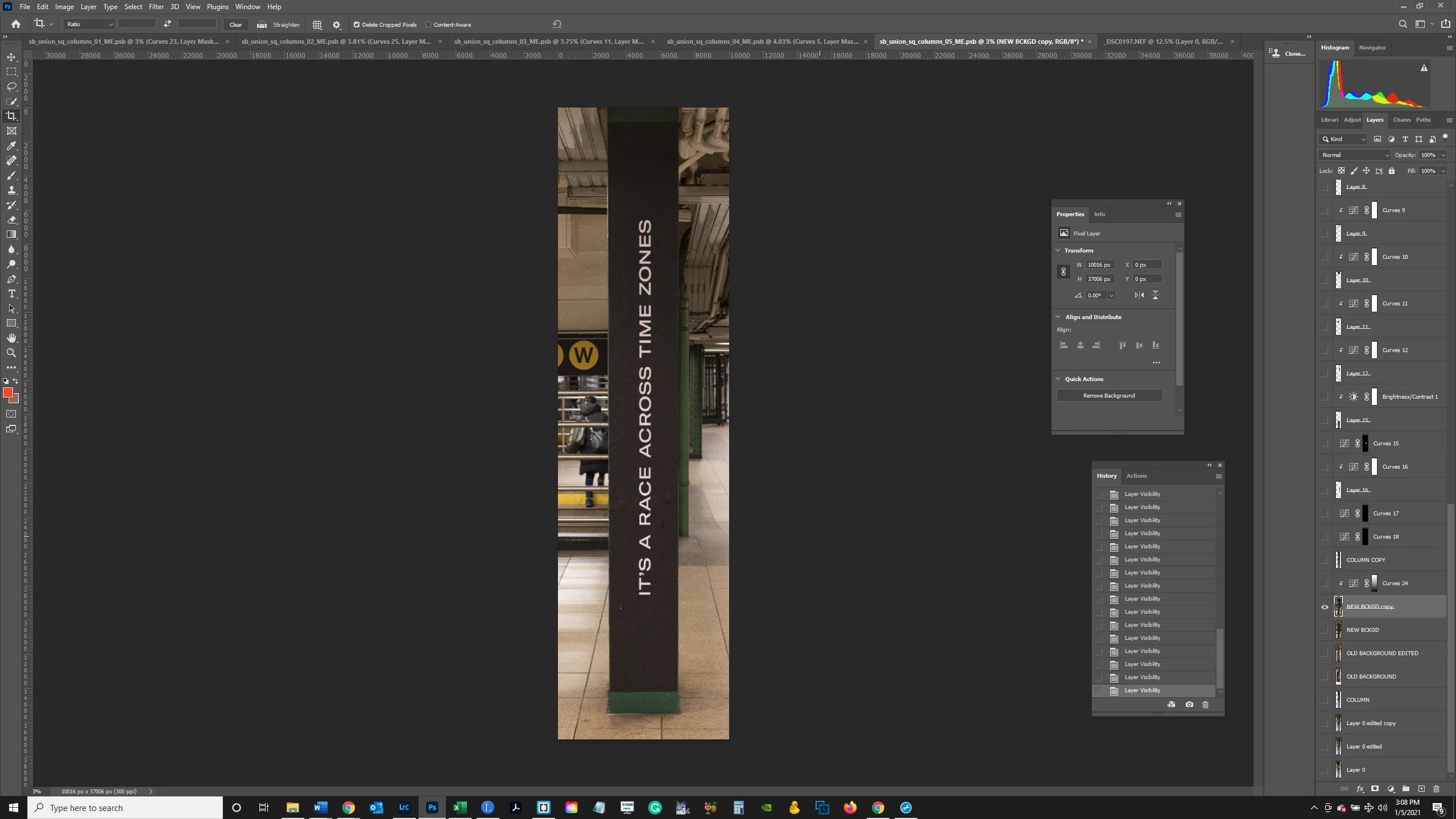
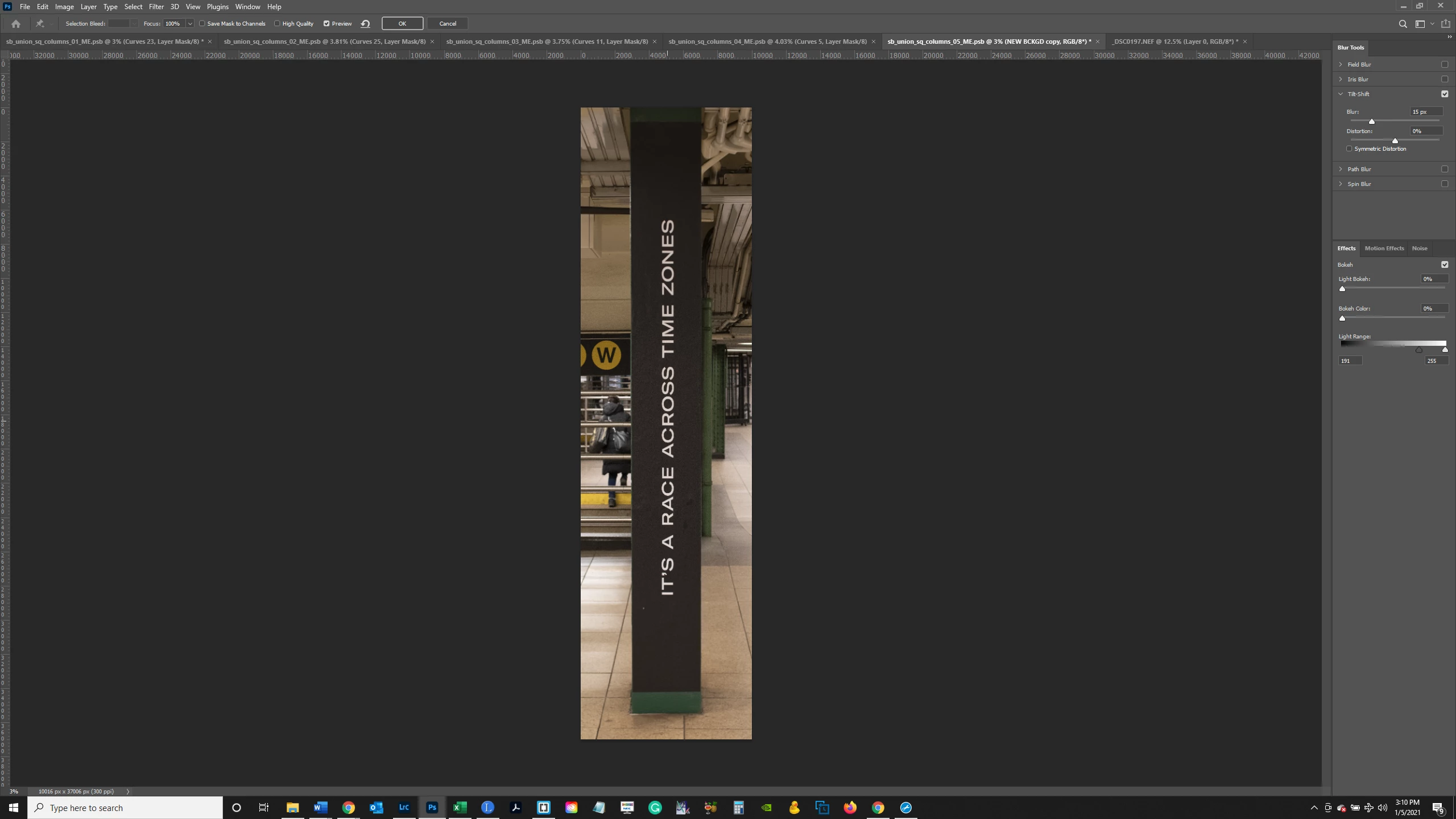
I'm using the Blur Gallery for the first time and trying to apply a Tilt Shift blur to the Layer below. In the 2nd screenshot, you can see what happens after I select Tilt Shift from the Blur Gallery - nothing. The cursor shows a pin and when I click in the desired area, the horizontal lines showing the Focus, Fade and Blur areas are suppsoed to come up - but nothing happens. Anybody know why? Thanks.
 AdChoices