
Tips for Editing Roblox Gaming Content with Adobe Tools
Hi everyone,
I’ve been experimenting with Adobe Premiere and Photoshop for creating Roblox‑style gaming videos and thumbnails, especially optimized for mobile viewers on YouTube and Discord. A few challenges I’ve run into:
-
Text effects and outlines that look sharp on desktop often blur on smaller screens.
-
Overcrowding thumbnails with too many elements makes them unreadable on phones.
-
Export settings can make or break clarity when viewed on iOS or Android devices.
Here are some workflow tips that have helped me:
-
Design at a larger canvas size (1920×1080) and only sharpen after the final resize.
-
Keep text bold, minimal, and high‑contrast for readability on mobile.
-
Export thumbnails as PNG‑24 for cleaner edges.
-
Always preview at actual mobile dimensions before publishing.
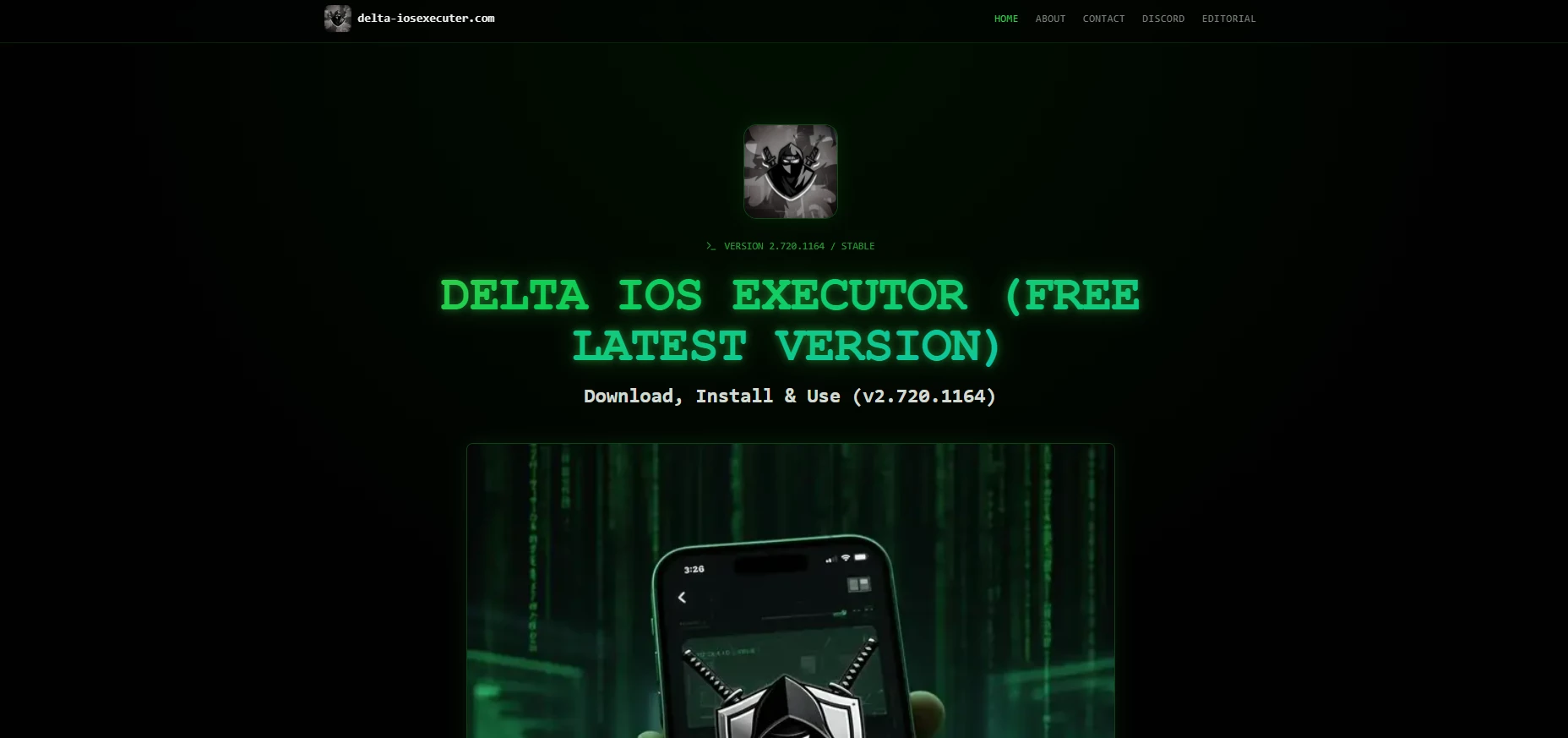
For creators working on iOS devices, I’ve also been testing tools like Delta iOS Executor to streamline scripting and asset preparation before editing. It’s not a replacement for Adobe tools, but it adds flexibility when bridging gameplay capture with creative workflows.
Would love to hear what workflows others are using for Roblox content….especially around maintaining sharp text and outlines across platforms.
Thanks!
 AdChoices