



War Unicorn
Community Expert
Community Expert
March 11, 2017
Question

Tips on Using Textures in Photoshop, plus Royalty-Free Textures!

  • March 11, 2017
  • 3 replies
  • 33860 views

Check out tips, tricks and how I use textures in my Photoshop workflow! Plus, get a 213 MB collection of free textures hand-crafted by yours truly!


Click the link below, which will launch my document on InDesign's online publishing plaform:

Textures, The Universe & You


You can also download a PDF for later reference if you so desire. See screenshot:
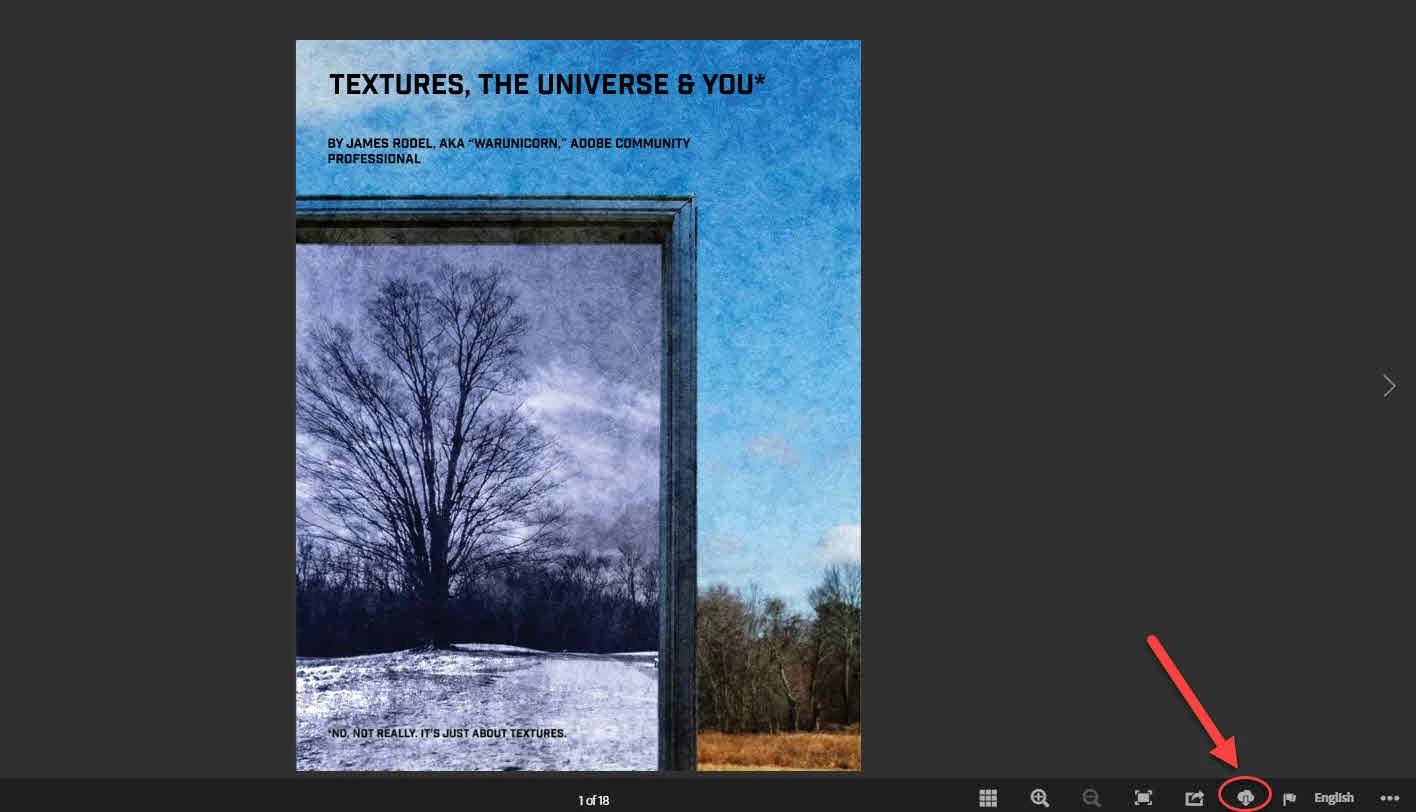
Have fun!

3 replies

ProDesignTools
Community Expert
Community Expert
October 14, 2025

Bonus: Here are some more terrific textures & backgrounds you can download for free from the Photoshop World website:


https://photoshopworld.com/sky-texturepack/


suru49
Participating Frequently
April 4, 2023

Thank you kindly! The PDF is full of good info!

ProDesignTools
Community Expert
Community Expert
January 24, 2022

Thanks so much for this! 👍👍👍


The guide document linked above will download as "Texture_Tutorial.pdf"


Inside the PDF, there is a direct link to the included collection of downloadable textures:


Just because I’m a giver, I’ve created a never-before seen, exclusive collection of textures for you, dear reader! One-of-a-kind, made by yours truly. Yours for you to use, royalty-free, ad infinitum, ad perpetuam, pro gratis, forever. You get the picture. Go get the texture collection (in ZIP format):


« Download here »


PLEASE NOTE: The collection is 213 megabytes (MB) big.


War Unicorn
Community Expert
Community Expert
February 6, 2022

Just a quick note: I've modifed the document to reflect a change in the hosting of the collection. It's now at my Google Drive. (Click the link to get the collection directly. The tutorial itself has not changed.)