


lovephotoshopCC
Known Participant
November 11, 2025
Question

too slow photoshop 2025....

  • November 11, 2025
  • 2 replies
  • 128 views

hi sir/madam.


I opened a small pack (30.9MB). PSD, and it took 2-3 minutes to open. Is that normal? its so sloow!

its photoshop 2025

my pc are Dell 11th Gen Intet Core i7-11700 @ 2.50ghz

16gb ram

64-bit systeming

windows 11
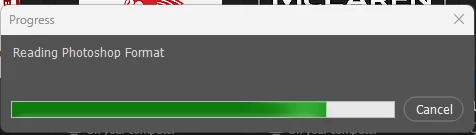
 

any ideas?

thank you


2 replies

D Fosse
Community Expert
Community Expert
November 12, 2025

Also, note that PSD/PSB compression will slow down open/save times massively, sometimes 2x - 5x. This may not be very noticeable for small files, but for really big files (which is where you mostly need it), it makes a big difference.


Compression is disabled in Preferences > File Handling.


Opening from external storage or over a network will also be a lot slower.

lovephotoshopCC
Known Participant
November 12, 2025

ok and done for disabled "compression of PSD & PSB Files" see what happened... 

CMass
Community Manager
Community Manager
November 12, 2025

Hey @lovephotoshopCC

May I ask you to try some of the optimization steps listed here: https://adobe.ly/4hQ8Wo4

Specifically, make sure your Graphics Card Drivers are up-to-date.


^CM

lovephotoshopCC
Known Participant
November 12, 2025

as always graphic card driver updated...... its nvidia geforce rtx 3060 ti 👍