@annie_3375
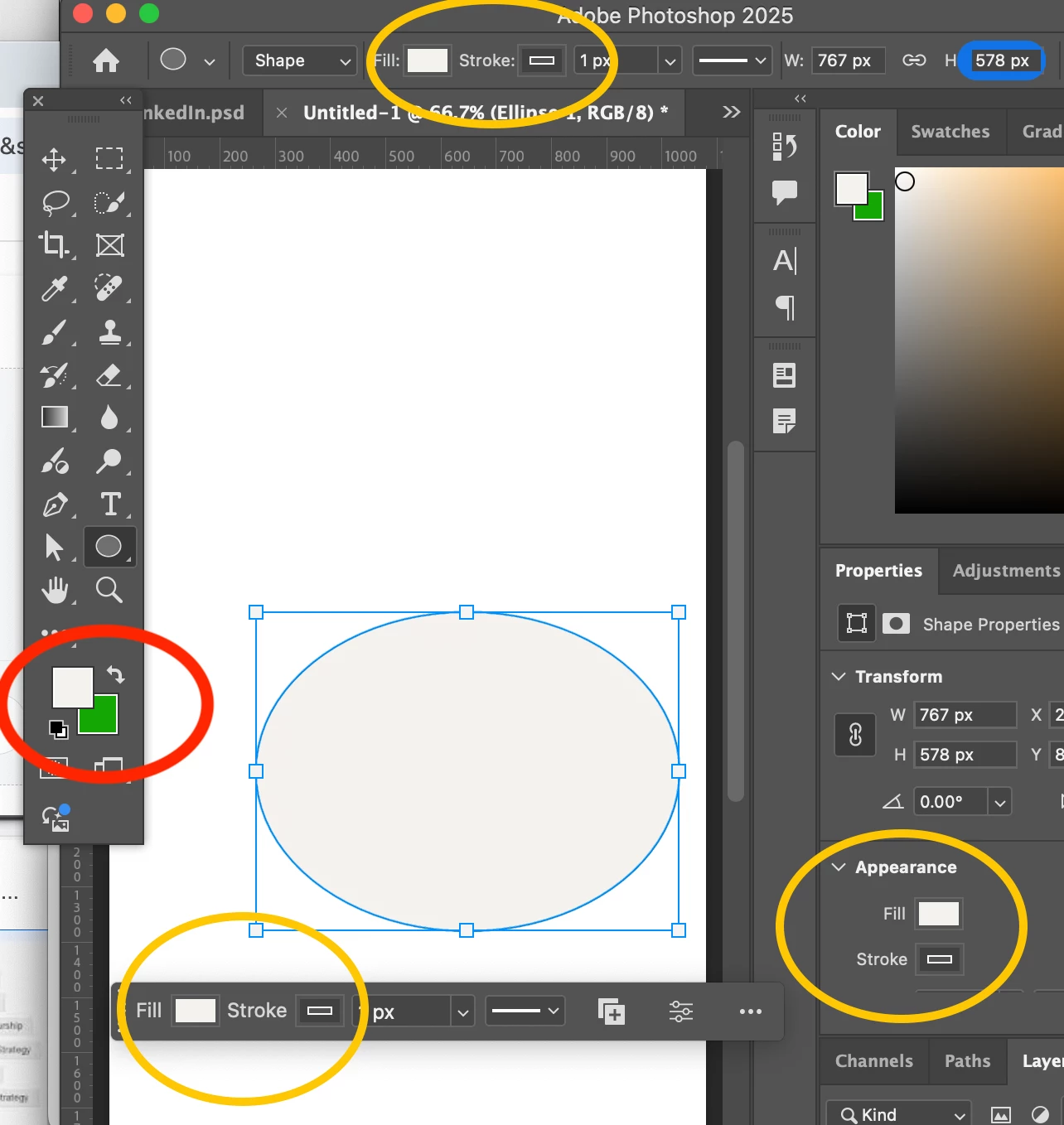
For your second question, swapping the fill and stroke colors has always been in Illustrator, but never in Photoshop. In Illustrator, "X" is a shortcut to swap the fill and stroke. in Photoshop, "X" is a shortcut to bring the foreground or background swatch to the front.
For your third question, the color panel they used for years made less sense than what they have now, in my opinion. The Adobe team changed the way that color swatches are displayed several versions ago, so this is not new. The colors are grouped together in a logical way, unless you are looking at the recent list at the very top of the panel, which displays colors that you have used recently. I expect that most Creatives want to create their own set of colors and not use any provided by Adobe.
The list of Recents can be disabled in the swatches panel menu.
I answered your first question earlier in this thread. Did that help you or do you need more assistance with how that works? Please ask again if it was not clear.
Jane




 AdChoices