

Transform your look with the click of a button using Neural Filters Powered by Adobe Sensei
Use Neural Filters to explore creative new ideas
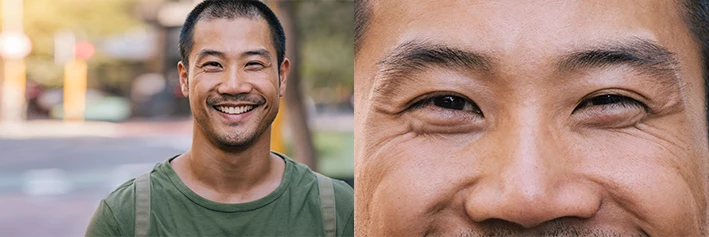
How cool would it be if you could quickly add a grin to that one person in the group who didn’t smile?
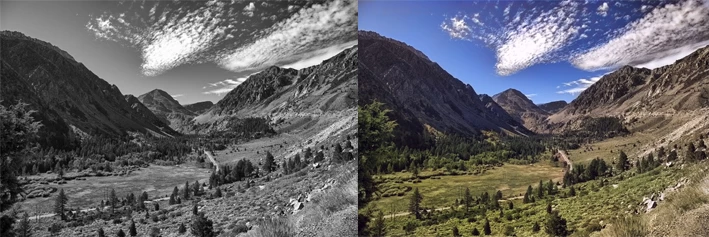
Wouldn’t it be great if you could colorize a black and white photo with one click?
Do you want to see how you look wearing someone else’s makeup style?
How about seeing how you might look if you aged a few years?
You can save time and effort and do all these things and more using Neural Filters in Photoshop. Take a look at these amazing filters and then vote for filters that you want to see implemented in the future.

Neural Filters is a new AI-powered creative workspace inside Photoshop that provides non-destructive filters capable of reducing complex workflows to a few clicks or sliders. Filters can be applied non-destructively using the smart filter feature, applied directly to an existing layer, or used to create a new layer with the changed pixels. To find this feature, simply navigate to Filter>Neural Filters.
For more information on Neural Filters, see Using Neural Filters.
Neural Filters before and after samples:
Here are a few samples of what you can do with Neural Filters:
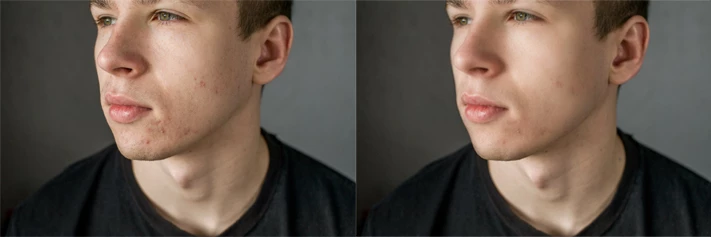
Smooth skin with one click.
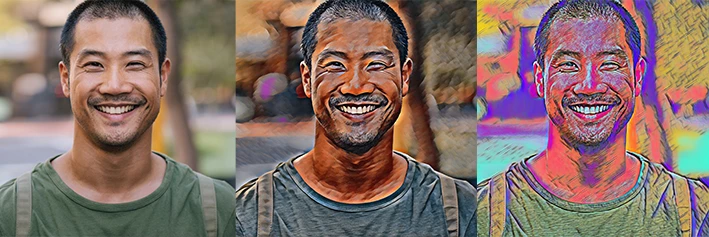
Apply a style to your image.
Easily add content aware color to a black and white photo.
Change age, expression, gaze or head direction, hair thickness, or lighting on a portrait.

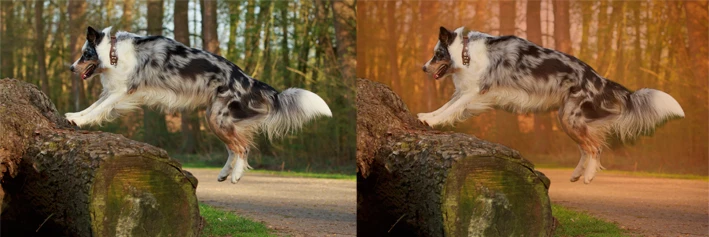
Add haze and change the background temperature to bring attention to a subject.
Apply makeup inspired by another portrait.
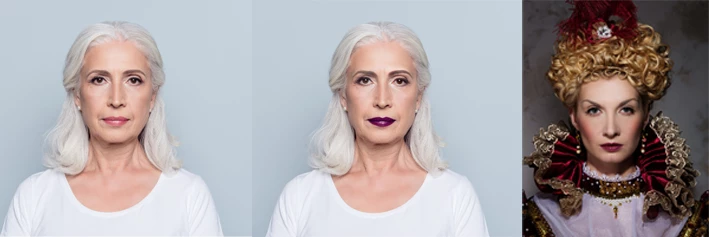
Remove JPEG artifacts from images.

Boost the resolution of a selected area in your portrait.
Related links:
Using Neural Filters
Neural Filters list and FAQ
Colorize a black and white photo
Smooth Skin
Neural Filters feedback and known issues
Filter basics
Apply filters | Tutorial


 AdChoices