creative_precision4993
Participant
February 15, 2026
Question

transparent selection artefacts

  • February 15, 2026
  • 2 replies
  • 49 views

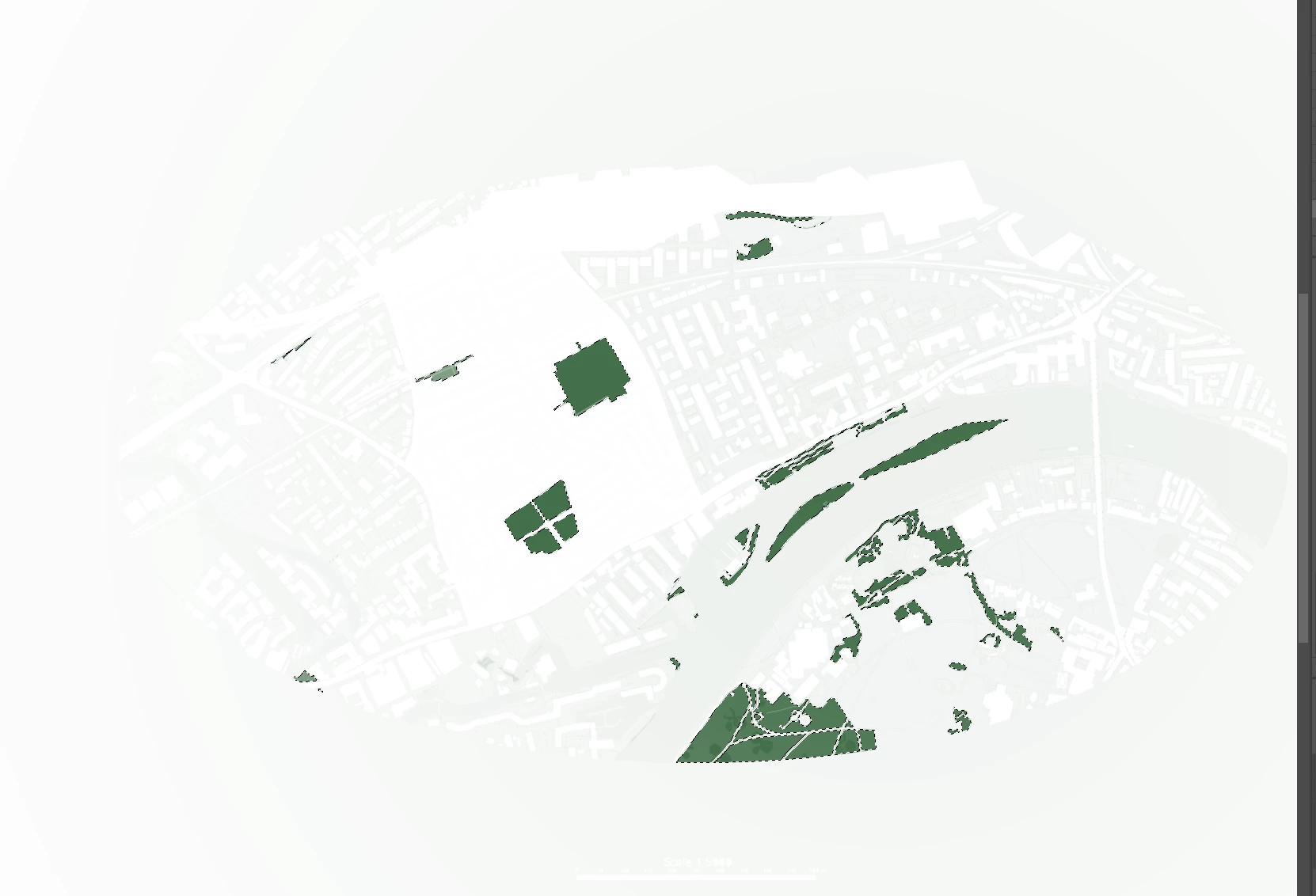
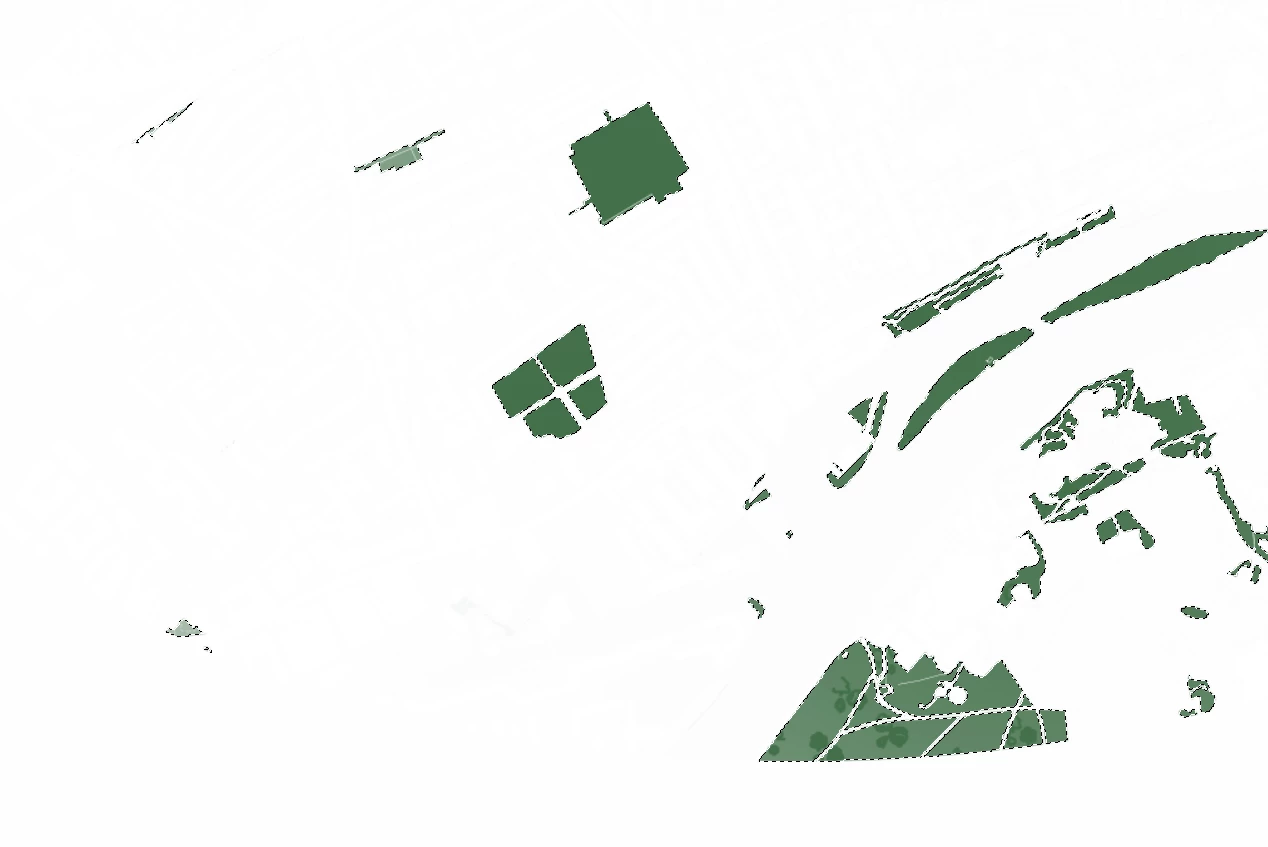
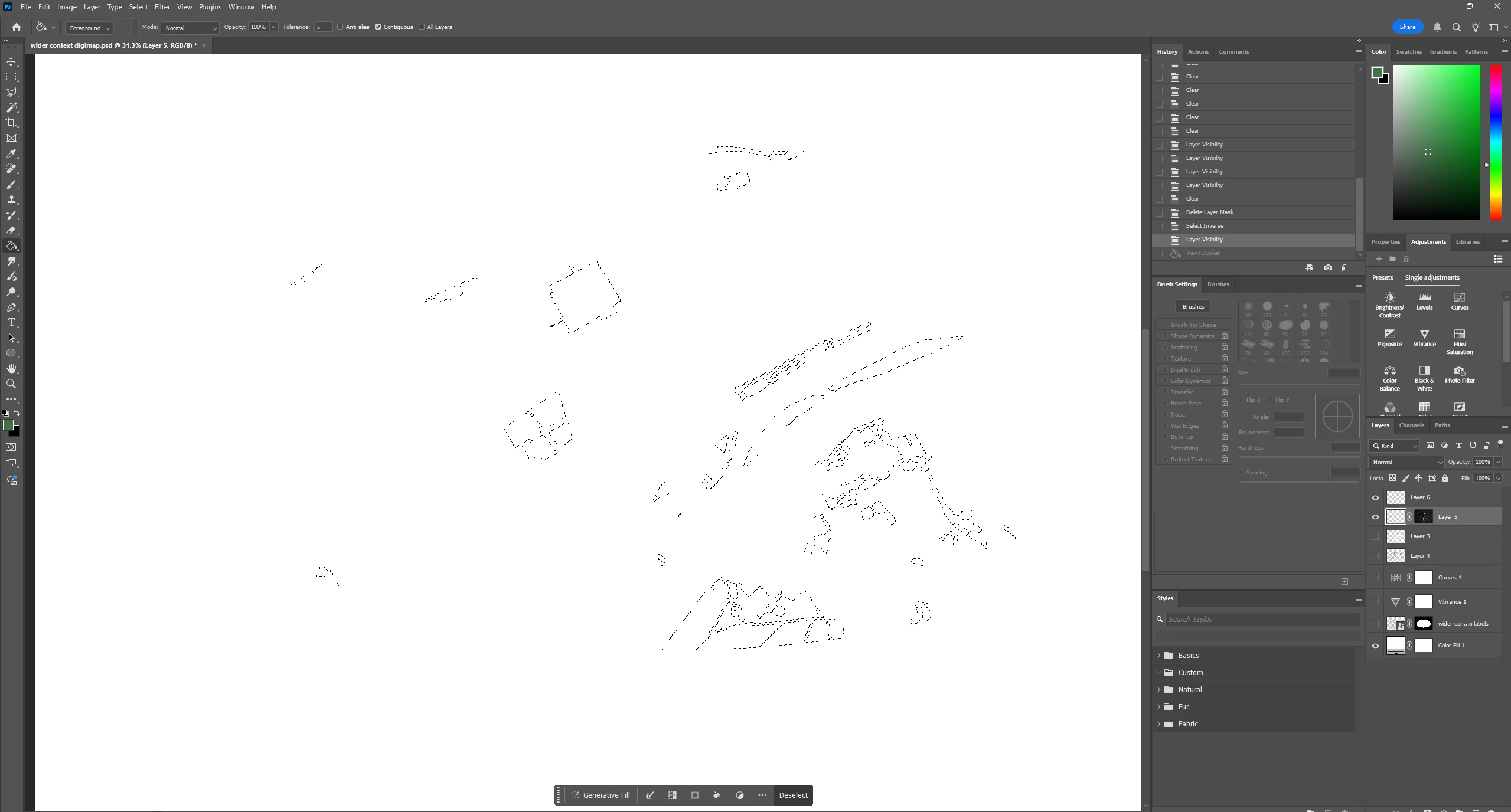
I initially used the colour range tool to select objects in my file, I then added additional parts to the selection. when I use the fill tool the outlines of other layers come through with varying levels of transparency. I have tried making it a mask and editing its opacity however it doesn’t seem to have a quick fix apart from going back and manually selecting everything.
 

    2 replies

    c.pfaffenbichler
    Community Expert
    Community Expert
    February 16, 2026

    Was the original image anti-aliased? 

    Could you post a part of it in full resolution? 

    What were the Color Range-settings you used? 

    davescm
    Community Expert
    Community Expert
    February 15, 2026

    If I am reading your issue correctly, it sound like your mask is not completely black for the unwanted areas. Click on the mask then go to Image > Adjustments > Curves. Adjust the curve to darken the near black areas of the mask (you may also need then to lighten the near white areas. This will provide more contrast between the hidden and revealed areas of the mask.

    Dave