New Member
July 6, 2026
Question

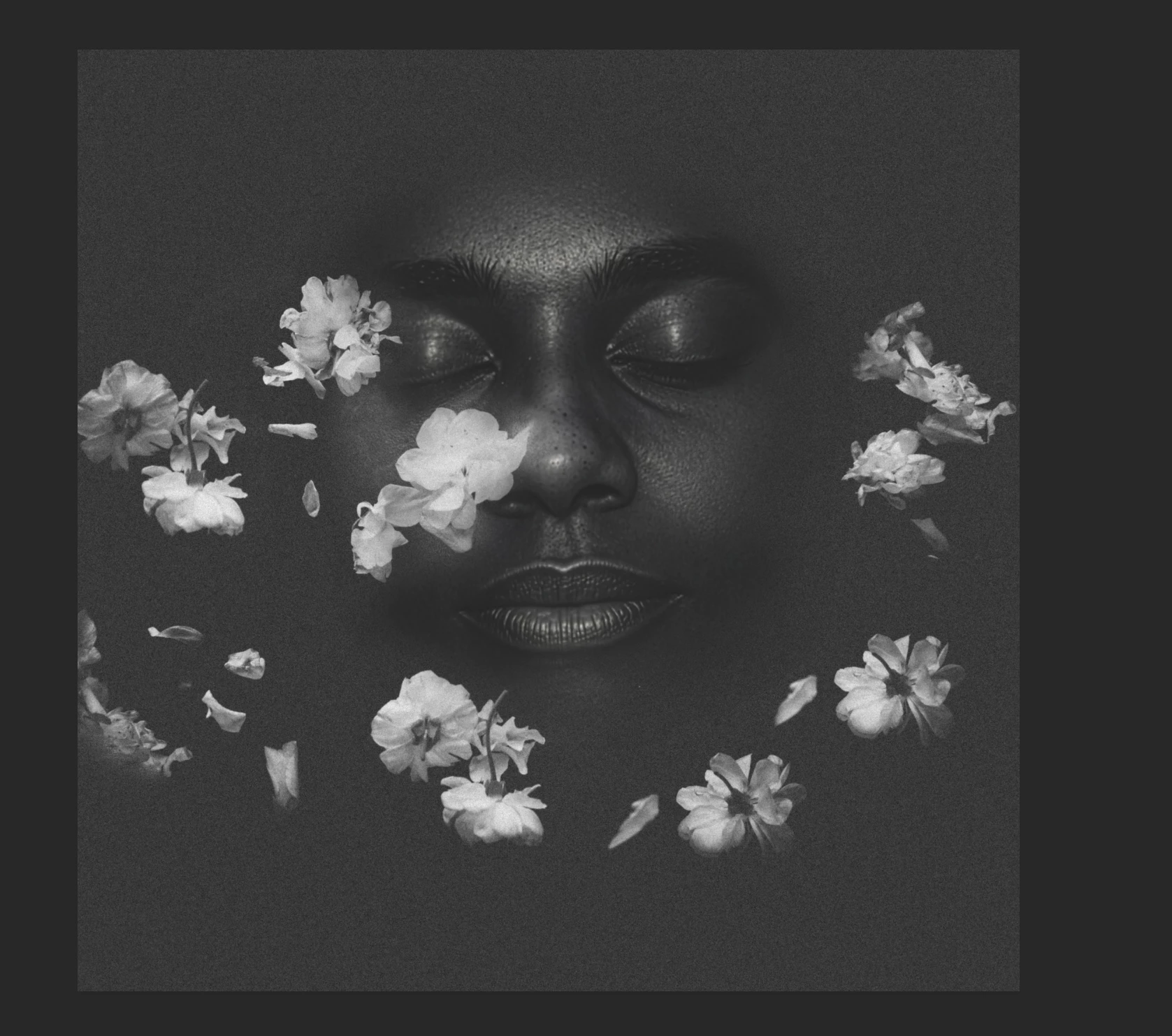
Trying to remove grey background

  • July 6, 2026
  • 2 replies
  • 14 views

How can I remove the grey background so can print on a black shirt

2 replies

New Member
July 7, 2026

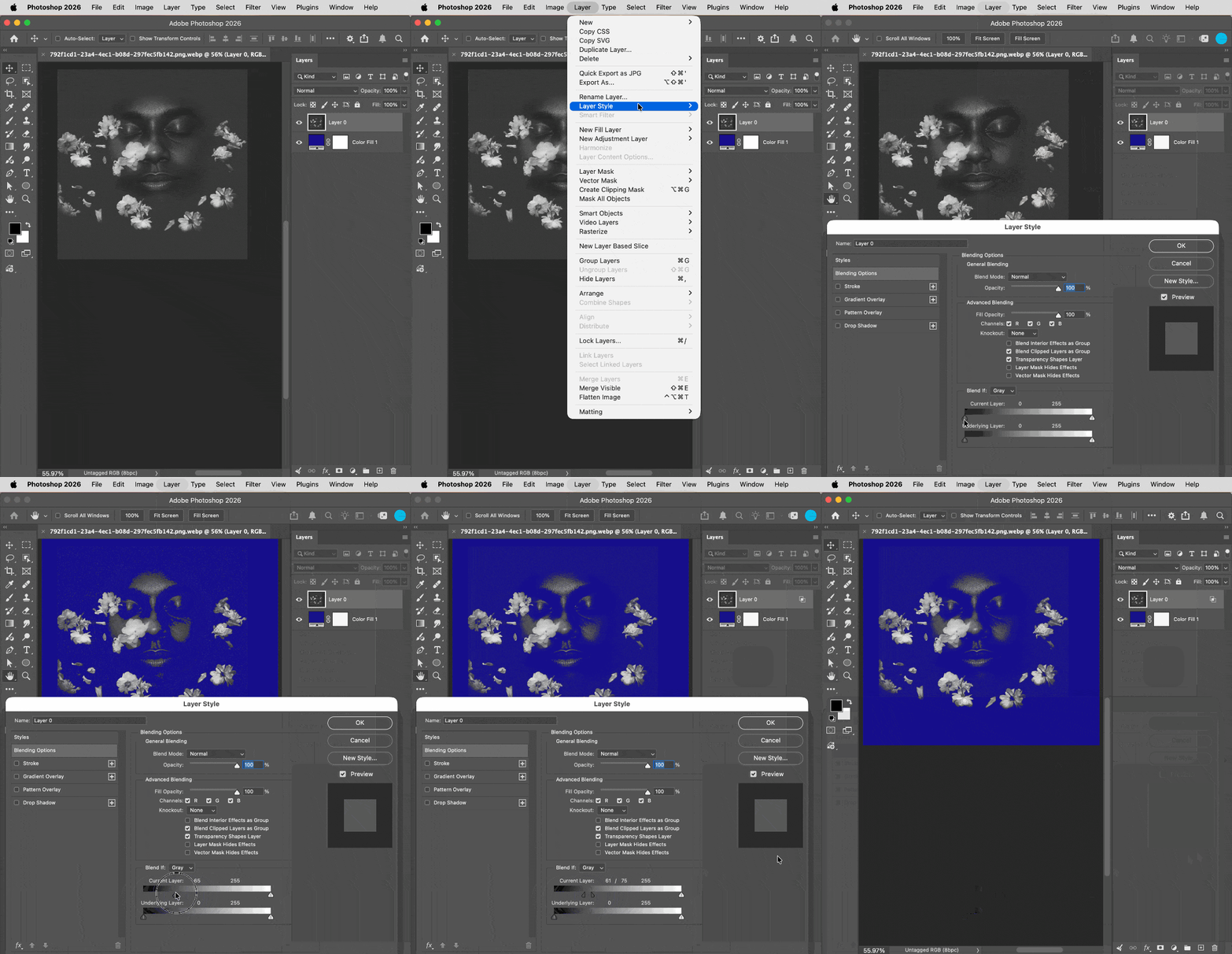
Thank you!!! 😊

Nancy OShea
Community Expert
Community Expert
July 7, 2026

You obviously posted this to Adobe Stock in error. 

Which Adobe product are you using-- Illustrator, Photoshop, InDesign, etc?  


Nancy O'Shea— Product User & Community Expert
New Member
July 7, 2026

Opps. I am a new user and thought this was a community app. I am using Photoshop.

Nancy OShea
Community Expert
Community Expert
July 7, 2026

I’ll ask an employee to move this to Photoshop for you.


In the meantime, open your image, unlock the background layer in the Layers panel, and make sure the Contextual Taskbar is visible on your screen. Click the Remove Background button. Photoshop's AI will automatically isolate your subject and create a non-destructive layer mask.


Manual Cleanup for when the tool misses any edges or details:
  1. Select the Brush tool (shortcut: B).
  2. Press D to set your colors to default black and white.
  3. Paint with black to conceal & white to reveal background areas. 

Hope that helps.


Nancy O'Shea— Product User & Community Expert