
Answered
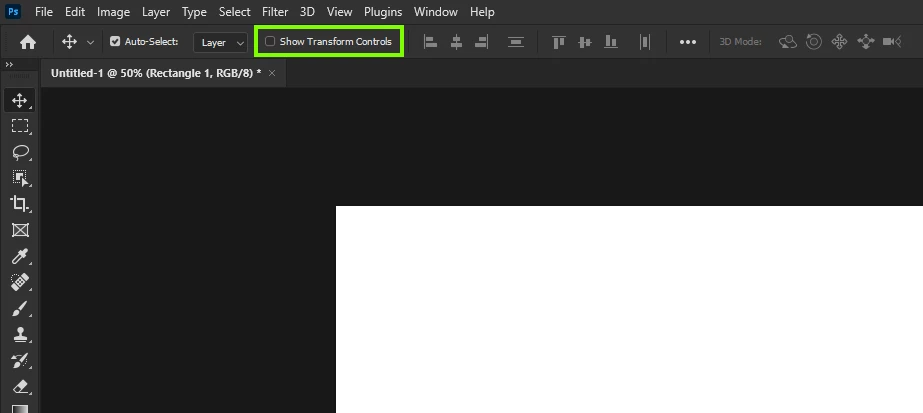
Turn off free transform everytime I use the selection tool
I was working on something in photoshop when I wanted to free transfrom something with the controls
CTRL + T (that gives you a blue frame where you can change the size of a layer. But I accidently pressed some other button, and now, everytime I want to use the standard select tool that you can use with
CTRL + V, it automatically turns on the free transform tool (CTRL + T) and I don't know how to turn it off. Could someone please tell me how to turn it off?
(Sorry for my bad english)


 AdChoices