Participant
April 16, 2026
Question

Turn off White Canvas Outlines

  • April 16, 2026
  • 2 replies
  • 37 views

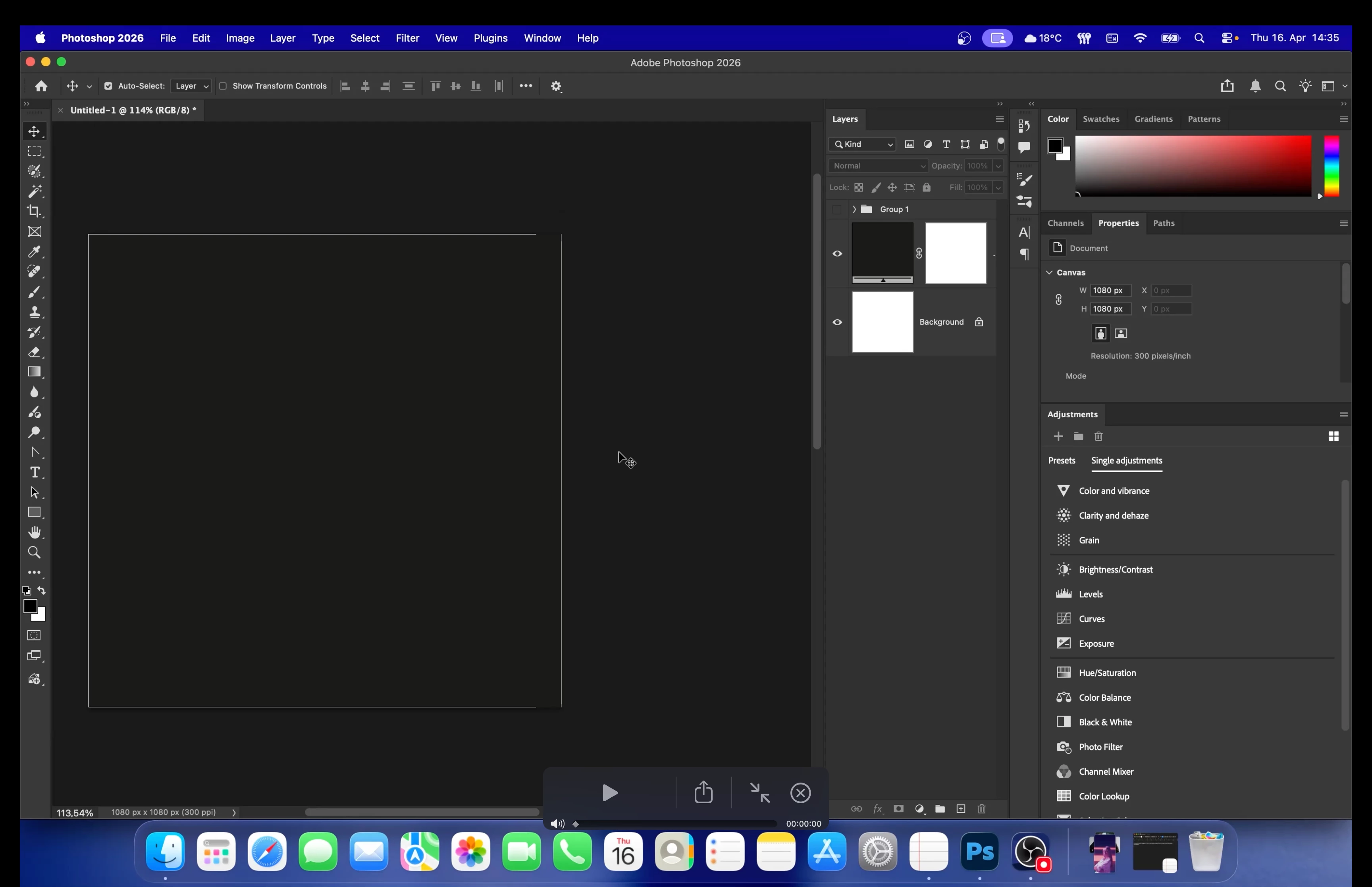
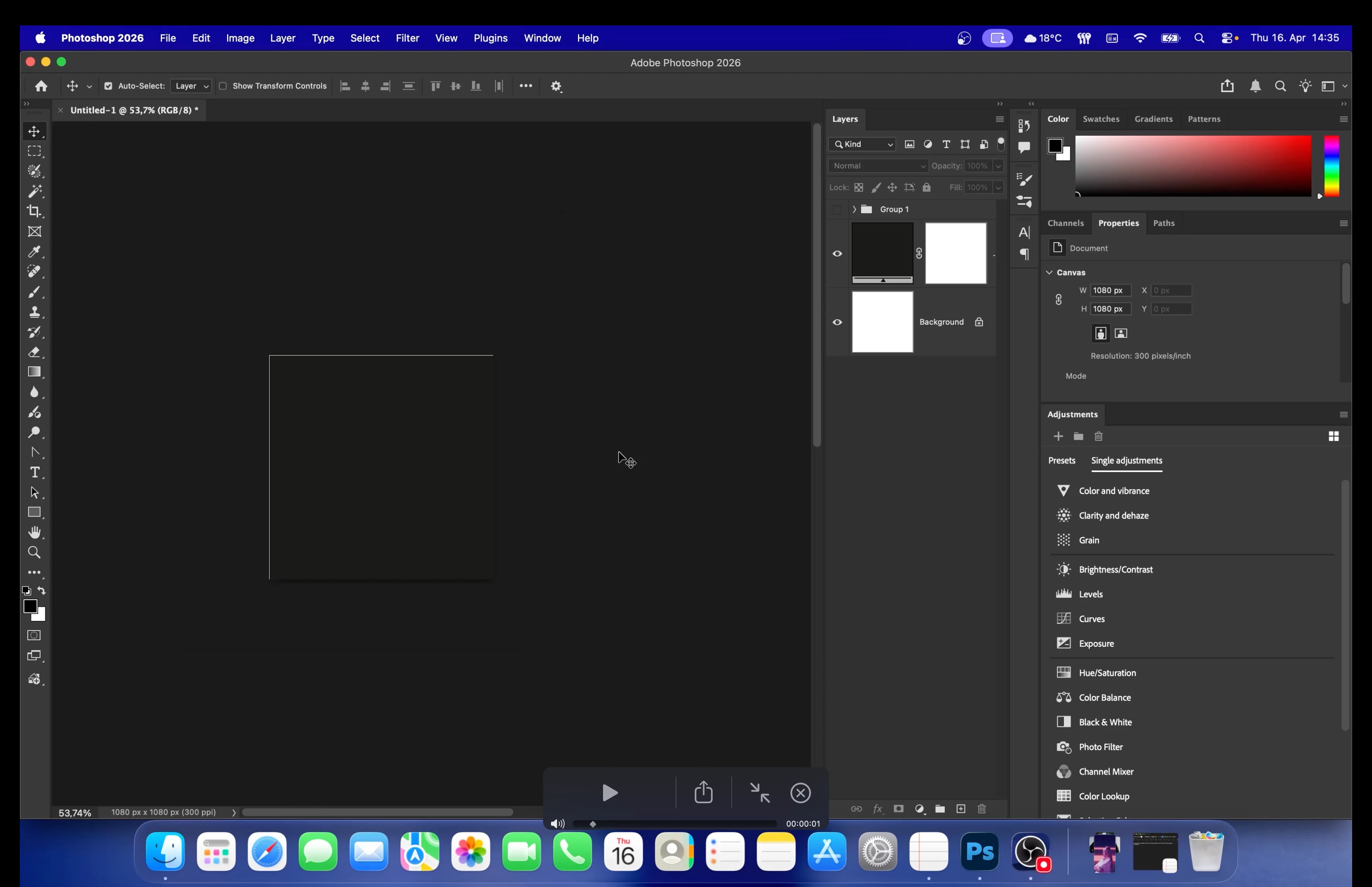
Hello! There seems to be something weird going on whenever I am zooming in or out of my canvas. These white outlines around the canvas just flash, are broken and appear randomly and it is super annoying to work with. Is there any way to turn them off? I am on a Macbook M1 Max 2021 and Tahoe 26.3.1 and Photoshop 27.5.0. These outlines seem broken so any help would be much appreciated!
 

    2 replies

    D Fosse
    Community Expert
    Community Expert
    April 17, 2026

    They’re screen resampling artifacts when you’re not at 100% zoom. 100% means one image pixel is represented by exactly one physical screen pixel.


    A floating layer can have content outside the canvas boundary, included in the screen resampling; but a flat background layer can not. That’s why you only see this thin line on floating layers, not on a background layer.

    Legend
    April 17, 2026

    KZ, it may be apparent to Adobe Community experts, but 1) black on black and 2) items in a group are hiding details from people like me. I’ll bet the lines *are not* borders (or anything to do with settings) but Ps just showing you the ghost image. A 1-pixel stroke applied to a Rectangular Marquee Tool?

    Larry
    Trevor.Dennis
    Community Expert
    Community Expert
    April 17, 2026

    I’d say you’ve got it ​@LAMY2017   They mostly show up at certain zoom ratios (when zoomed well in) and only show up if you have the background set to black and the canvas background is black.  If you are editing photographs, then a mid to dark grey is going to a neutral effect on the photo.  I think it would be confusing to work with a full black background, but YMMV


    Kaze5E53Author
    Participant
    April 17, 2026

    Sorry I am not sure if I fully understand. I don’t have the canvas set to black, rather a darker grey. The lines still show up with pictures and coloured rectangles, just not that often and less buggy. But still annoying. Is there any way to fix this? It looks really bad when I am screen recording, zooming in and out a lot and these lines keep flashing up. Any way to get rid of this?