
Participant
May 19, 2025
Question

Turning an SVG (Lightburn) border into an image

  • May 19, 2025
  • 2 replies
  • 338 views

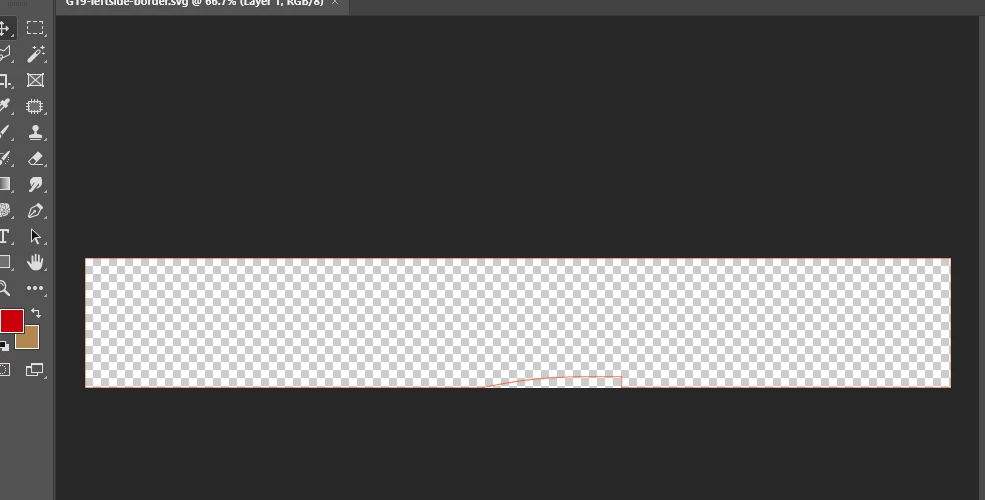
I have opened this red SVG border from lightburn (PS rasterized it) and would like to turn it into a black line image. You can barely see it in the screenshot and the line has a notch on the bottom.

Thanks for any help.

PS 2020
 

2 replies

c.pfaffenbichler
Community Expert
Community Expert
May 20, 2025

Even if you do want pixel date you could place the svg as a Smart Object to maintain non-destructive scalability. 


If you want vector data in Photoshop copy the path/s in Illustrator, paste them in Photoshop and select »Layers«. 

Otherwise you can apply the Layer Style »Color Overlay« and if you want to broaden the line the Layer Style »Stroke« (keep in mind that you may have to exted the Canvas). 


creative explorer
Community Expert
Community Expert
May 20, 2025

@harveyshot I almost didn't even see the red line! It's so thin, and light. I would open this SVG in Adobe Illustrator instead, and make the stroke thicker so that you can see it. Then change the color from red to black. And then you can save the file as transparent TIFF and PNG

m