


UAC dialog when resetting Photoshop preferences
Just updated to Photoshop 26.9. Windows 10 Pro 22H2.
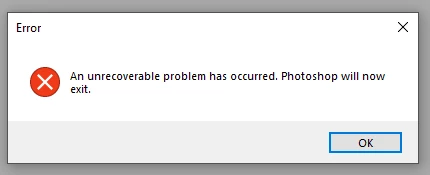
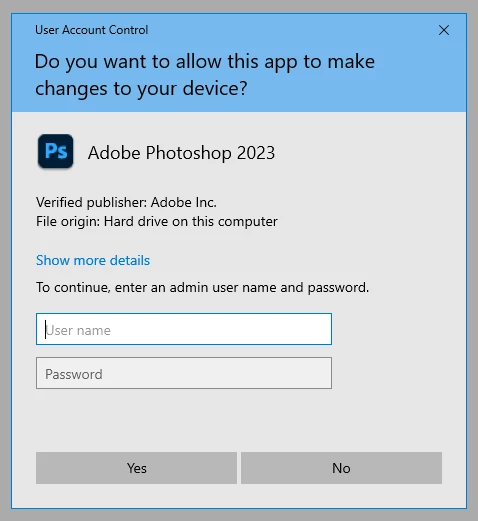
Photoshop crashes on launch with a generic dialog. If I hold down Shift-Ctrl-Alt at launch to reset preferences, I get a UAC dialog saying Photoshop 2023 needs permissions. I do not have PS 2023 installed.
I have uninstalled PS 26, removed preferences manually, and reinstalled. Same crash. The GPUSniffer does run and the log shows it exits normally (although I don't have a supported GPU.)
PS 25.12.4 works fine.
I'm less concerned about PS 26.9 not working (this is not my graphics workstation and version 25 still works) as I am wondering about the UAC prompt. Why is there a UAC dialog for PS 2023? If I cancel it, PS doesn't try to launch. If I enter an admin password, PS crashes without the prefs reset dialog.
Launching PS 26.9 on the Mac with Cmd-Opt-Shift displays the prefs delete dialog correctly, with no Admin password request.
 AdChoices