
Question
Unable to change print settings 95% of the time, always have to restart the program
Almost every single time I go to print a file, whenever I click the Print Settings button, these errors pop up:
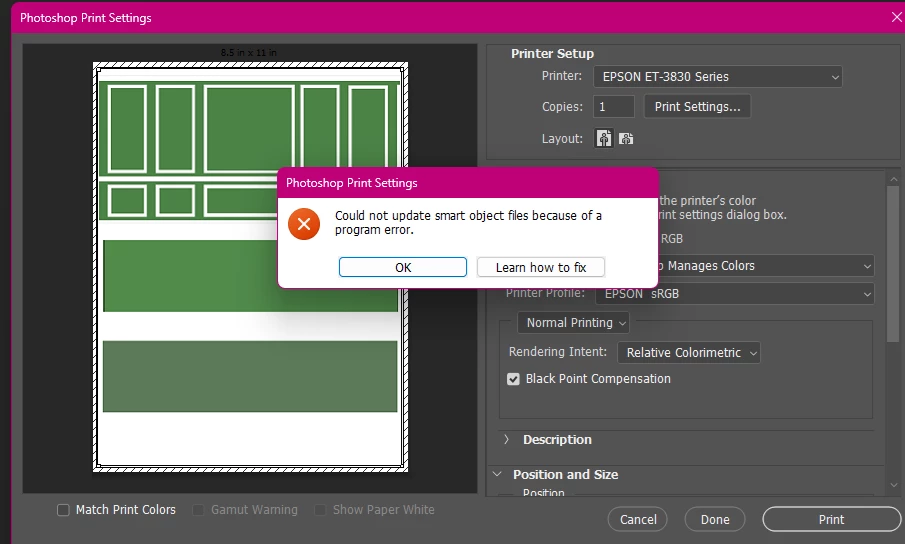
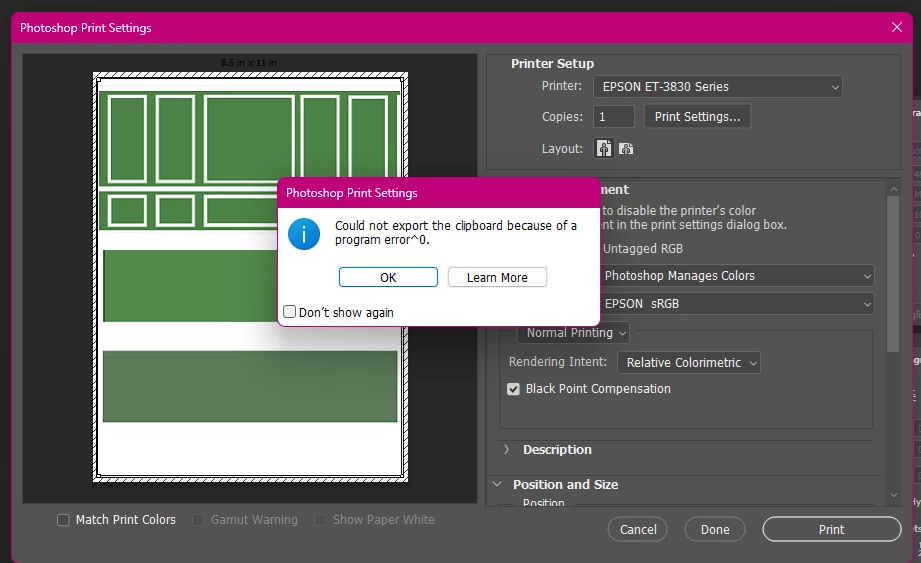
The only way to solve this issue has been to completely exit out of the program and restart it. I don’t know why it’s talking about smart objects or even exporting something to the clipboard. I just need to change my print settings to change the paper type/size, make sure Photoshop, not the printer, is controlling the colors, etc. Otherwise everything prints out wrong.


 AdChoices