Inspiring
August 4, 2025
Answered

Unable to open file in Creative Cloud

  • August 4, 2025
  • 1 reply
  • 103 views

I do not see the Open Cloud Documents anymore via File->Open in Photoshop anymore.

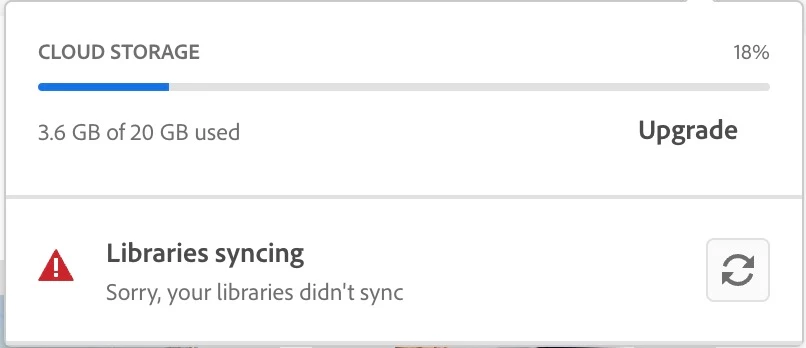
Cloud Storage seems to be stuck somehow. It won't move past 18% upgrade level.


Correct answer Kevin Stohlmeyer

@SSL-ADT The screenshot above is showing your total usage of CC storage, not a percentage of upgrading. The "Upgrade" you see below is actually a button that will take you to a sales page to purchase an upgraded storage plan. 

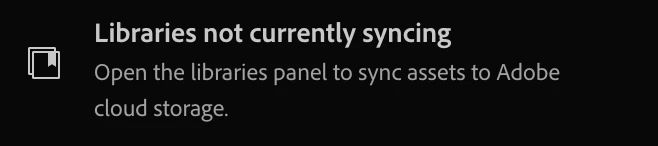
As for the Libraries error - this window sometimes pops up and explains how to resolve: 


1 reply

Kevin Stohlmeyer
Community Expert
Kevin StohlmeyerCommunity ExpertCorrect answer
Community Expert
August 4, 2025

@SSL-ADT The screenshot above is showing your total usage of CC storage, not a percentage of upgrading. The "Upgrade" you see below is actually a button that will take you to a sales page to purchase an upgraded storage plan. 

As for the Libraries error - this window sometimes pops up and explains how to resolve: