Participant
Nov 23, 2026 3:24 PM UTC
Open for Voting

Unable to open image in Photoshop on web
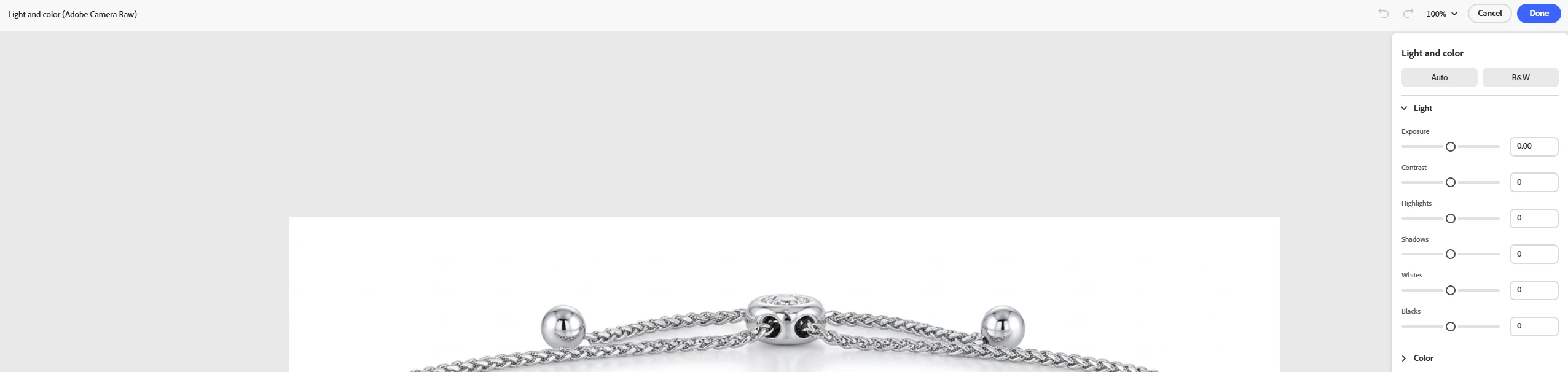
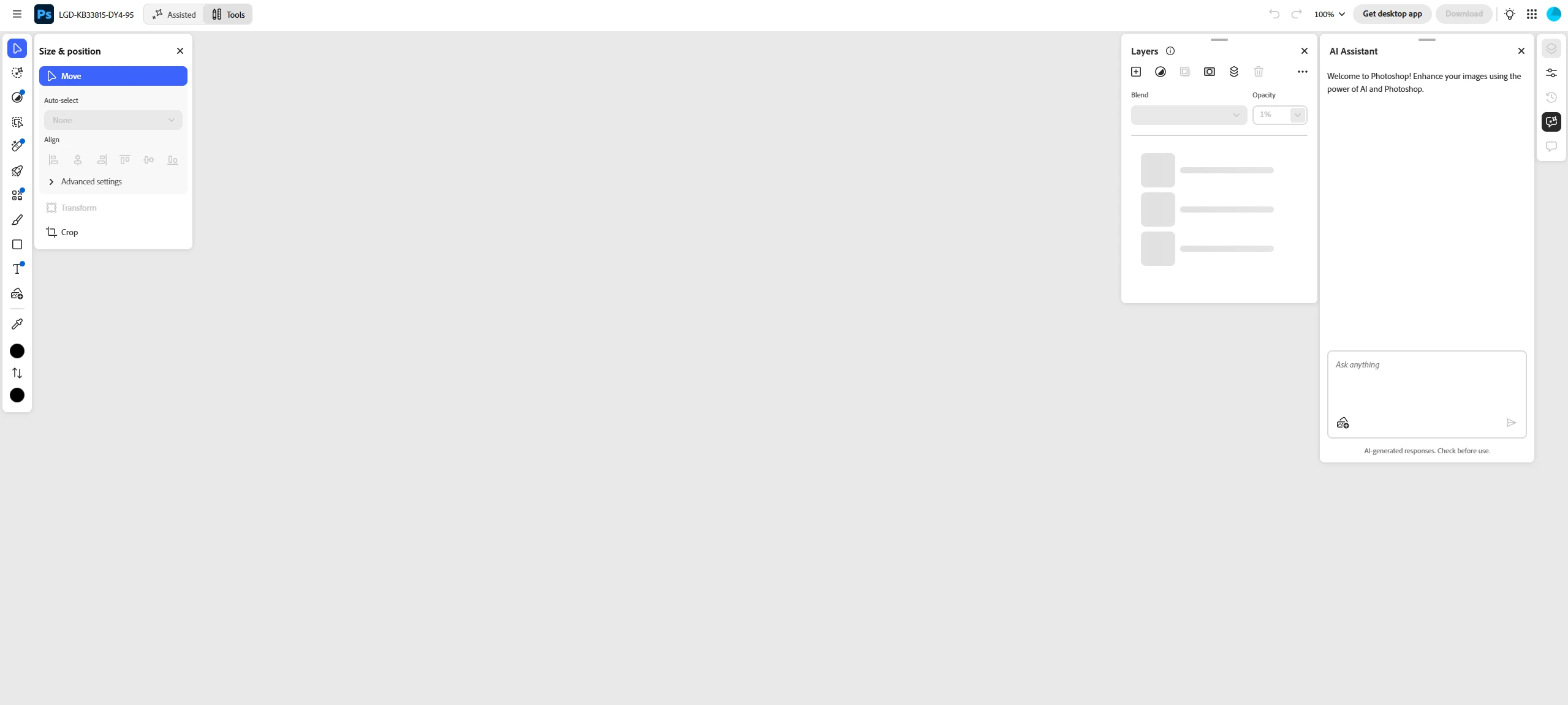
For me when I open an image in Photoshop web, it opens the file in adobe RAW and once I click Done, the canvas never loads. Layers won’t show any layer and its stuck for ever.

here’s an image for reference.


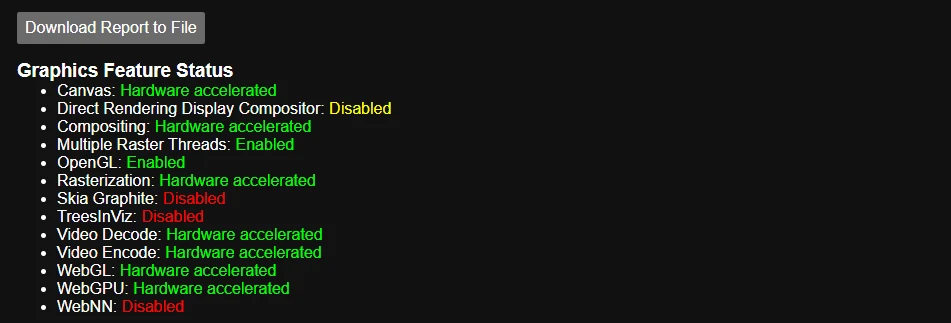
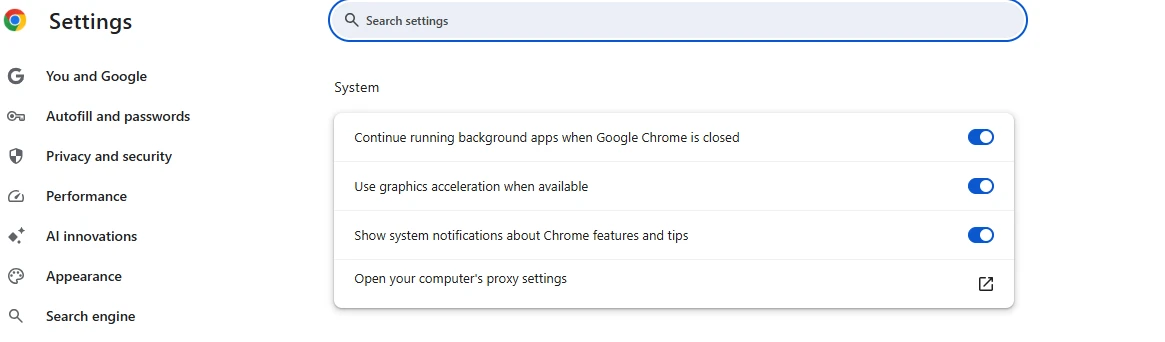
Also I have checked for hardware acceleration and Web GPU .


    1 reply

    Srishti Bali
    Community Manager
    Community Manager
    Nov 23, 2026 7:10 PM UTC

     Hi ​@Wired_Curator_ 


    Thanks for reaching out, and apologies for the inconvenience caused. To help us investigate further, could you please share the following information?

    • Does the same issue occur in Photoshop Desktop as well?

    • Does this issue occur with all files, or is it specific to certain files or file types? If it happens only with particular files, could you please share a sample file that reproduces the issue?

    • Have you tried using a different browser? If so, does the issue persist there as well?


    These details will help us narrow down the cause and investigate further.

    Translate
    Thanks, Srishti Bali | Community & Engagement Strategist, Digital Imaging | Adobe