

Untagged files, Color Settings and Convert to Profile questions
In a recent post, D Fosse said I may have an "untagged" file. What is that? He also said issues I was having with a file could be because it didn't have an embedded Color Profile. How would that be reflected in Edit>Color Setttings (or would it be reflected elsehwere)?
Some other questions:
First, is the Color Space of my file properly found under Working Spaces in Edit>Color Settings? As far as I can tell, all my files list that as sRGB IEC61966-2.1.
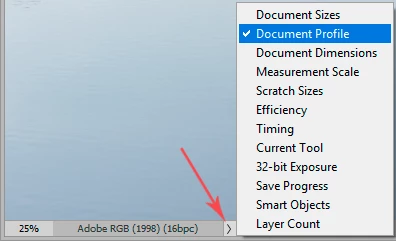
Second, what is the function of the Convert to Profile option? Under Source Space for most of my files is listed Adobe RGB (1998), not sRGB; aren't they different - so isn't that a discrepancy?
Third, some of my files have ProPhoto RGB listed under Source Profile in Convert to Profile. Again, a different color space than sRGB. Why? Thank you. (I'd love to take a whole course on Color Management - anyone know where I can do that)?


 AdChoices