


unwanted spacing appears while using text tate-chu-yoko fuction
I was trying to insert a paragraph of Chinese text vertically in Photoshop, and it contains some Arabic numbers. When I use Standard Vertical Roman Alignment (標準垂直羅馬字對齊方式), two lines of text aligned very well. ("十" is a Chinese character, and line leading was reduced for easier comparsion between two lines.)
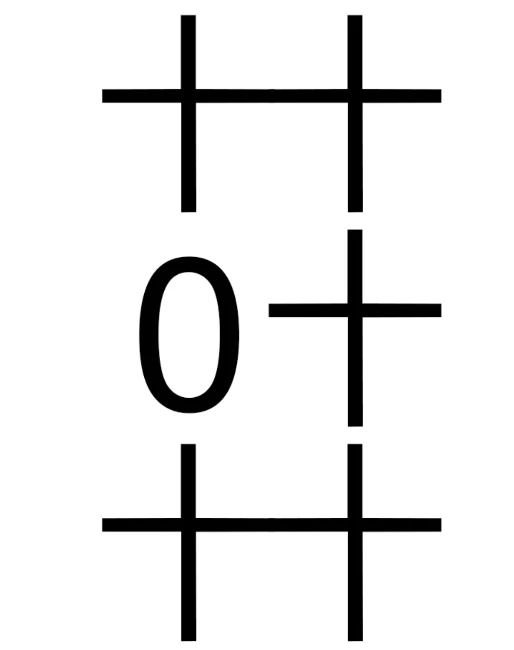
However, since I don't want a two-digit number taking two full-width character's height, I used tate‑chu‑yoko (直排內橫排) for two-digit numbers.
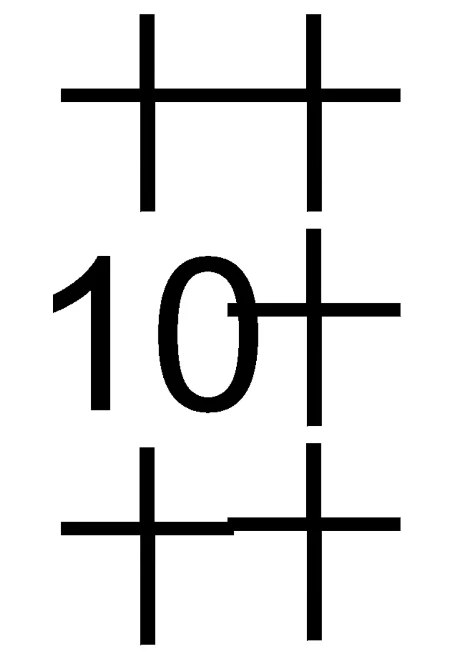
As you can see in the screenshot, the characters after the Arabic number did not align with characters in other lines, meaning extra spacing somehow appeared after the number.
Not all fonts are having this problem, but still quite a number of fonts I use are having this problem. I googled a bit and someone suggest that this was caused by the verticle height parameter of the font used, but I just wonder why the height of the numbers are correct when I use Standard Vertical Roman Alignment, but not tate‑chu‑yoko?
Manually adjusting the text spacing one by one can make them align with each other, but it is time consuming as I need to use many different fonts (with different level of spacing cause by this problem).
Anyone know how to solve this problem??
(Photoshop v26 Windows)

 AdChoices