


Updating Photoshop v 26.5 removes an update for Photoshop (beta) v 26.6 from New updates
I am not sure where I should post this issue, which has been happening to me for some time now and again today.
I had two updates in the CC Desktop App today. One for Photoshop v 26.5 and one for Photoshop (beta) v 26.6. See this screenshot:
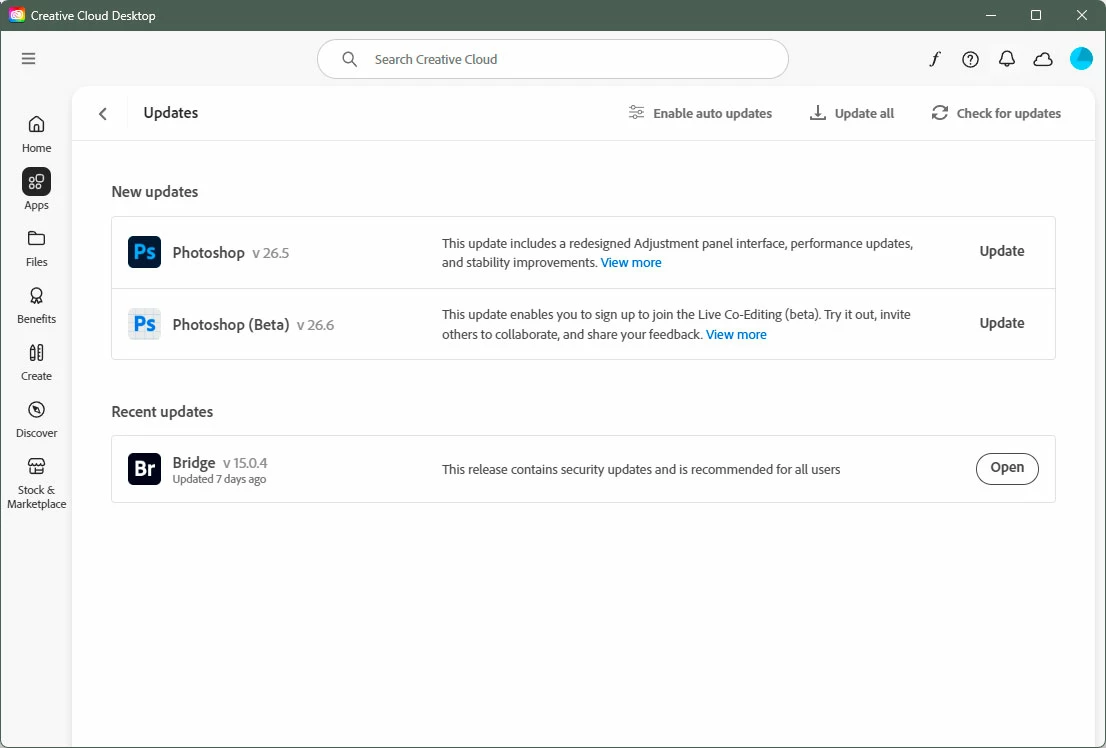
I click the Update button for Photoshop v 26.5. When it's done, Photoshop (beta) v 26.6 is no longer in the New updates section, but is listed in Recent updates saying it was updated 9 days ago. Here is the screenshot after only updating Photoshop v 26.5:
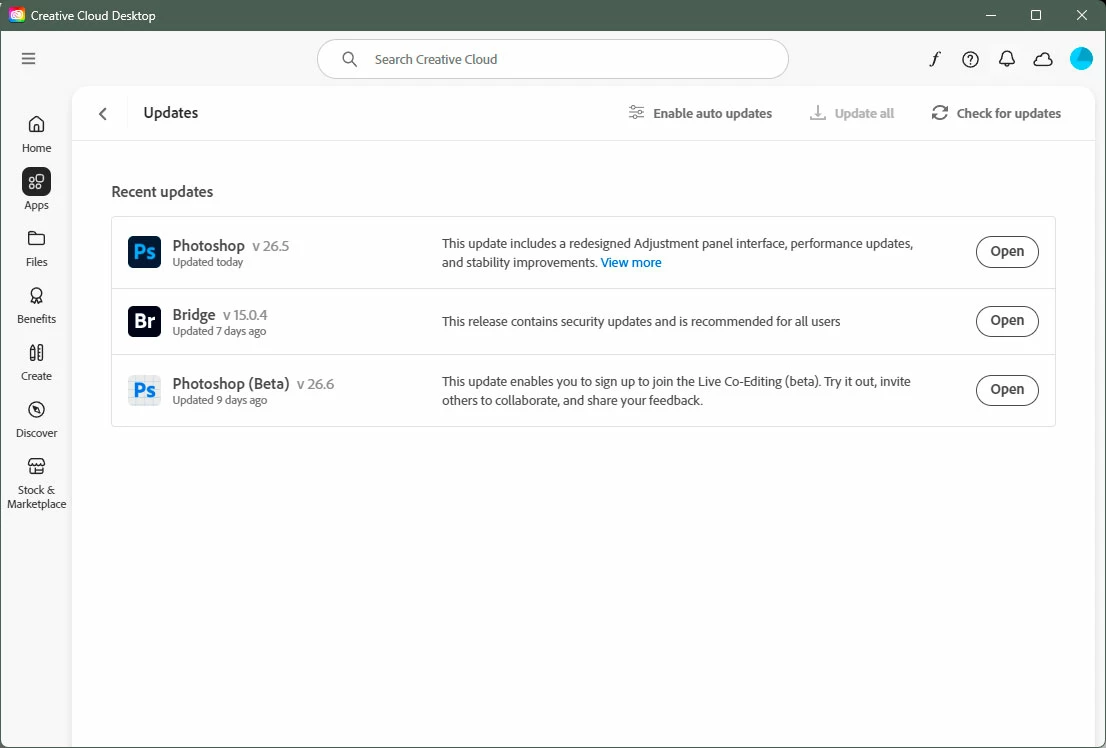
Has Photoshop (beta) v 26.6 also been updated? Not according to the Recent updates section. Checking the Photoshop (beta) v 26.6 reveals Version: 26.6.0 20250413.m.3042 b0b0848 x64, which seems like a build done 11 days ago. Checking Photoshop v 26.5, I find it is Version: 26.5.0 20250318.r.16 0a154be x64. That build is even older, over a month ago, yet it was supposedly updated today!
Previously, I have clicked the Update button for Photoshop (beta) and the reverse happens; the Photoshop update gets removed from the New updates section.
The Photoshop and Photoshop (beta) forums are very poor at keeping users informed regarding the current build versions, let alone what, if anything, has changed, been fixed or added when updates appear in the CC App. This leaves most users completely in the dark.
 AdChoices