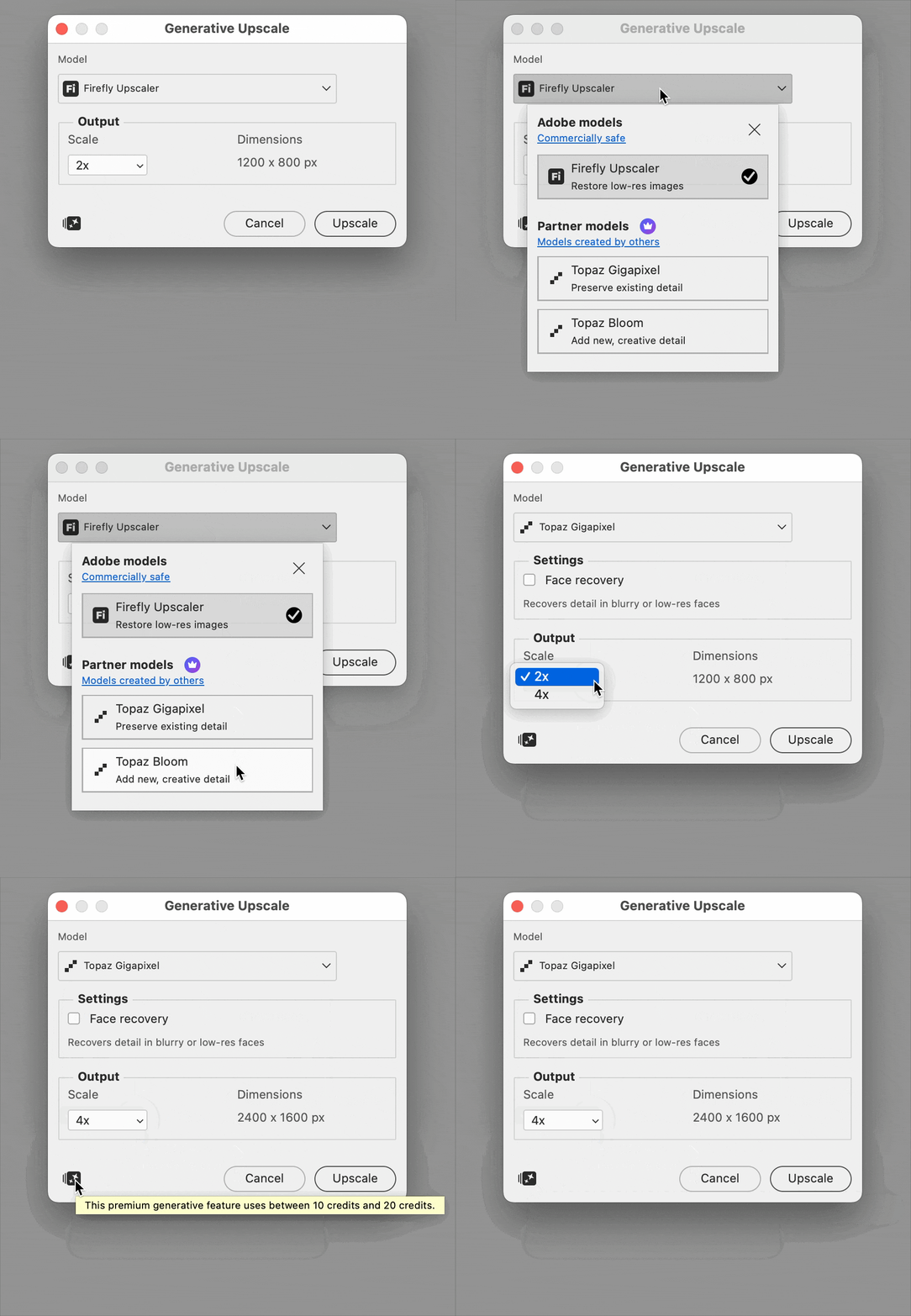
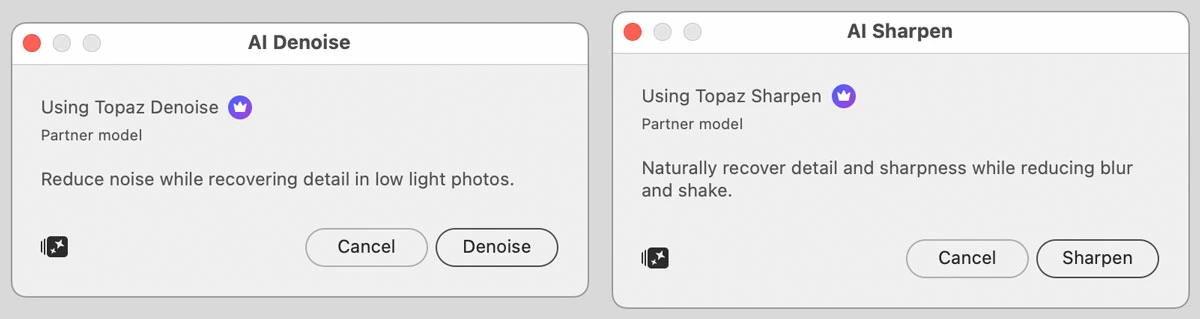
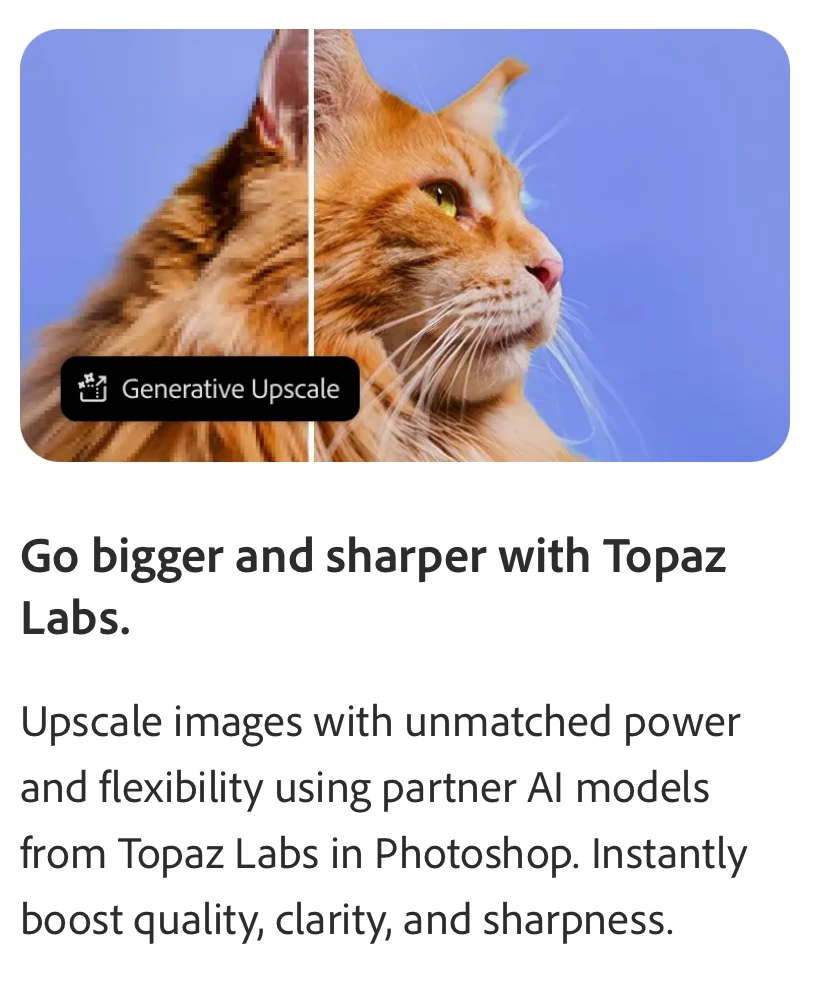
Some Topaz models are now available in some Photoshop generative AI features, such as in the new commands Image > Generative Upscale, Filter > AI Denoise, and Filter > AI Sharpen, shown below. I haven’t used the standalone version of Topaz, but my understanding is that what Photoshop includes is a subset, not everything. Which might change over time.
As far as whether you can stop paying for Topaz, you should look over what’s included in Photoshop and see if there’s enough of what you like about Topaz. And also pay attention to the number of Adobe generative credits that a Topaz generation consumes, compared to Adobe Firefly or other partner models.
Some will decide they have a Creative Cloud plan that has the number of monthly generative credits they need, and that Photoshop has enough of the Topaz features they need, and they’ll stop paying for Topaz.
Others will decide that it’s better to stay on a more affordable Creative Cloud plan and continue paying for Topaz instead, because they want to use more of Topaz than is in Photoshop.
More details:
Partner models in Adobe products – Adobe




 AdChoices