


Answered
Use a selected area as a brush tool?
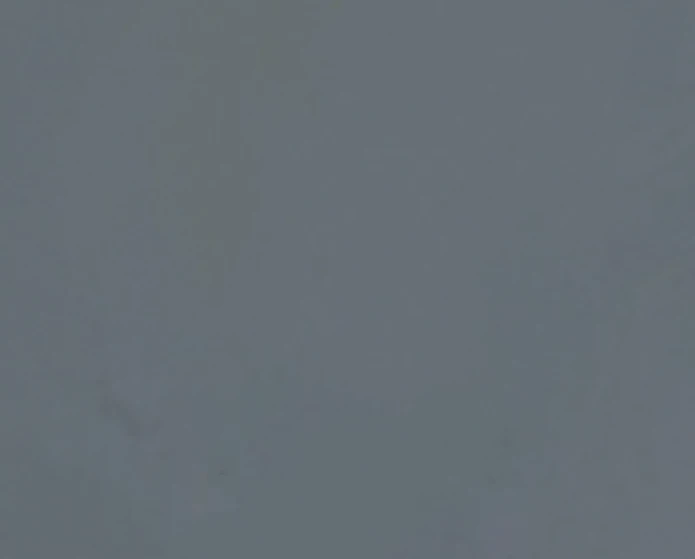
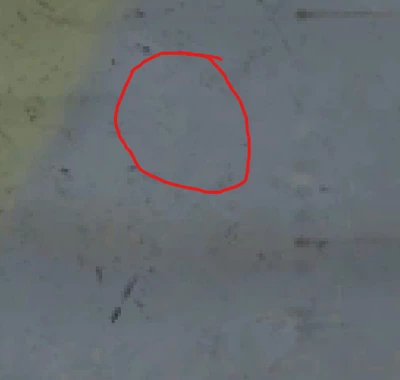
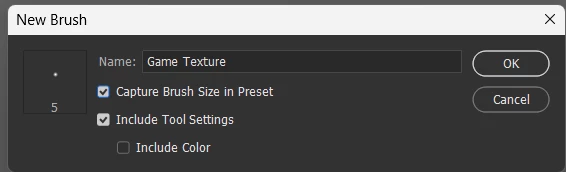
I am working on texturing/painting something for a video game. Within the photo I used a single color as a base coat (fiest phto) for an area but I wish to texture it similar to other parts (inside the red circle in the second photo). My thought would be to copy an area somehow and just use that as a brush to paint over the area that I need (like a bunch of copy and paste but faster?). This is very zoomed in an there is a lot of area to paint, so it would just be a huge time saver as a brush than trying to blur/smudge or copy/paste. I tried the clone tool but it doesnt cover a lot of area at a time because it pics up other parts of the photo.

 AdChoices