Answered
Variable Datasets Not enough Variables Names in the first line
This is a mistake that always comes up with me. I have attached the file that is causing this problem
This is a mistake that always comes up with me. I have attached the file that is causing this problemhi, Mr it works but when I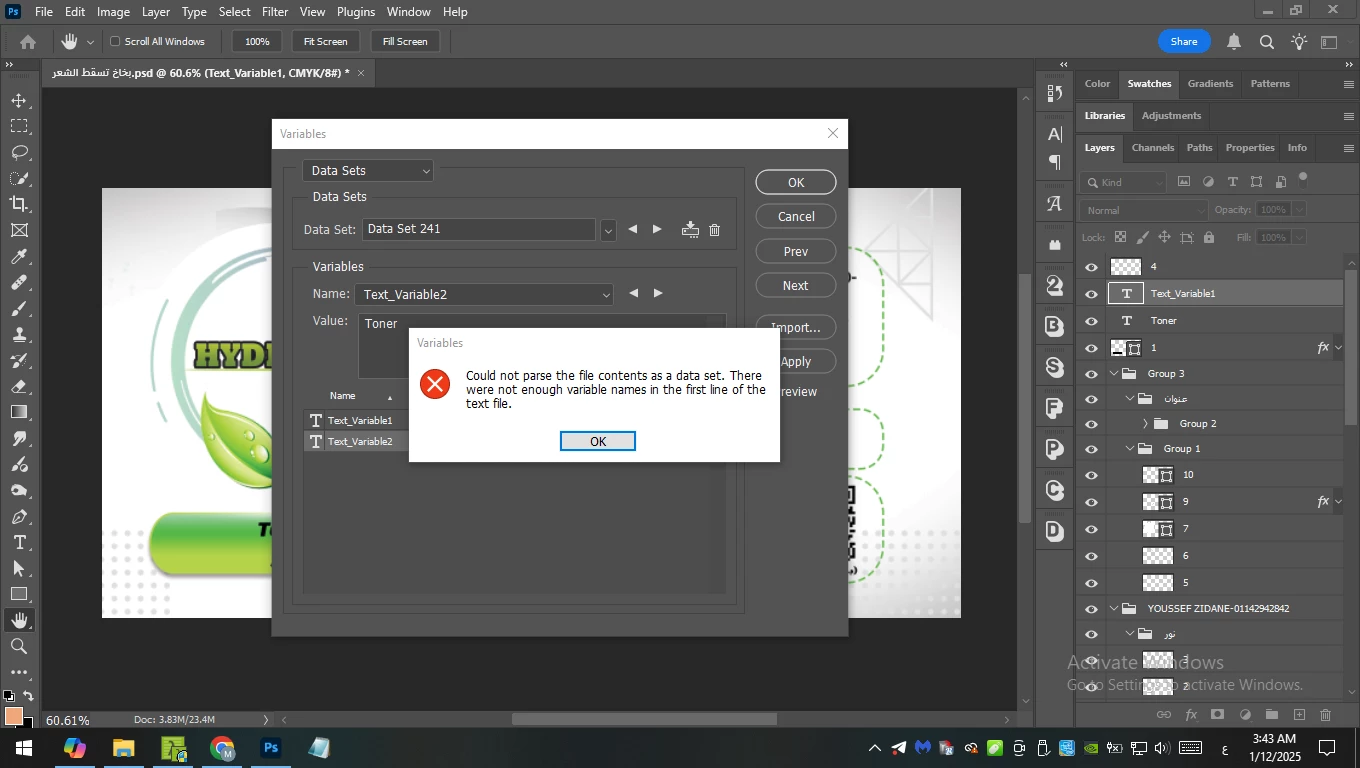 add two variables it shows the same error (one in Arabic and another is English) on the different layer
I may not be following 100%... Both the text files only have a single variable column. If you are adding a 2nd variable in the PSD, then the text file needs a second variable (comma-separated or tab-delimited).
Compare the names and quantity of variables set in Photoshop and do these match the TXT file with no extra commas or tabs etc.
Already have an account? Login
No account yet? Create an account
Enter your E-mail address. We'll send you an e-mail with instructions to reset your password.


 AdChoices