Were you able to reproduce the bug? Or did you see my answer?
Hi @vintezisCS,
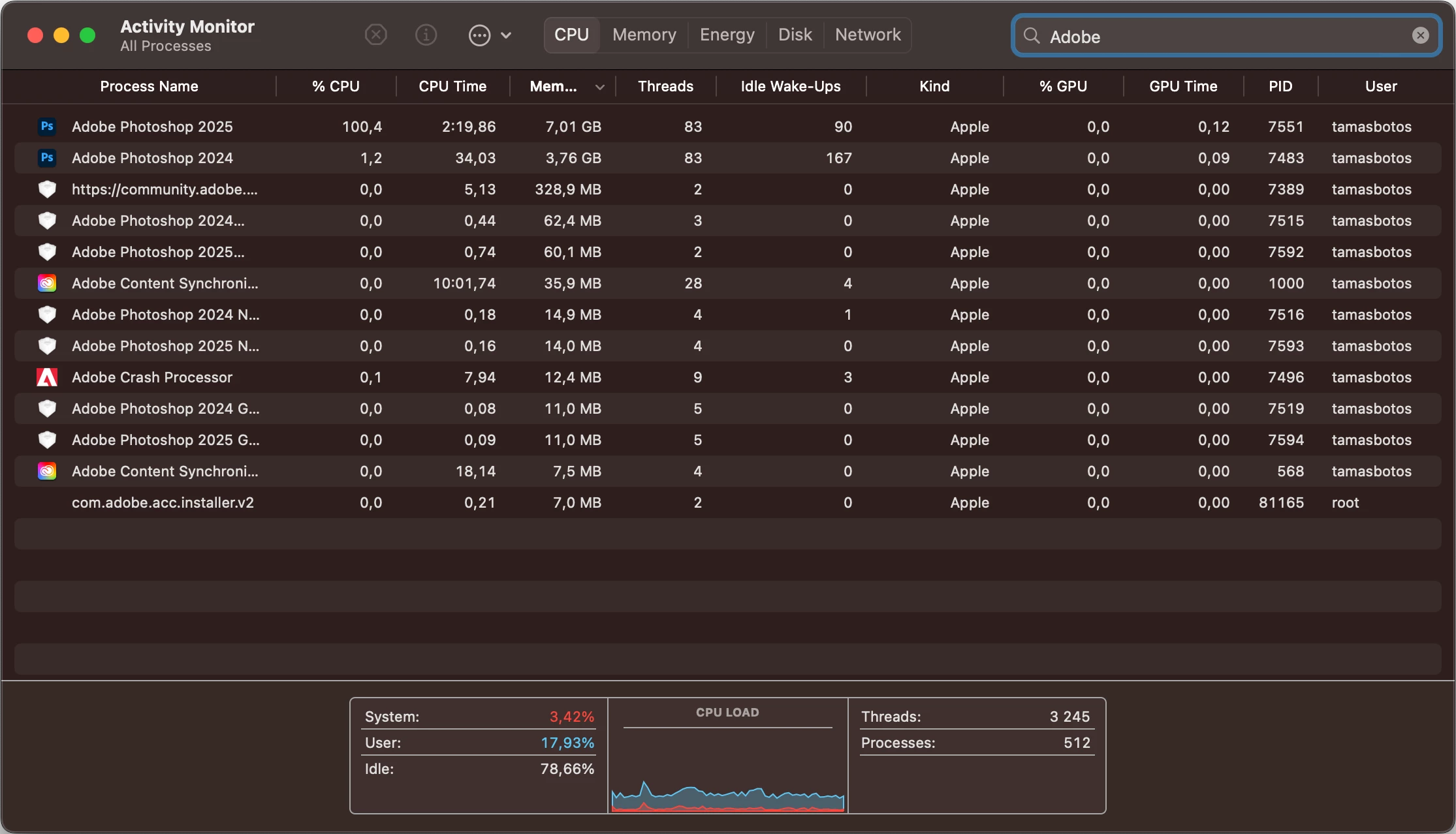
Thanks again for all the detailed information and for your continued follow-ups. I ran some tests on my end using the setup you described, but unfortunately, I wasn’t able to reproduce the high CPU usage, even when leaving Photoshop idle with panels active or a file open.

That said, I want to suggest a few more things that might help isolate the behavior further:
• Is the Creative Cloud Desktop app running in the background? If so, could you try quitting it and see if that affects the CPU usage?
• Could you try closing panels one by one, especially the Libraries panel, and check if the usage drops after disabling any particular one?
• As D Fosse mentioned, even if your settings folder is wiped, it’s possible that something problematic is coming along with the old .psw.
• Just for testing, could you try creating a new user account on your Mac, launch Photoshop 26.8 there without importing any workspace or settings, and recreate your dual-monitor layout manually? If the issue doesn’t occur in that clean user environment, it would indicate some form of profile corruption or inherited config inconsistency.
You’re clearly putting in a lot of effort here and helping surface edge-case issues, which is hugely valuable. I’m continuing to follow along, and happy to pass along anything new that might emerge. Appreciate your patience with this.
Best,
Anshul Saini





 AdChoices