Question
Video Layer not working
[Moderator moved from Using the Community (forums) to Photoshop.]
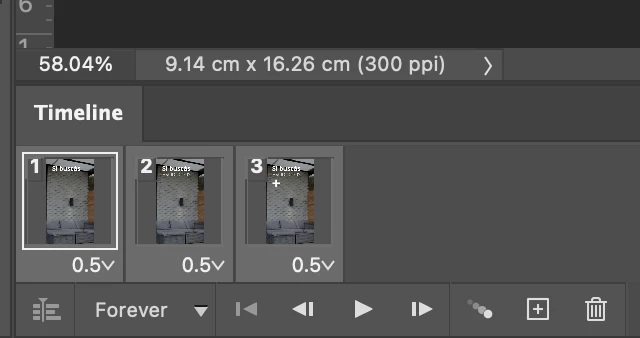
Please help... I want to convert to a video timeline and do not know why does not work. It seems disable.

[Moderator moved from Using the Community (forums) to Photoshop.]
Please help... I want to convert to a video timeline and do not know why does not work. It seems disable.
Already have an account? Login
Enter your E-mail address. We'll send you an e-mail with instructions to reset your password.
 AdChoices