Answered
Warning fonts activation Photoshop
How to disable fonts not available for activation, warning on Photoshop version 25.6.0 / MacOS 14.4.1, all time when i open even a JPG or Tiff
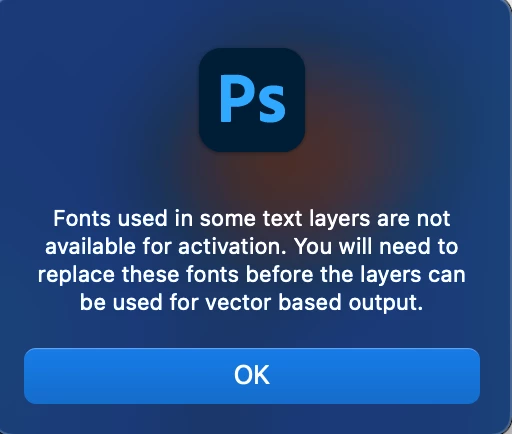

How to disable fonts not available for activation, warning on Photoshop version 25.6.0 / MacOS 14.4.1, all time when i open even a JPG or Tiff
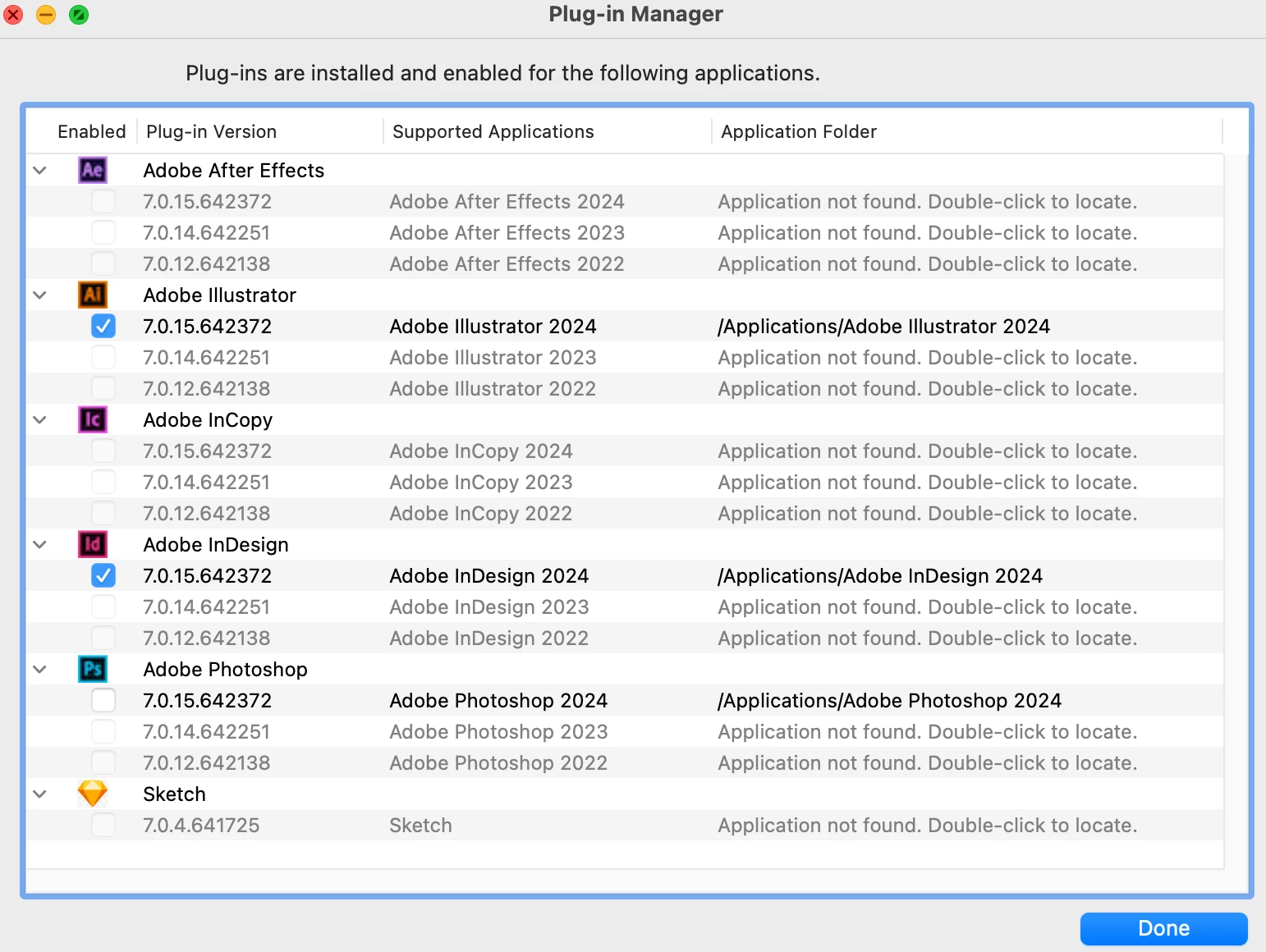
Problem solved, disabled plugins from font manager.
Already have an account? Login
No account yet? Create an account
Enter your E-mail address. We'll send you an e-mail with instructions to reset your password.


 AdChoices