This is one of those times when the Contextual Task Bar becomes your friend. If we are going to feather the mask, then the mask needs to be smaller than the object. So we Ctrl/Cmd click the layer to load it as a selection, then click on the CTB dropdown and chose Contract Selection. Ideally, we need to have an idea of how much we intend to blur that outline so we contract by the right amount.
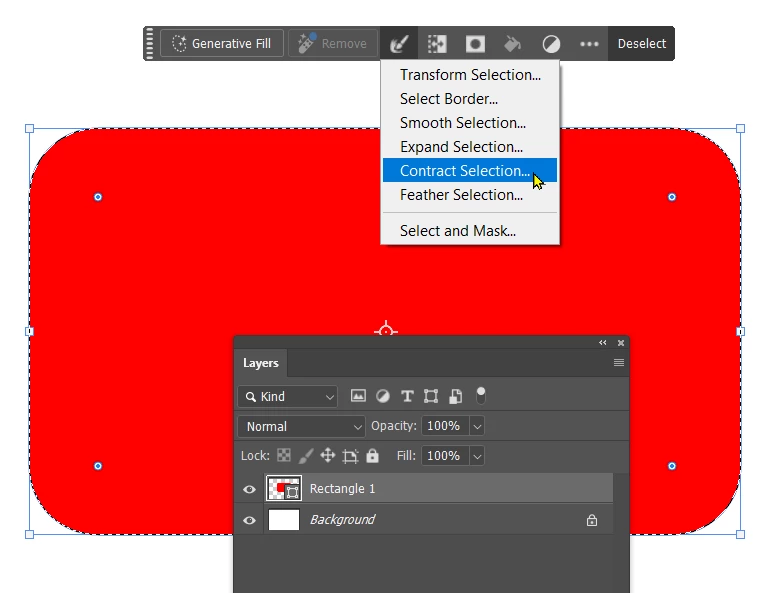
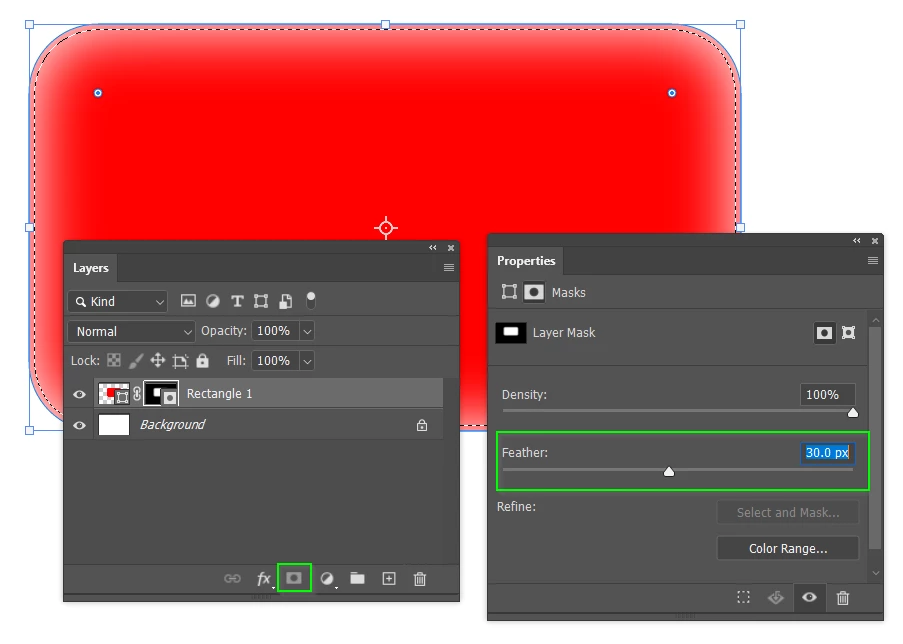
I chose 5 pixels. Then clicked the mask icon to add the mask, and gave it some feather.
Note: You would not expect to see that selection. I reloaded it to demonstrate it's effect.
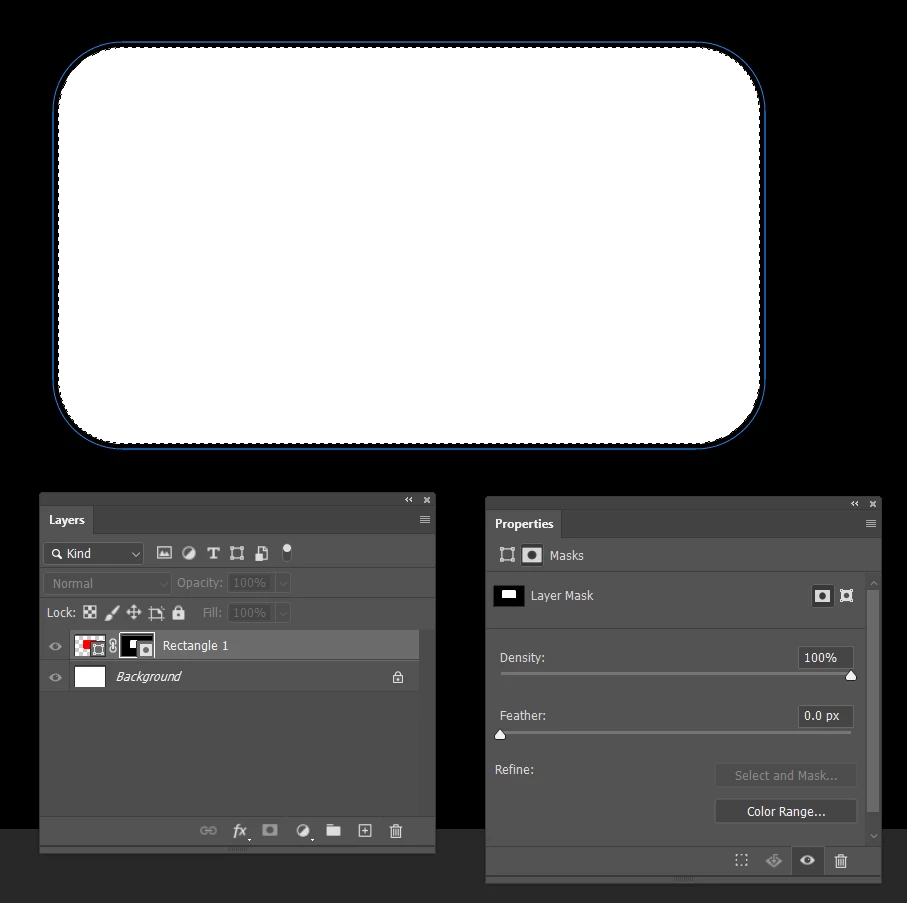
If we need to change it, then we can Alt/Opt click the mask icon to view the mask full screen.
I set the feather back to zero, and Ctrl/Cmd click the mask icon to load that selection again.
I can then contract/expand that selection again, and fill with white or black depending.




 AdChoices