



Weird Text bug - Photoshop 26.11
Ok so I experienced this very annoying bug several times already. So it(s not just on Photoshop 26.11, it was also on at least 2 previous versions : I type my text and everything is going fine until at one point it decides to make random letters pop in RANDOM layers (not even just in text layers, they also got pasted in the pixel images layers !). They're usually white and the most annoying thing is that they're not behaving like text (you can't highlight them, select them, delete them), they act as images. Here it what it looks like :
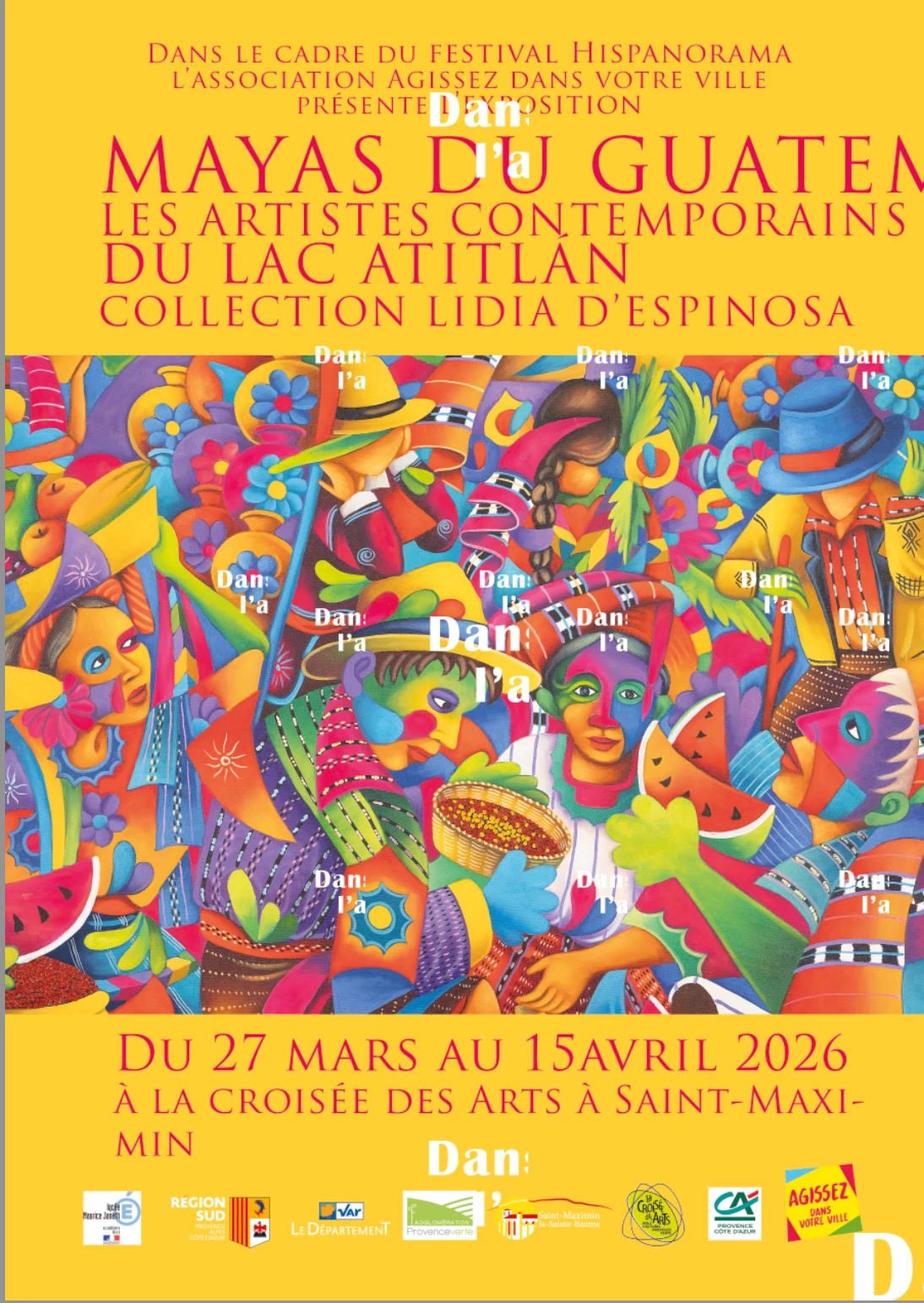
Notice the weird white letters (ill all kinds of size) all over.
It happens after I select all the text layers and select another font.
The weird letters can also appear distorded in random places :
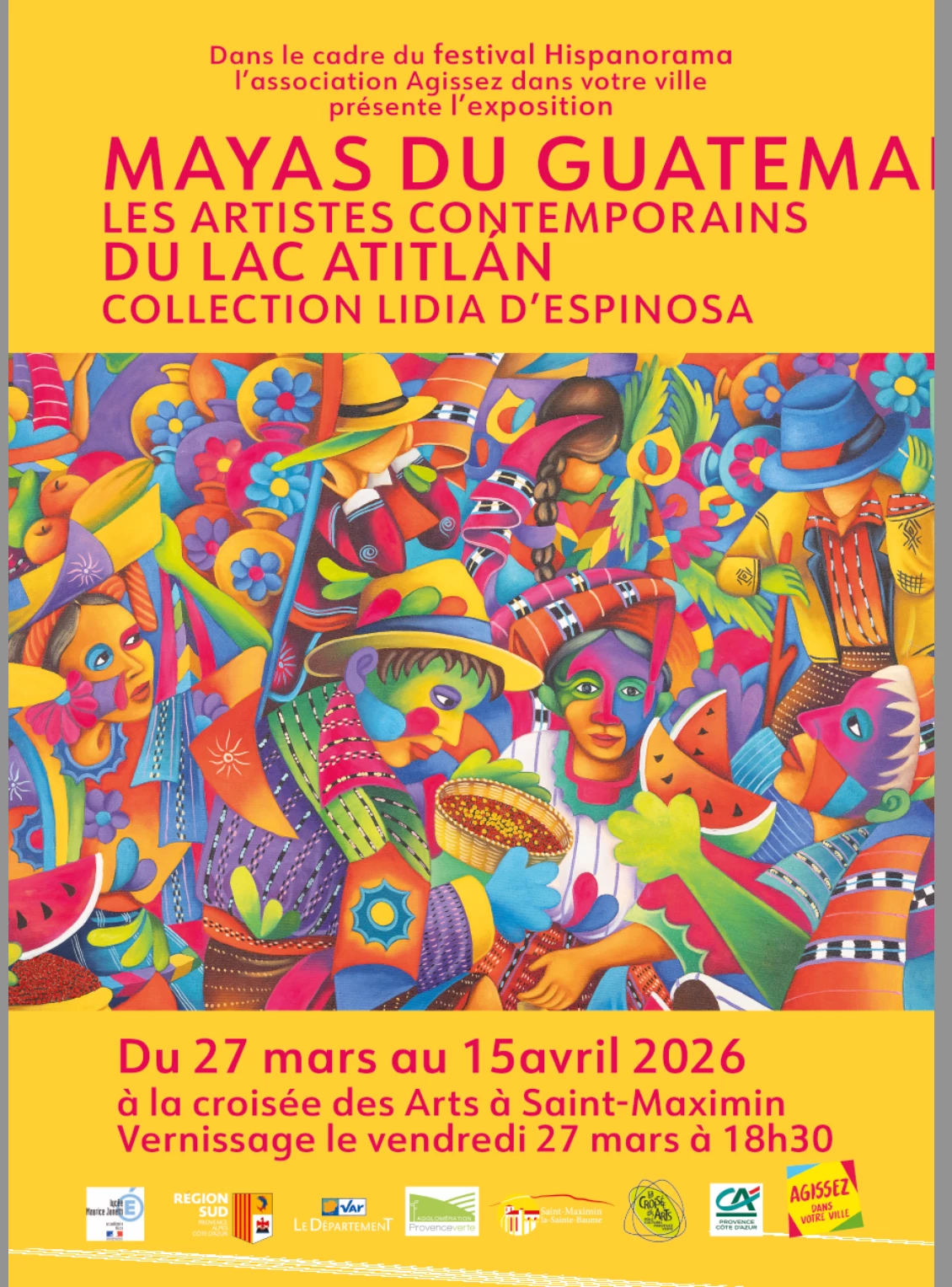
look at the bottom of the image. Here is a close-up :

When I try to copy-paste the text in another image, the bugged letters follow. When I try to retype, weird letters appear when I click on another layer...
Is happens in CMYK and RGB. Please please please someone tells me how to solve this, I'm going crazy.
 AdChoices