vinny dellay
Known Participant
December 23, 2024
Question

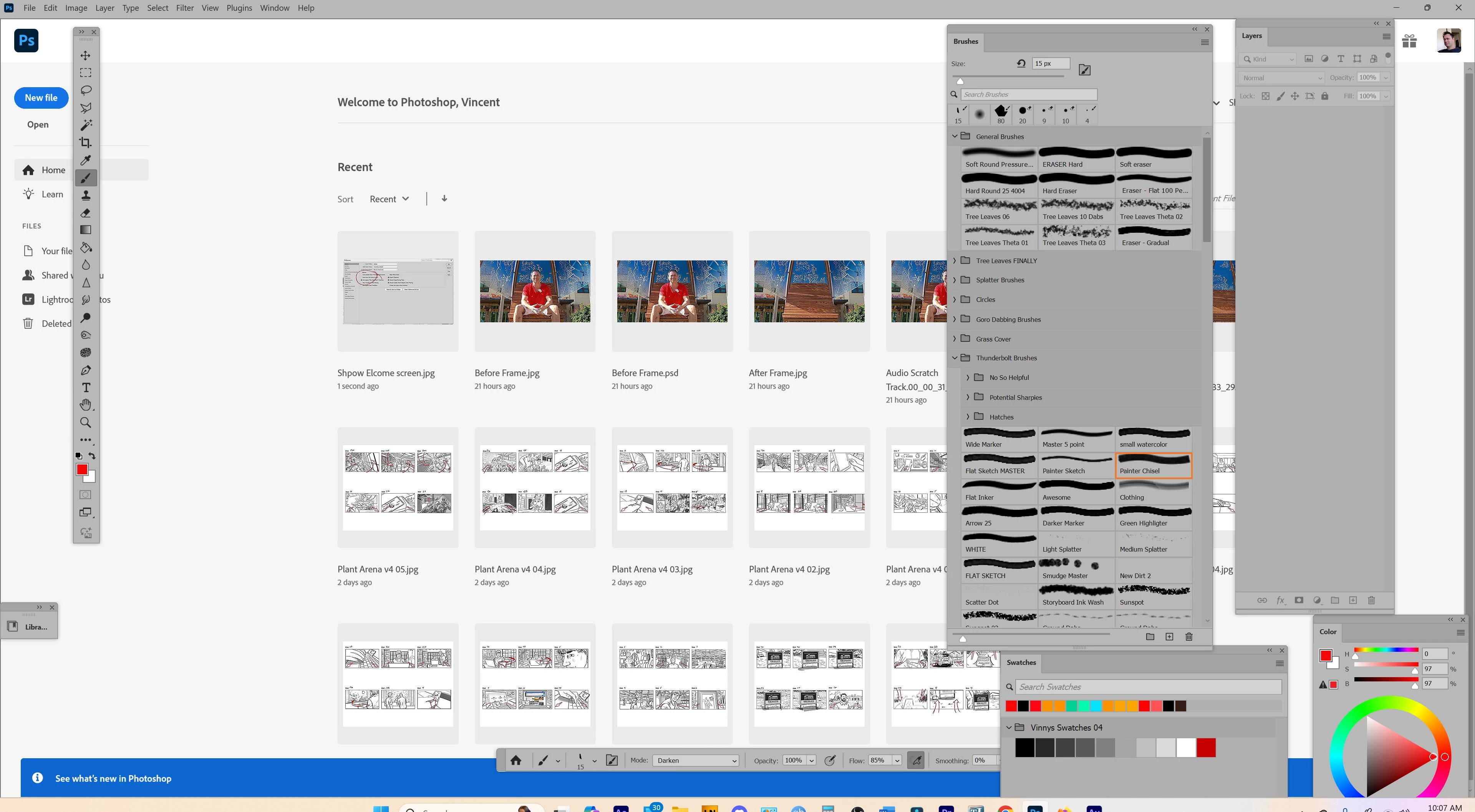
Welcome Screen stuck on in the Background

  • December 23, 2024
  • 1 reply
  • 163 views

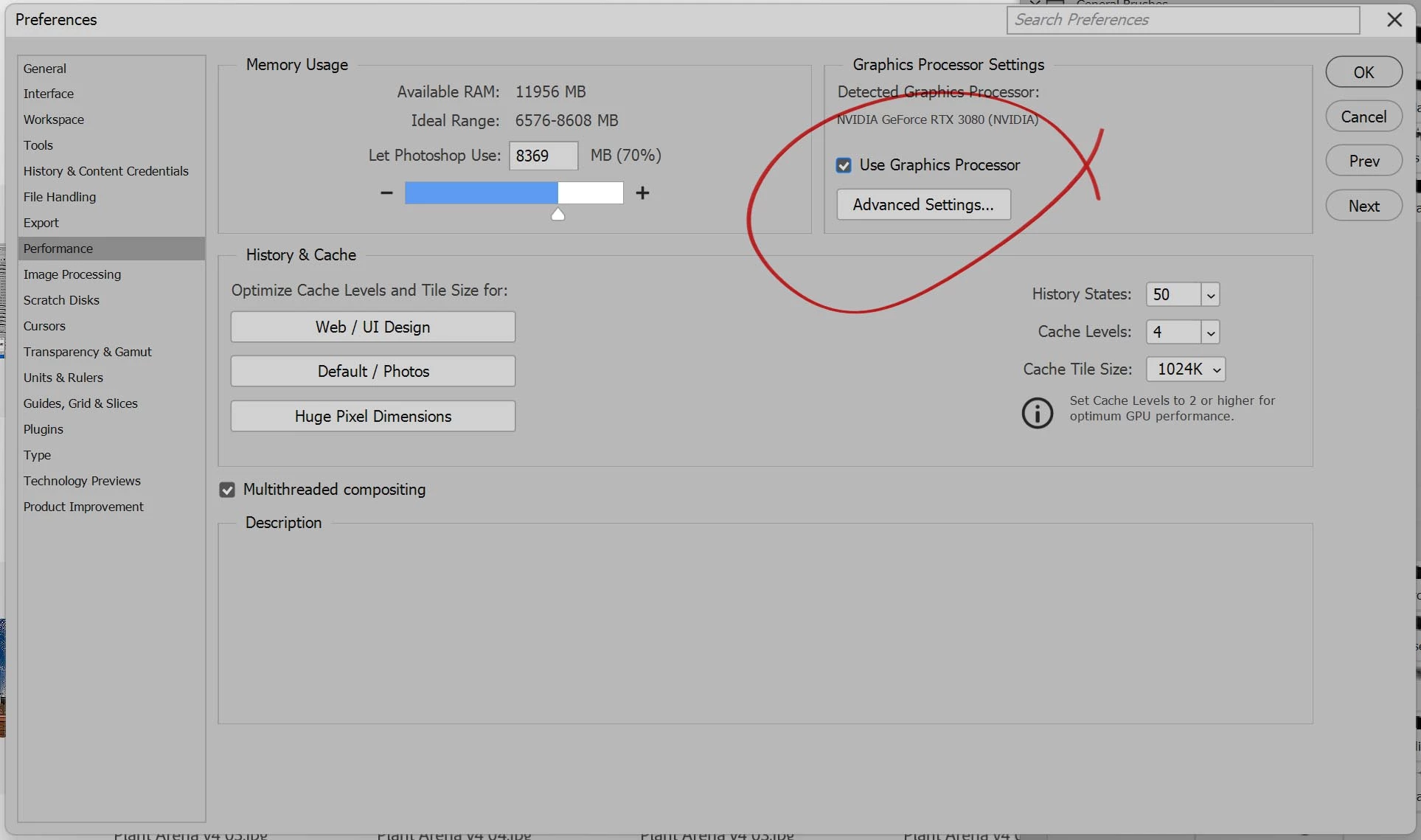
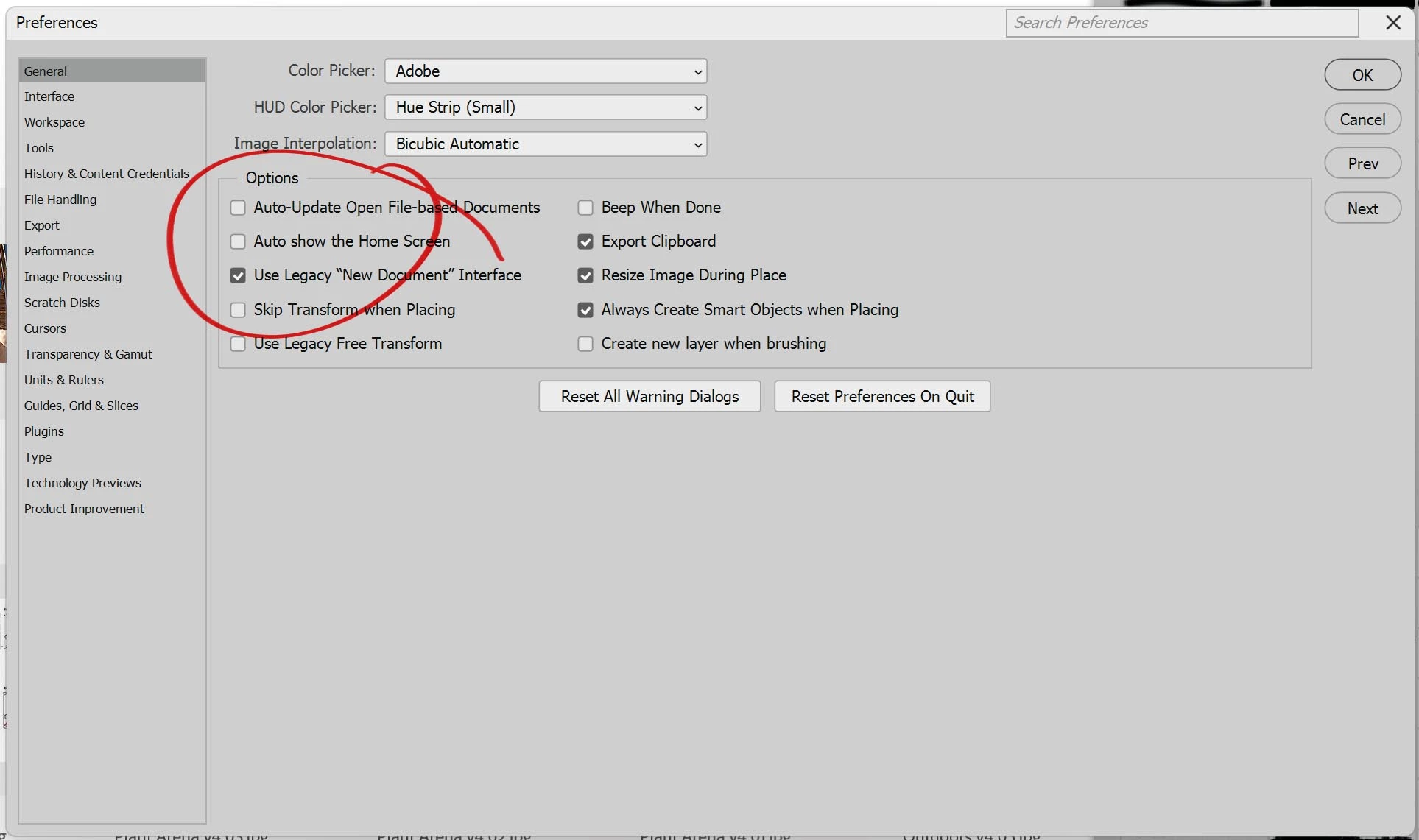
A few days ago Photoshop updated.  Now thgw welcome screen shows upo when i start the program (I had previously set it to never open) and remains present in the BG. I have the "Auto show the homescreen" option set off by default.. but I went aherad and toggled it on, then off again.. to no avail.  I also turned "Use Graphics processor" off.  Then on again.. also with no result.


I'm on  windiws 11 professional and have the latest Photoshp (26.2.0) installed


It's frustrating and it's maing it difficult to get any work done.  Any idea how I can fix this?
 

This topic has been closed for replies.

1 reply

Community Expert
December 23, 2024

Try to reset the preferences of Photoshop using the steps described here:

https://helpx.adobe.com/photoshop/using/preferences.html#reset-preferences

It's recommended to backup your settings before resetting the preferences.

See here:  https://helpx.adobe.com/photoshop/using/preferences.html#backup-photoshop-preferences


My System: Intel i7-8700K - 64GB RAM - NVidia Geforce RTX 3060 - Windows 11 Pro 25H2 -- LR-Classic 15 - Photoshop 27 - Nik Collection 9 - PureRAW 6 - Topaz Photo AI