Photoshop Preferences (Ctrl k) > Tools > Show Transformation values > choose "Never" from the drop-down menu.
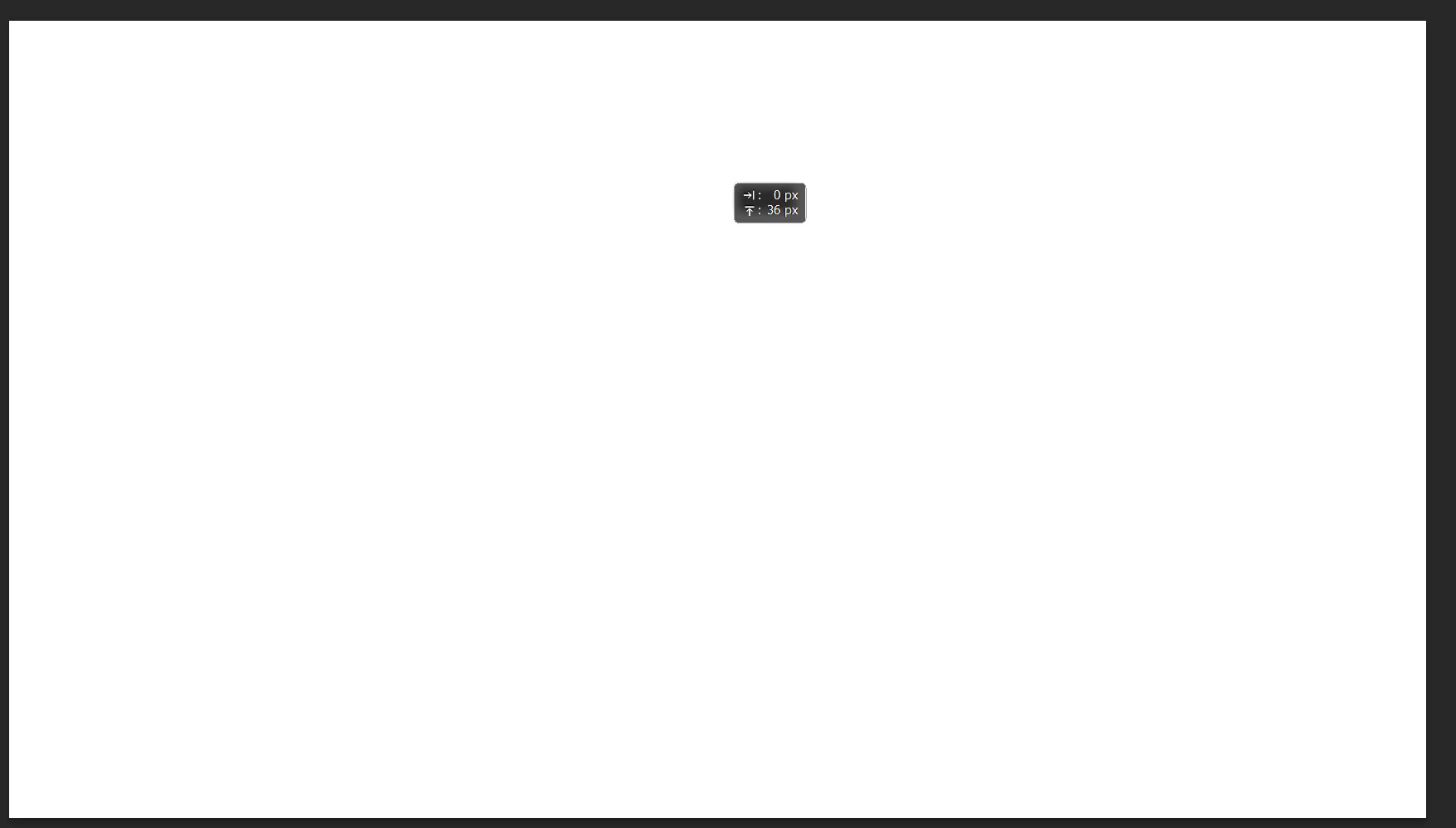
When I use the Move Tool on an object, that "heads-up display" is meant to help me position it or set a certain size. Units can be pixels or other units. Remember where you turned it off if you find a need for it.
Photoshop Preferences (Ctrl k) > Tools > Show Transformation values > choose "Never" from the drop-down menu.
When I use the Move Tool on an object, that "heads-up display" is meant to help me position it or set a certain size. Units can be pixels or other units. Remember where you turned it off if you find a need for it.
That is a huge help. I set the Transformation values to Never. The darned transformation values box continued to show up until I closed the program and restarted. Many thanks again for the name of the box and the instructions for making it disappear!




 AdChoices