
KariKorpihete
Known Participant
September 20, 2024
Question

What is This

  • September 20, 2024
  • 9 replies
  • 634 views

This kind of buki is in my Photoshop deskop version??
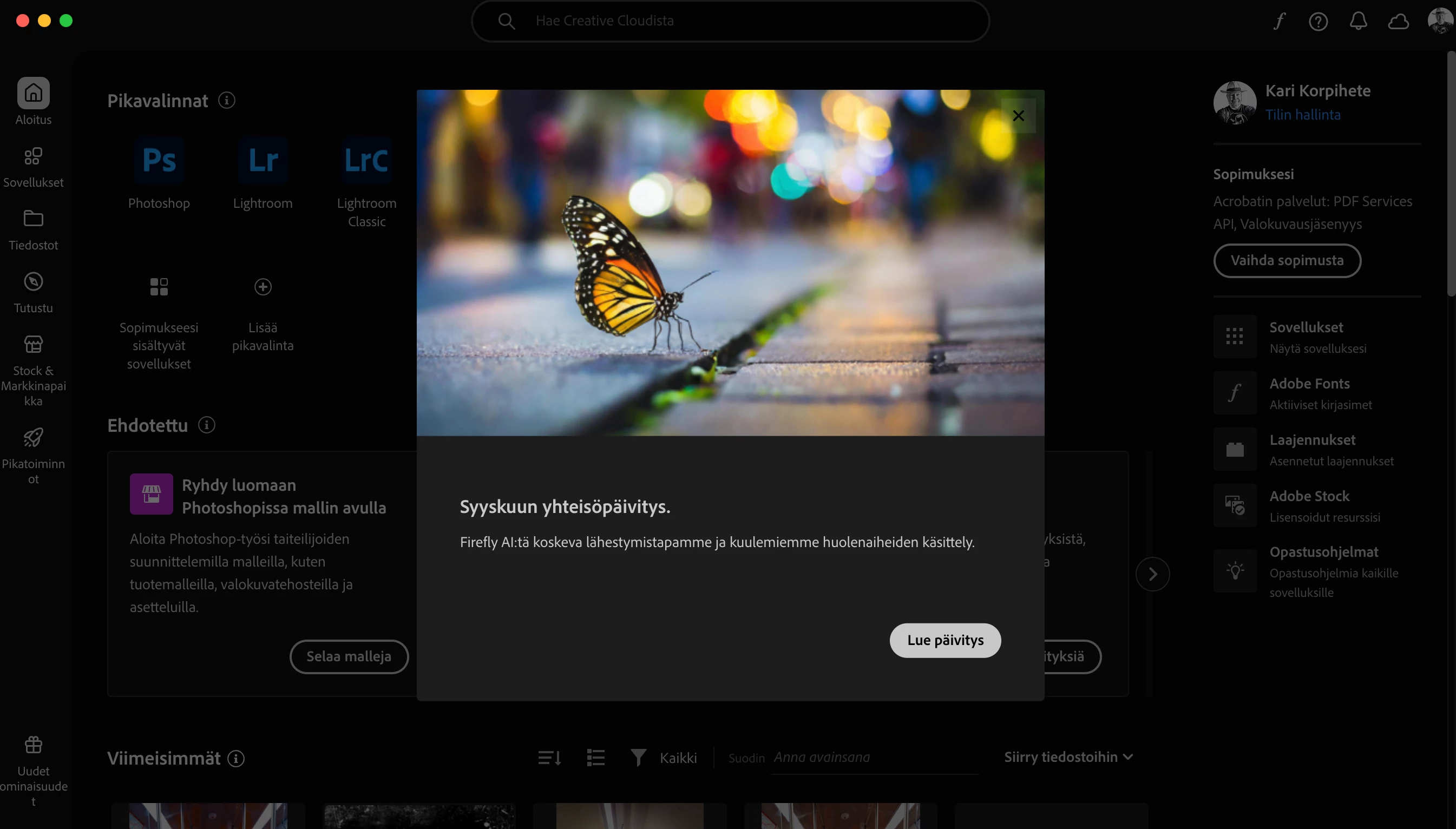

This topic has been closed for replies.

9 replies

jane-e
Community Expert
Community Expert
October 19, 2024

@KariKorpihete 


The black X close button in the upper right is difficult to see. I took this screenshot from your image and marked the X in red.


Jane


Participating Frequently
October 19, 2024

Escape key worked for me, I know others say "there is an x out button" but I think they failed to realize that the interaction screen fails to capture mouse input for this particular issue

Spas K.
Community Expert
Community Expert
September 30, 2024

There is a little black X on the top right corner of the popup, from where you can close it. But it's definitely hard to see...

Participating Frequently
September 30, 2024

I hit escape and seemed to have resolved the issue

Participating Frequently
September 30, 2024

I am having the same issue, I suspect they want you to use your apps through the web browser so the can collect data that way, instead on your device

KariKorpihete
Known Participant
September 21, 2024

I cant get stuck on The whole page.

Semaphoric
Community Expert
Community Expert
September 20, 2024

Can you click on one of the buttons not in the popup?

KariKorpihete
Known Participant
September 20, 2024

the problem is that it asks to go to the "read update" page and there is no solution, and this happens every time I try to go to check for updates in the Creative Cloud application???

MarekMularczyk
Community Expert
Community Expert
September 20, 2024

What exactly is the problem? Your screenshot doesn't show Photoshop...


Adobe Community ExpertAdobe Certified Professional