Photoshop program errors can happen for a variety of reasons. I hope the steps Alex shared above helped resolve the issue. If not, please share the details we requested earlier so we can assist you further.
In the meantime, you can also try the troubleshooting steps outlined here: https://adobe.ly/4lHiKlt
Unfortunately you haven't given us detailed infos about your issue and any information about your system. Therefore, all proposed solutions are a look into the crystal ball.
Please provide a copy of your 'System Info'. This can be get from the Photoshop menu item Help > System Info. There's a copy button in the System Info dialog. Press this button and paste the info into your next forum post.
What do you try to do when the error message occur?
What are the steps to reproduce the problem?
What steps did you've try to solve the issue?
In the meantime try to reset the preferences of Photoshop using the steps described here:
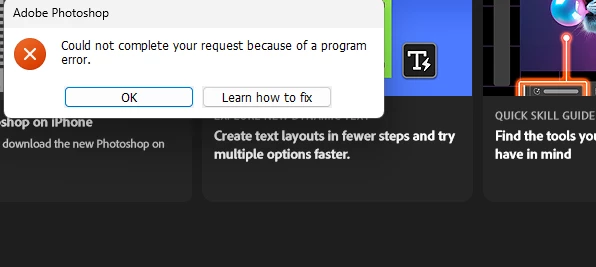
in addition, please tell us what happened when you clicked the button that says "Learn how to fix". Can you also provide the link to the URL so we can see what you are seeing?




 AdChoices