
Inspiring
September 18, 2023
Answered
What is this? (Photoshop tips)
- September 18, 2023
- 1 reply
- 1451 views
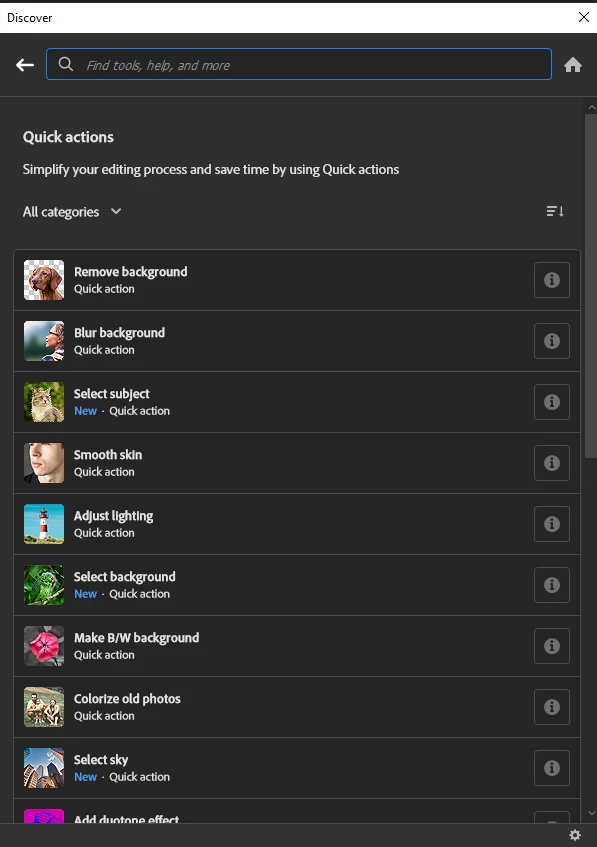
When I open up Photoshop CC I get a screen that says "Suggestions" and then under that "Tips" and it starts off with a picture of a guy with blotchy, acne-covered skin and the caption "Smooth Skin". And a button that says "Try It Now". So I click the button and it opens a JPEG of the image along with a dialog box labeled "Discover" that has stuff in it like "Layer basics" and "Work with layers" and other elementary stuff.
See attached image.
The caption "Smooth Skin" suggests that I'm going to get a tutorial about how to smooth skin, like maybe a workflow. But I don't see one. Am I overlooking it? What is Adobe doing here? Thanks in advance.


 AdChoices