Known Participant
December 30, 2021
Answered

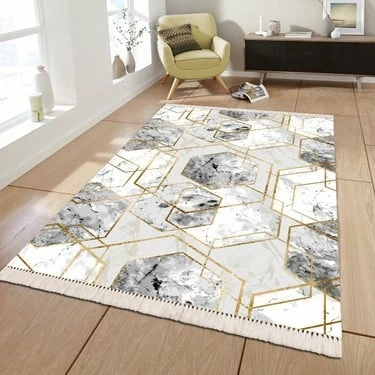
What should I do to replace the carpet pattern with this carpet pattern?

  • December 30, 2021
  • 2 replies
  • 1061 views

Hi,


I want to replace this carpet pattern with the following pattern.
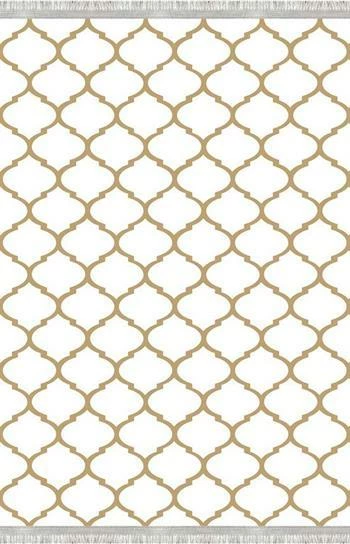
 

 How can I do that? Can you help me?

This topic has been closed for replies.
Correct answer c.pfaffenbichler

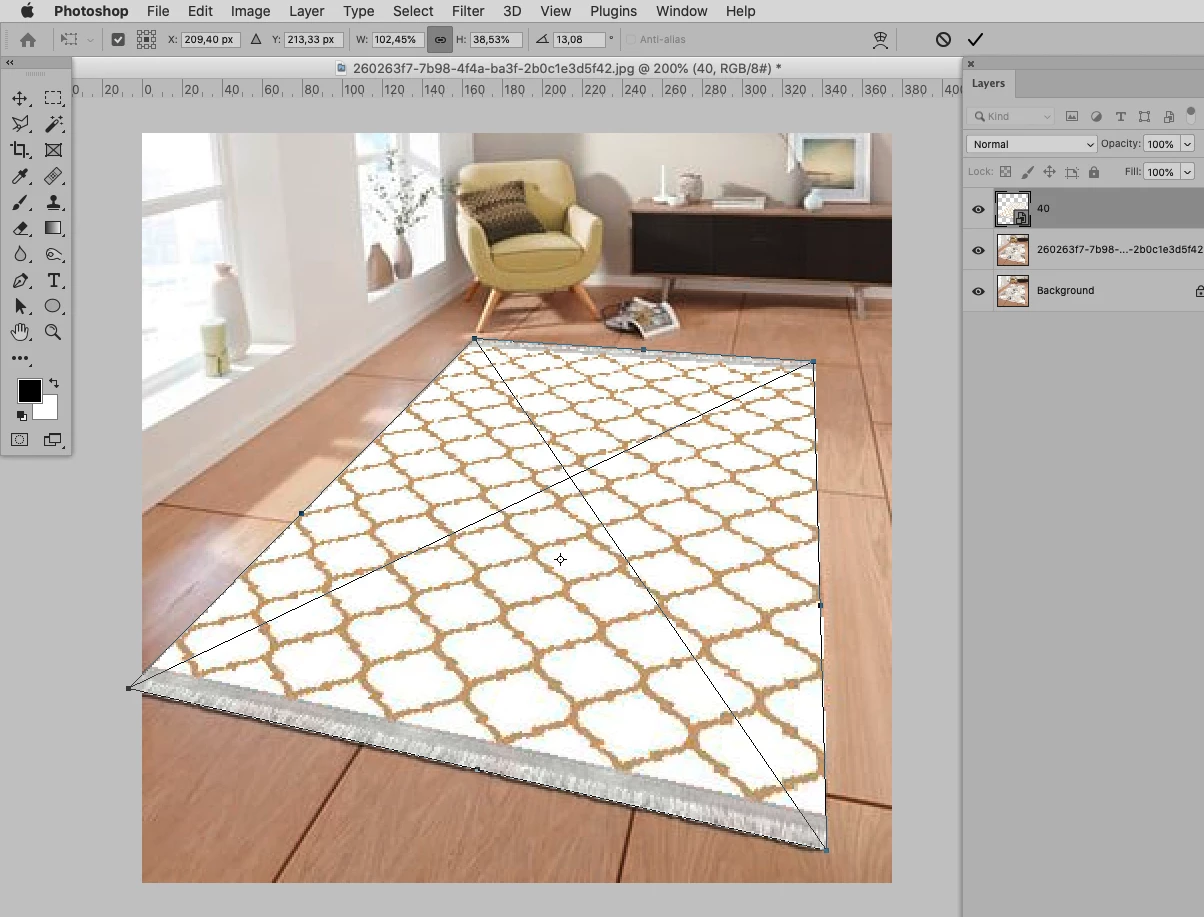
• File > Place Embedded 

• then transform by cmd-click-dragging the corner points

Should the edges with the frindges be maintained? 
2 replies

c.pfaffenbichler
Community Expert
Community Expert
December 30, 2021

Faking shadows from the walls and other objects might help improve the overal look. 

Known Participant
December 30, 2021

Thank you very much, it really helped a lot. One more little question, How did you add this fake shadow/light?

c.pfaffenbichler
Community Expert
Community Expert
December 30, 2021

• I used the Pen Tool to create a Path that »elongates« the shadows, 

• Layer > New Fill Layer > Solid Color 

• set the Layer to the Blend Mode »Multiply« 

• use the Properties Panel to apply a Feather to the Shape Layer 

• apply a Layer Mask and brush in a little black to lighten the shadow on the right side 

c.pfaffenbichler
Community Expert
c.pfaffenbichlerCommunity ExpertCorrect answer
Community Expert
December 30, 2021

• File > Place Embedded 

• then transform by cmd-click-dragging the corner points

Should the edges with the frindges be maintained?