
Question
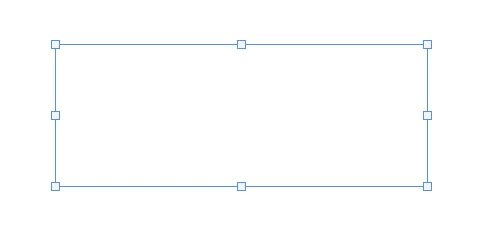
When I paste an image the box comes up but is transparent and blank
Hello, I am using photohsop for work and have had no issues up until today. I am trying to screenshot something from te web and paste it onto my document, as I have been doing all of last week, but for some reason whenever I have tried today the box comes up empty. I copy the screenshot and paste it onto the sheet and I can see the outline of the box where I pasted it, but its blank and translucent. I am not sure what changed since I havent touched any of the settings at all. When I move the box around, I can see everything through it so its not just a white box. How can I fix this issue?


 AdChoices