Participant
October 23, 2024
Question

When I upload images colora change. Dark and dull

  • October 23, 2024
  • 2 replies
  • 290 views

Never had this issue. 

This is my regular work process. 

I upload my images to my computer raw.

I've been upload my images to photoshop n I edit them a camera raw.

I then save as.

And that is it.

I was editing last night and when I looked at my album from my phone. It was dark and dull. I will screenshot both. 

What it looks on my computer and what it looks. When I upload the image on any device.. 
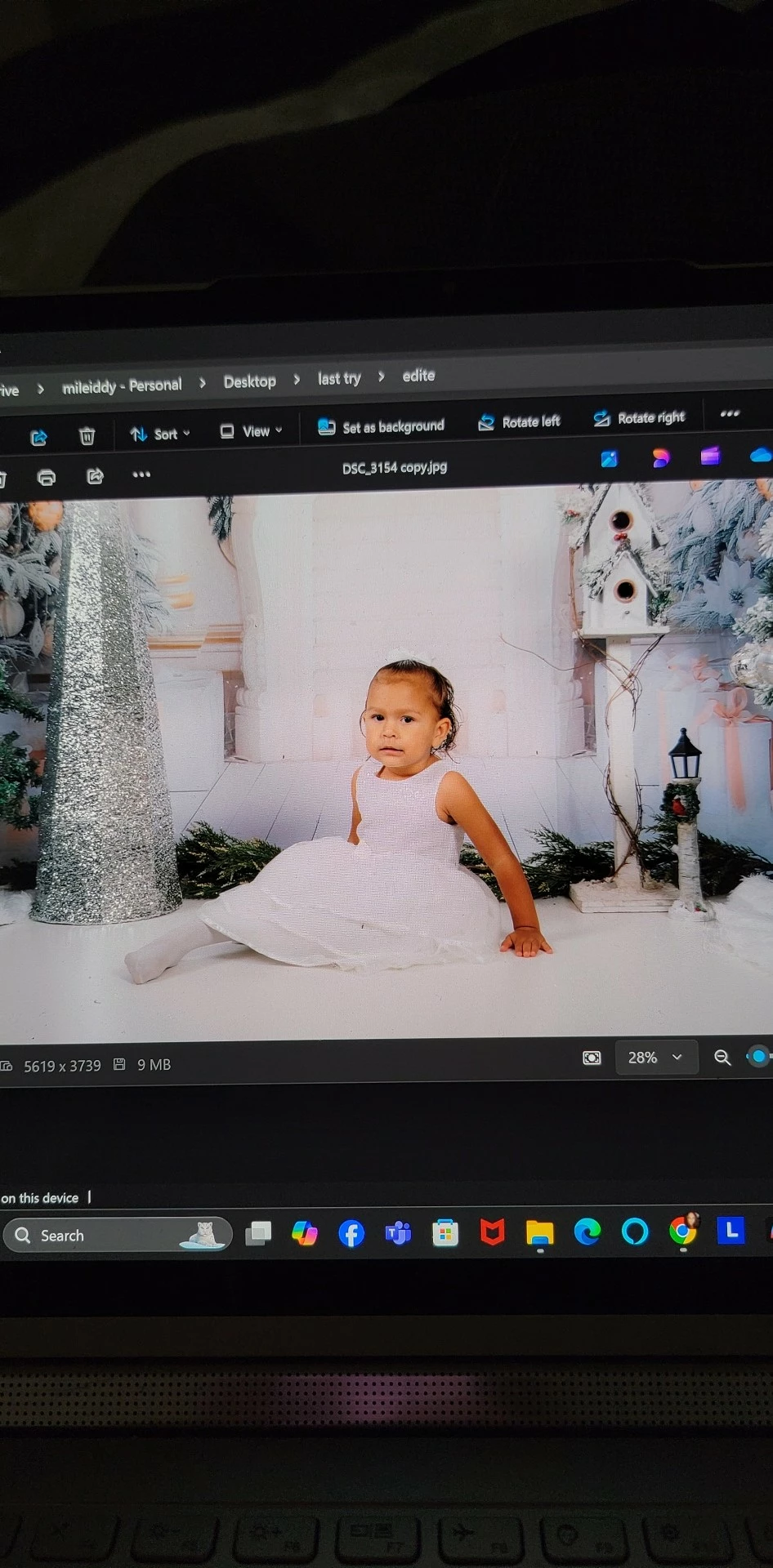


This topic has been closed for replies.

2 replies

NB, colourmanagement
Community Expert
Community Expert
October 24, 2024

@rut29504854tb0m yep, generally it works to use sRGB colourspace when exporting to handhelds. However, a P3 file with embedded icc profile works for me on an iPhone:


Try this

Recent models of iPad, Android (such as Samsung) and iPhone have factory calibration which is pretty reliable, so they are quite consistent - of course brightness is user adjustable. 

IF your main computer screen is correctly calibrated and profiled and if you save images with the sRGB ICC profile embedded they should reproduce well on an iOS or Android device. My iPhone X matches my calibrated Eizo Coloredge screen very well.

Here's an Adobe RGB image to try on the computer - and a version with the DisplayP3 ICC profile embedded for the 1Pad / Android / iPhone (view in a browser on the device)

With all set up correctly on your computer, these should match well


https://developer.apple.com/design/human-interface-guidelines/ios/visual-design/color/


I hope this helps

neil barstow, colourmanagement net  - adobe forum volunteer - co-author: 'getting colour right'

google me "neil barstow colourmanagement" for lots of free articles on colour management

Help others by clicking "Correct Answer" if the question is answered.

Found the answer elsewhere? Share it here. "Upvote" is for useful posts.

D Fosse
Community Expert
Community Expert
October 23, 2024

I'm seeing this on my phone, but I'm guessing this is a file saved with Display P3 profile, and viewed in an application/device that doesn't support color management or saved without an embedded profile at all.


Convert to sRGB and it should be closer, and always embed the profile.


Here's why: ACR used to open into Photoshop as sRGB by default. Recently, this has been changed to Display P3 (if you ask me a very bad idea for several reasons, but there it is).


Change the color space in ACR workflow options/settings.