
Participant
February 16, 2024
Question

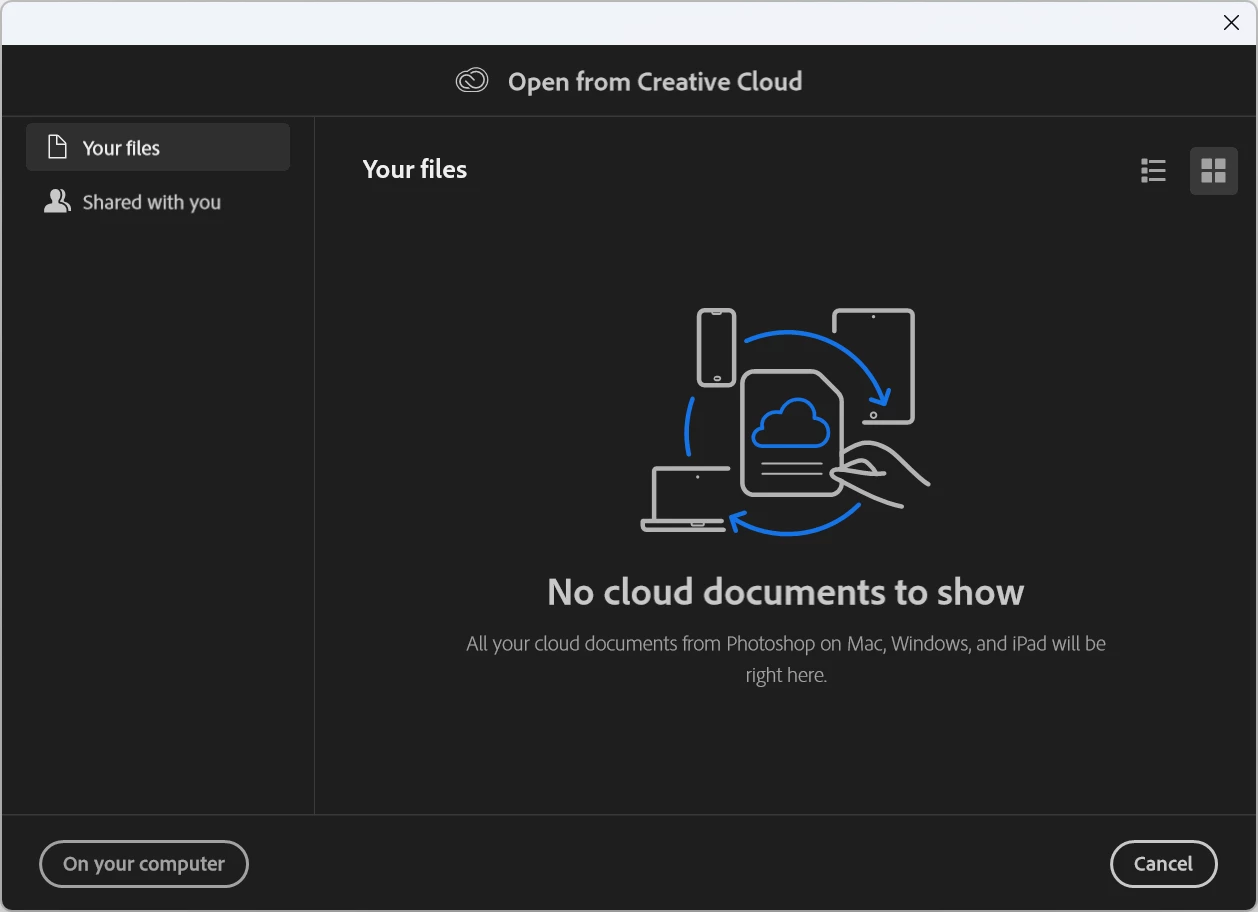
When im trying to open something in photshop

  • February 16, 2024
  • 3 replies
  • 194 views

Im getting this window, this is never happend to me before. when im doing "CRT+O"
I dont really want to see this window, i just want to open files from my coputer. can someone help?
I just want to disable this.
 

This topic has been closed for replies.

3 replies

Myra Ferguson
Community Expert
Community Expert
February 17, 2024

Try clicking the On your computer button to open something. Then try Ctrl + 0 again. I'm seeing that subsequent attempts to open files uses the regular Open dialog to navigate to files on my computer.

Ged_Traynor
Community Expert
Community Expert
February 17, 2024

@Mikerobox set the default file location to "on your computer" in preferences

MikeroboxAuthor
Participant
February 17, 2024

I already tried this one, that option is already on "On your computer"

kglad
Community Expert
Community Expert
February 16, 2024

in the future, to find the best place to post your message, use the list here, https://community.adobe.com/

p.s. i don't think the adobe website, and forums in particular, are easy to navigate, so don't spend a lot of time searching that forum list. do your best and we'll move the post (like this one has already been moved) if it helps you get responses.


<"moved from cc desktop bugs">