
Answered
when saving or exporting from psd to jpeg the picture becomes over saturated
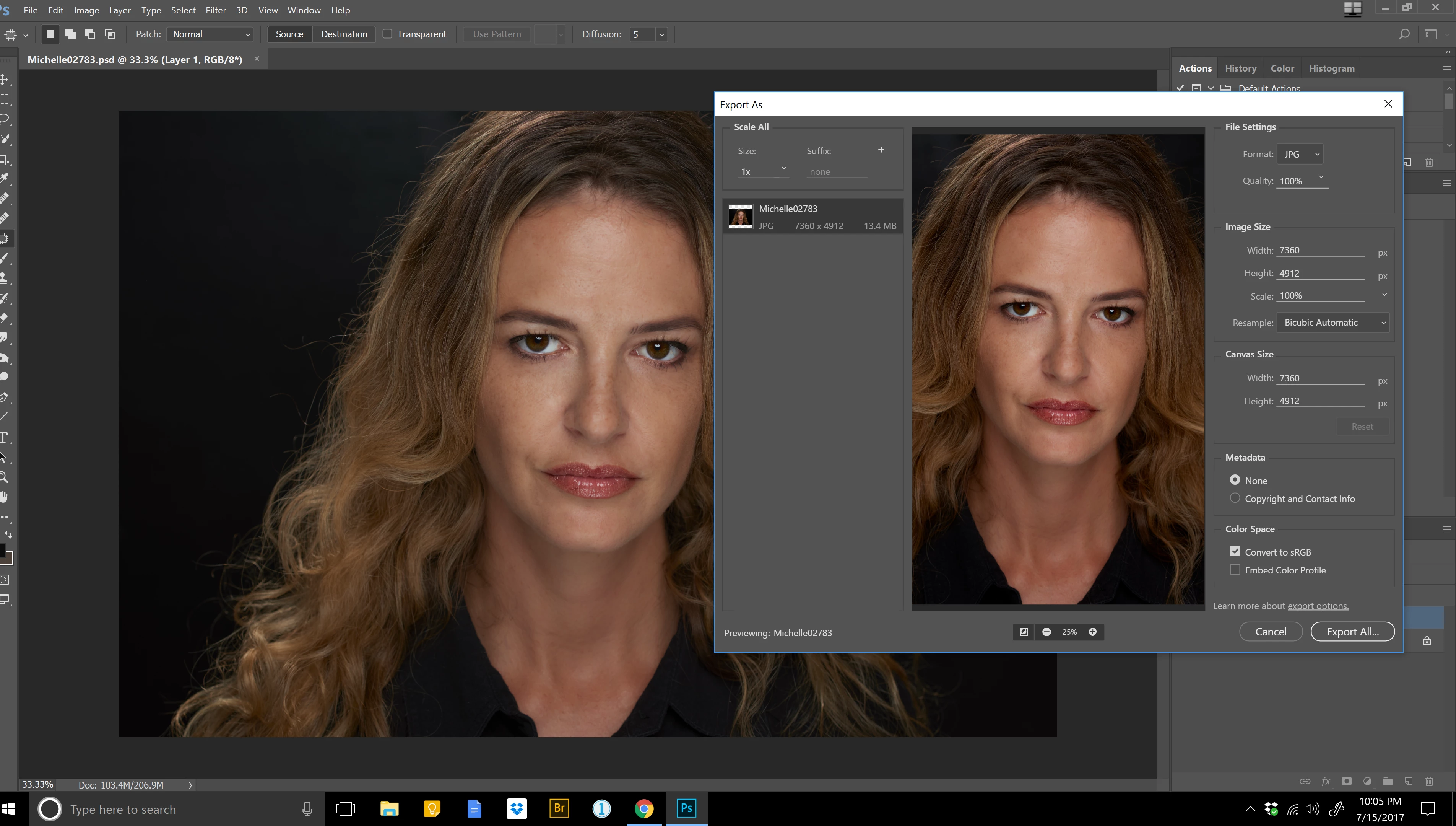
All color space settings are set to sRGB.

All color space settings are set to sRGB.
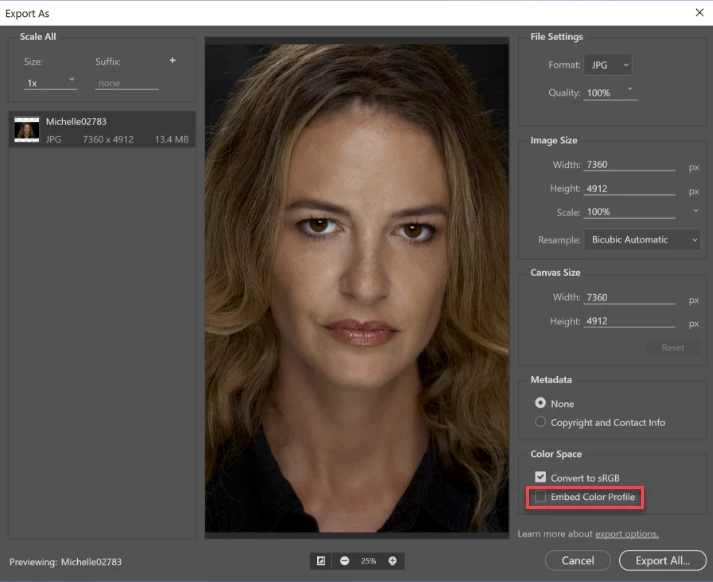
As mentioned by D Fosse you have to check Embed Color Profile in the Export dialog.
The image should then display the same as Photoshop in color managed applications.
In applications that are not color managed, it will always display over saturated on a wide gamut monitor, no matter what settings you use.
Already have an account? Login
Enter your E-mail address. We'll send you an e-mail with instructions to reset your password.
 AdChoices