



Electric+eternity
Participant
July 12, 2026
Answered

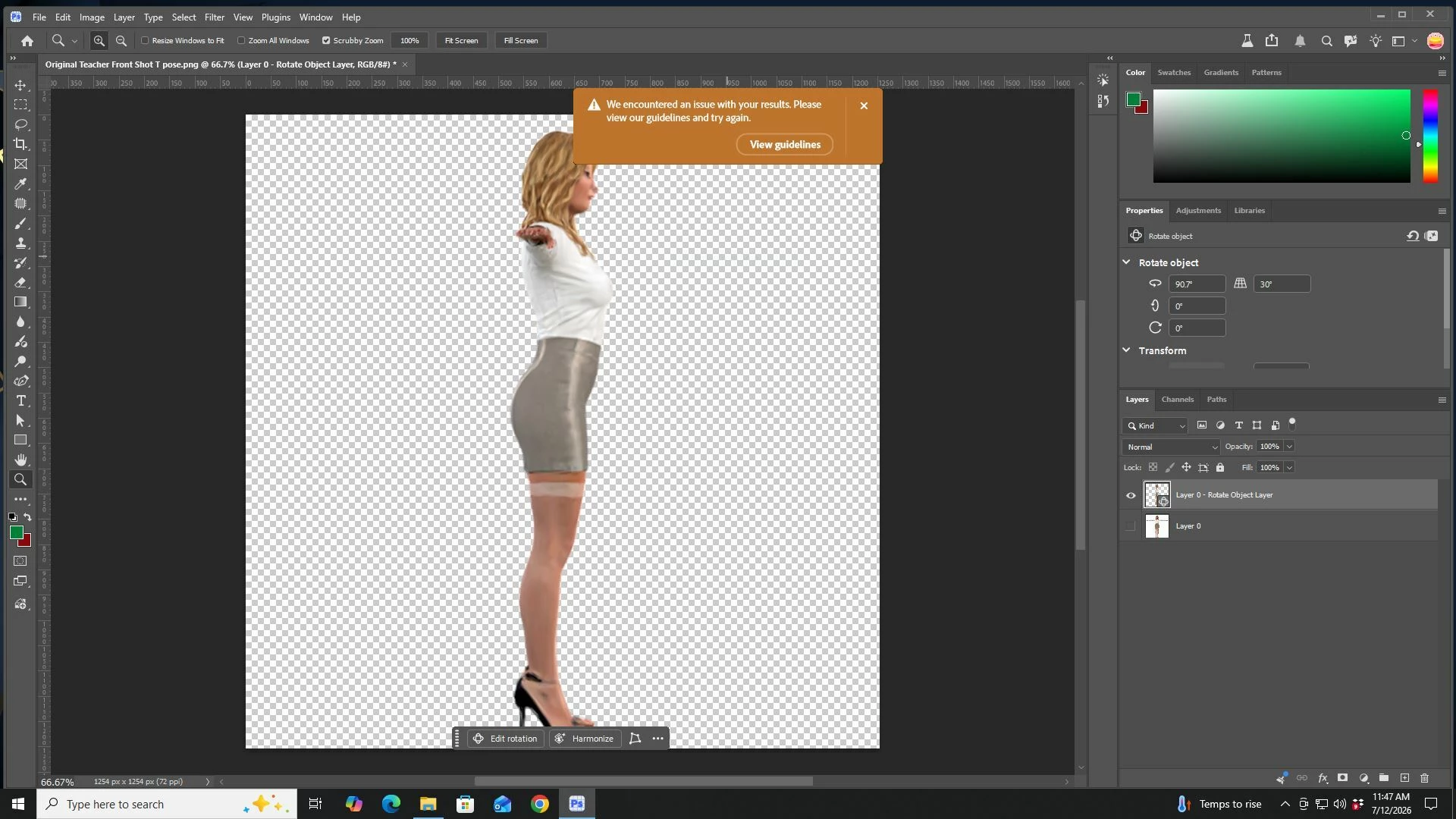
While rotating the object in T pose in side view. The Adobe application doesn't allow me to do so. An error displayed: "We encountered an issue with your results. Please view our guidelines and try again."
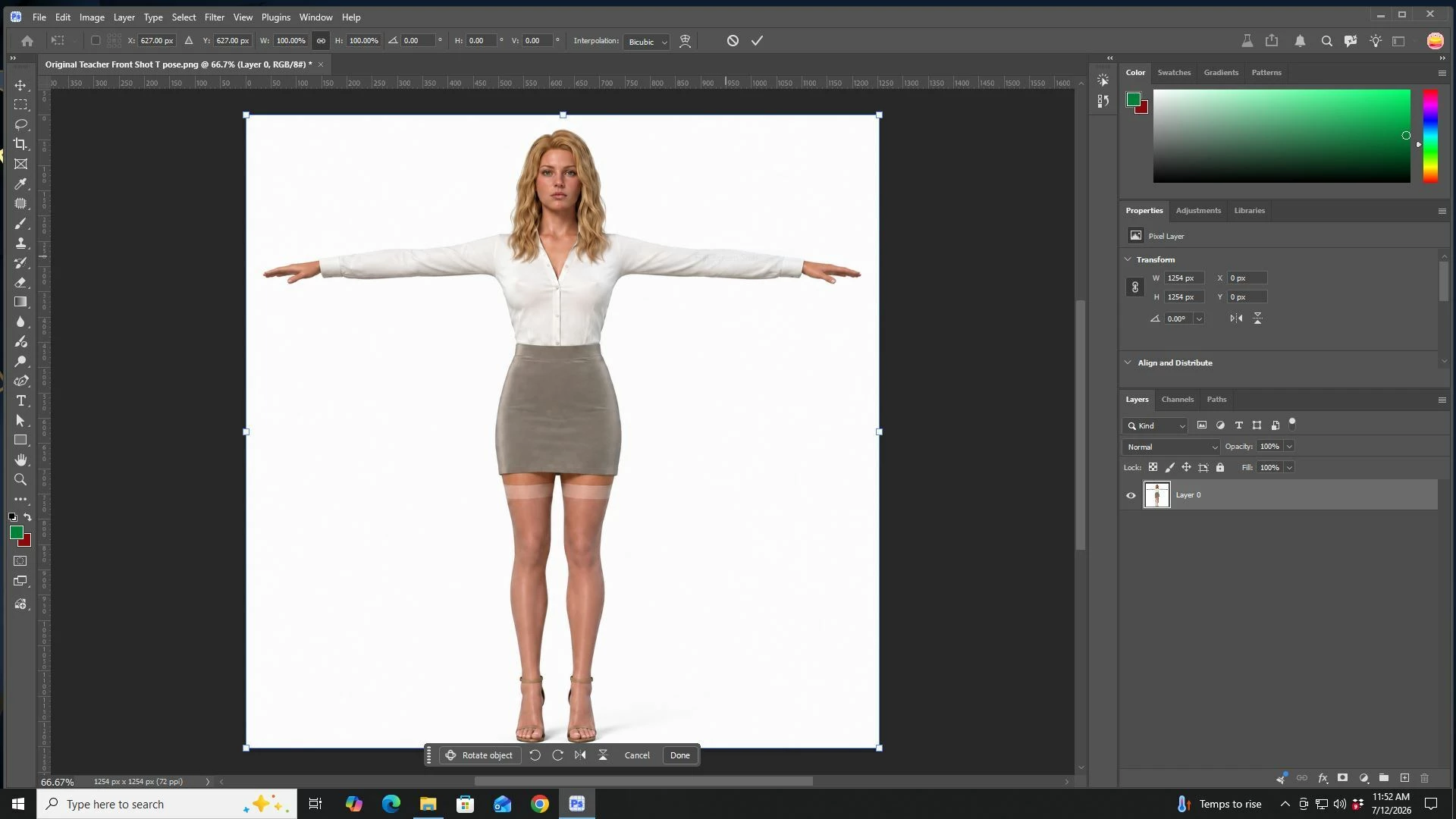
  • July 12, 2026
  • 1 reply
  • 28 views


The Adobe application will not complete any rotations. Instead a orange error is displayed all the time.

Correct answer Trevor.Dennis

My guess is that it thinks your ‘object’ has too much skin showing.  A lot of people get frustrated with being nannied by what they consider a ridiculously OTT ethical stance by Adobe.  I have got round this sometimes by hiding the skin, but that won’t work when you are trying to rotate your object because it needs to render the end pose, and would hard wire the hiding layer into the render.

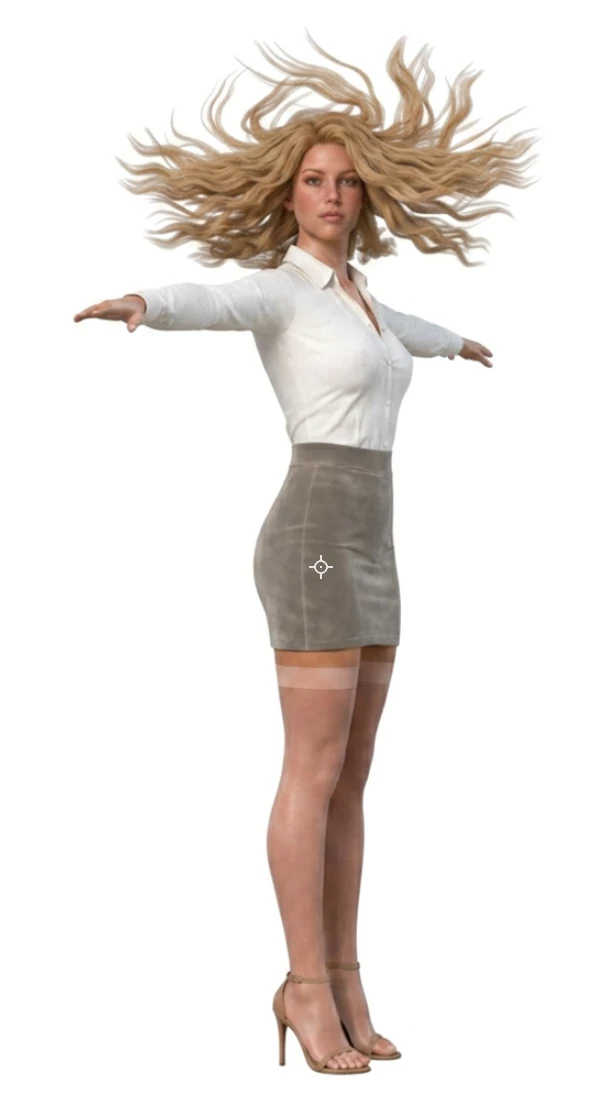
The only thing I can suggest is to come at it from another direction.  i.e. I tried doing it with a text prompt, but unfortunately I typed too quickly and the speed of the spin messed up the lady’s hair!  :-(


1 reply

Trevor.Dennis
Community Expert
Trevor.DennisCommunity ExpertCorrect answer
Community Expert
July 12, 2026

My guess is that it thinks your ‘object’ has too much skin showing.  A lot of people get frustrated with being nannied by what they consider a ridiculously OTT ethical stance by Adobe.  I have got round this sometimes by hiding the skin, but that won’t work when you are trying to rotate your object because it needs to render the end pose, and would hard wire the hiding layer into the render.

The only thing I can suggest is to come at it from another direction.  i.e. I tried doing it with a text prompt, but unfortunately I typed too quickly and the speed of the spin messed up the lady’s hair!  :-(