
Participant
December 11, 2023
Question

white boxes around images in photoshop

  • December 11, 2023
  • 3 replies
  • 227 views

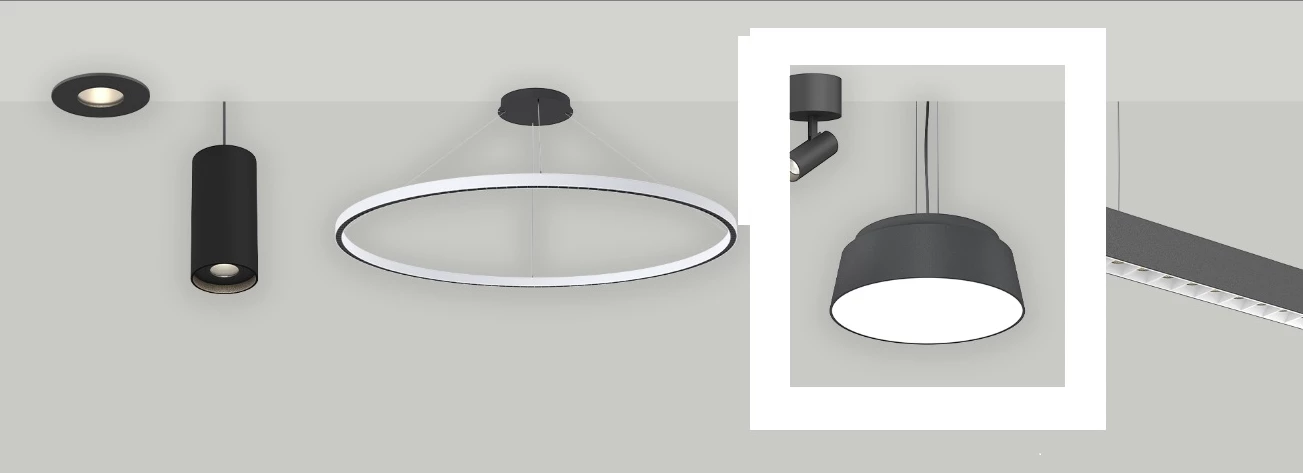
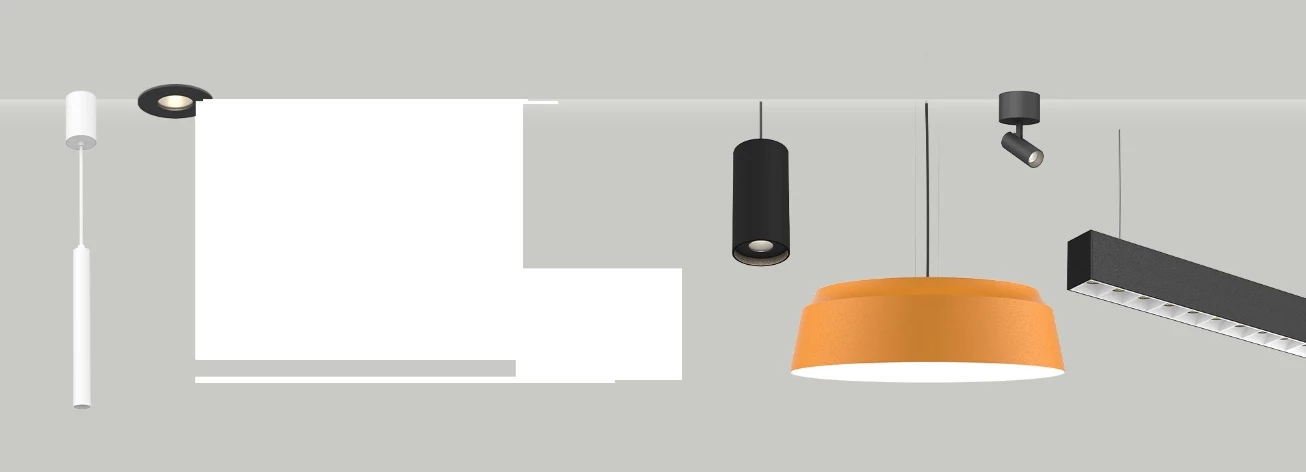
After placing an image in artboard, there are white boxes which appear around the image. y is it? to make it go i have to then transform the image to big and small and then it goes away... its not only happening on my laptop but also my colleagues laptop...is it some version defect?


This topic has been closed for replies.

3 replies

Kevin Stohlmeyer
Community Expert
Community Expert
December 11, 2023

@Khushboo34177471ty9b First make sure you are on Photoshop v 24.7 or 25.2 - then go to Photoshop Technology Preview> Check "Disable Native Canvas" restart PS.

c.pfaffenbichler
Community Expert
Community Expert
December 11, 2023

To verify if the GPU is involved (as @Bojan Živković11378569 already surmised) try turning off »Use Graphics Processor« in the Performance Preferences (Photoshop > Preferences > Performance > Graphic Processor Settings) and restarting Photoshop. 

Bojan Živković11378569
Community Expert
Community Expert
December 11, 2023

Probably problem with GPU. Can you post content of Help > System Info?