
Participant
February 15, 2024
Question

White Bug

  • February 15, 2024
  • 1 reply
  • 189 views

Hello, Adobe is having new problems as it updates to the apps. My video card is also updated in the latest version in photoshop, but I get the same errors. I am having difficulty in my work. Dear Adobe Team please solve the problem from the root. I deleted, reinstalled facking problem not solved.
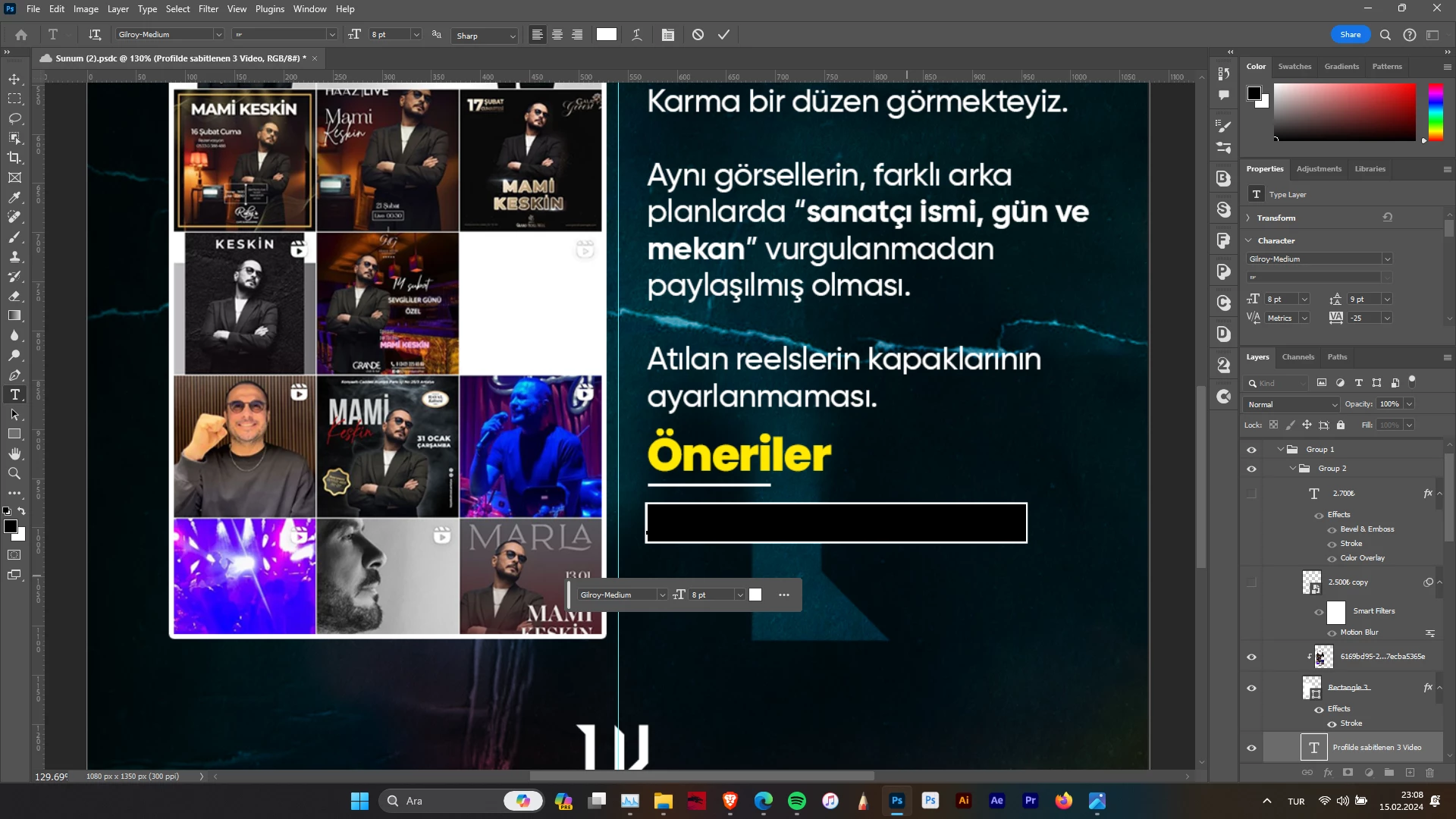
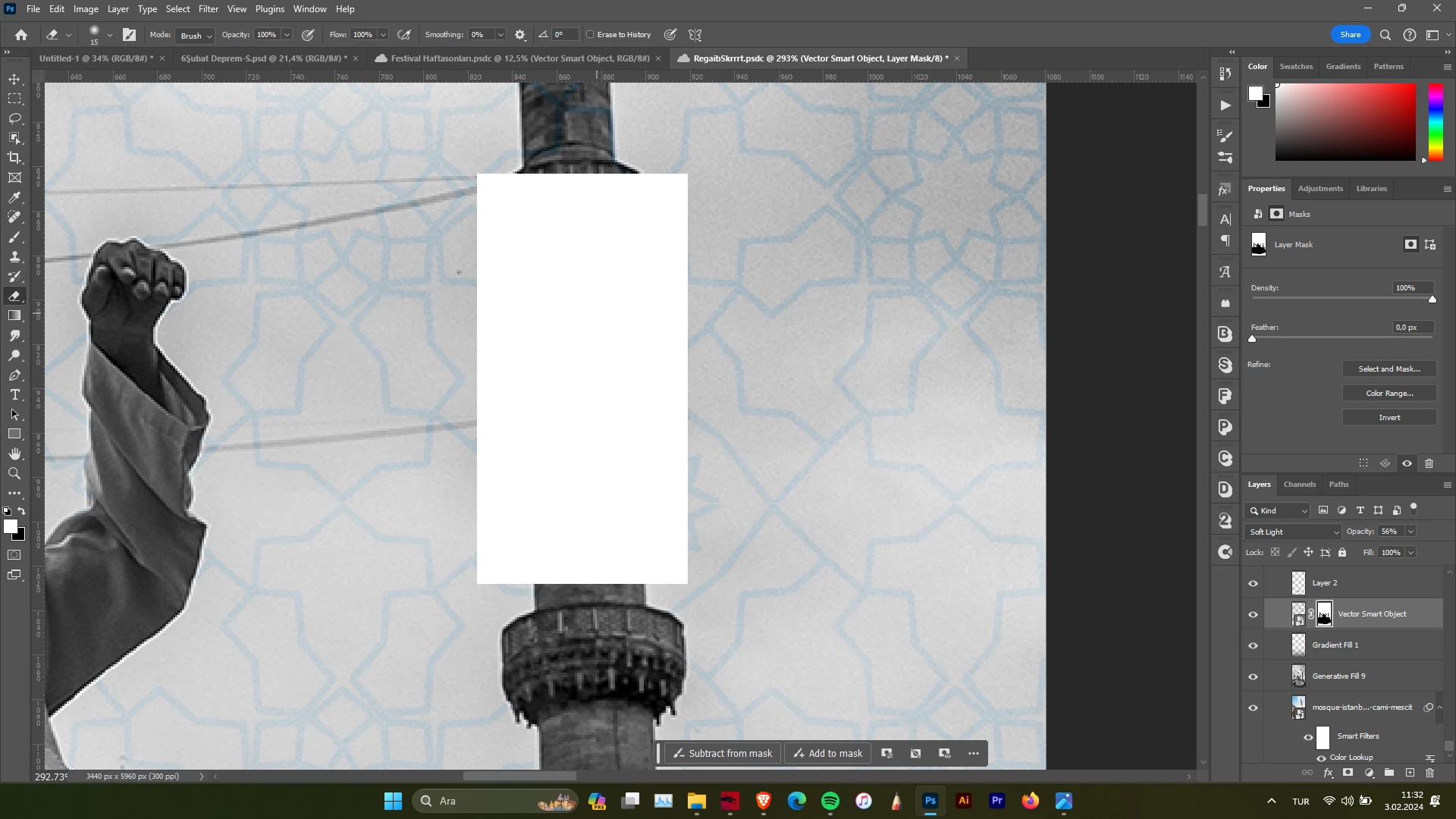
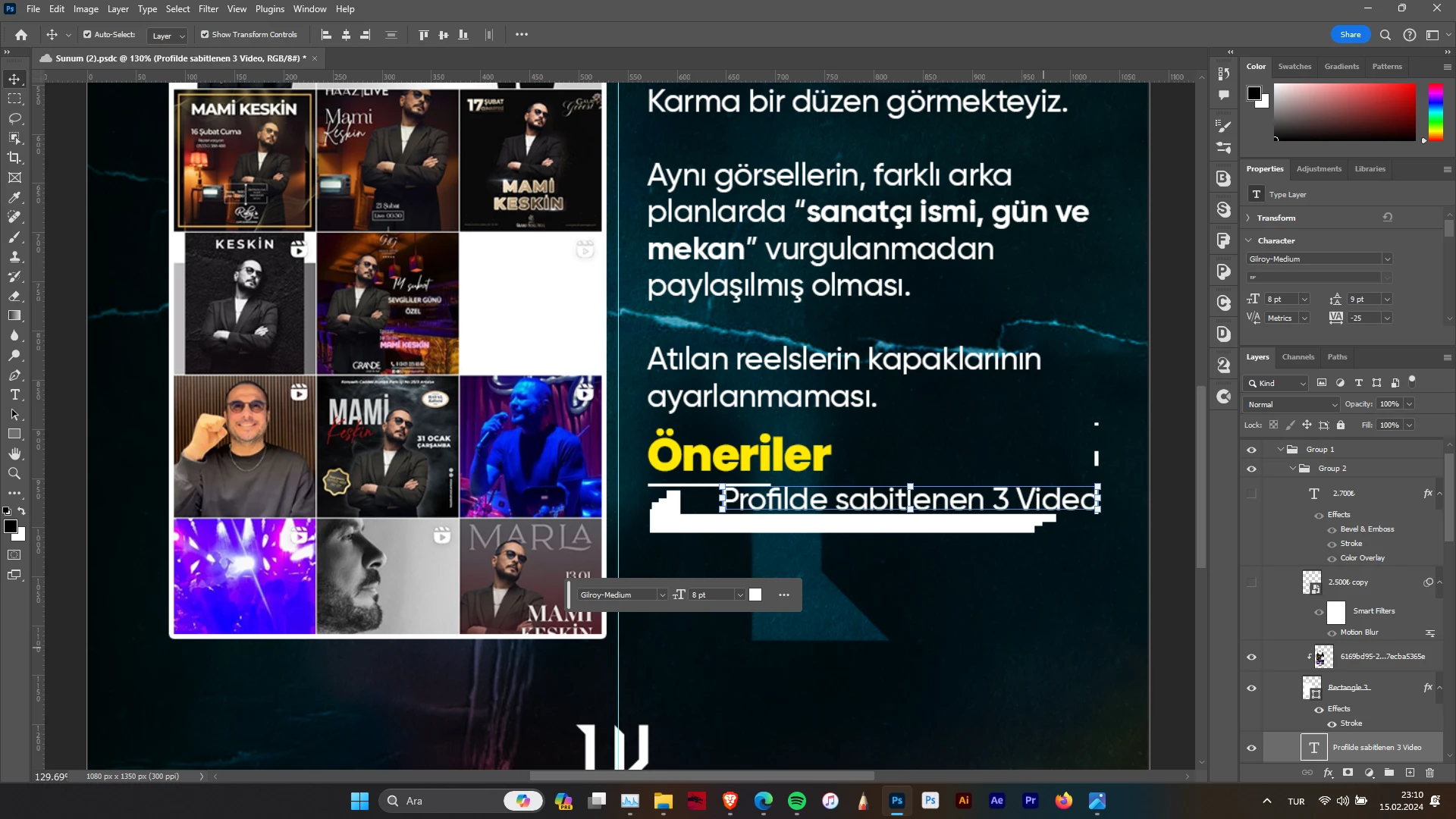
This topic has been closed for replies.

1 reply

Sameer K
Community Manager
Community Manager
February 29, 2024

Hey, @This is Vedart. Welcome to the Photoshop Community. I'll need more info to help you figure this out. Please share the system info from Photoshop Help > System info > Copy & paste into a text document > upload & attach here. 


I'll move this to discussions for now. Does this happen after a specific series of steps?

Try these steps:
Go to Edit > Preferences (CTRL + K) > Performance > Advanced Settings > Disable 'GPU Compositing' & restart Photoshop & check if it helps.

If this does not help, try this:
Go to Edit > Preferences (CTRL + K) > Technology Preview > Check the box for 'Deactivate Native Canvas' & restart Photoshop. 


Let me know how it goes.

Thanks!

Sameer K