Raster image editing requires huge amounts of memory, much more than any RAM you may have installed. That's why Photoshop uses a scratch disk. All that data has to go somewhere.
Think of the scratch disk as Photoshop's main memory, and RAM as a fast access cache.
You need to have enough free space for the scratch disk; and currently you don't. Depending on file sizes, history states and number of open files, you may need several hundred GB.
This is not a Photoshop setting. It's real physical disk space.
If you're low on space, clear out more. The user account on the C drive will fill up with all kinds of junk over time, put there by all your applications.
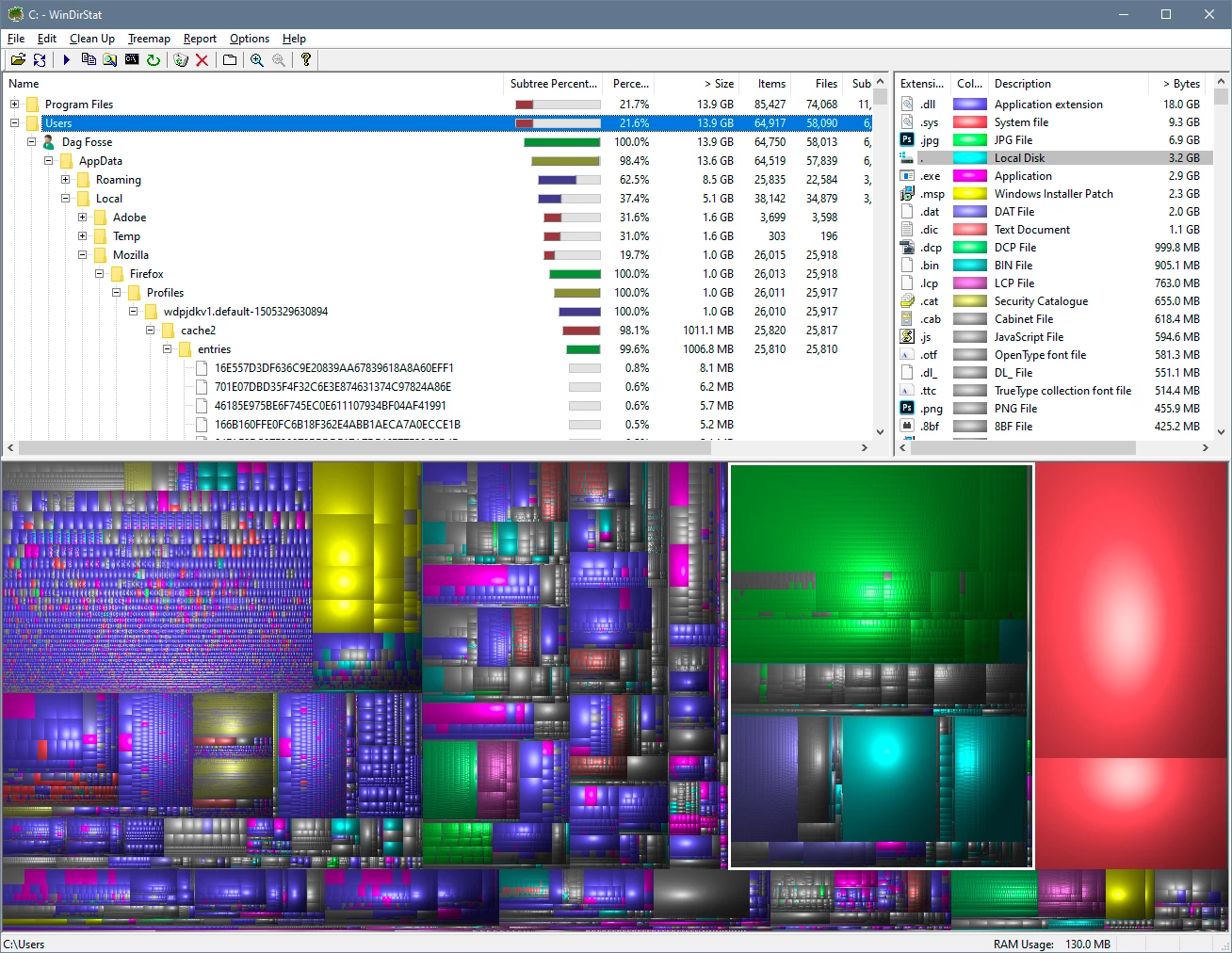
There is a free utility for Windows called WinDirStat, which will show you exactly what is filling up your drive, and where it is:

 AdChoices