
Answered
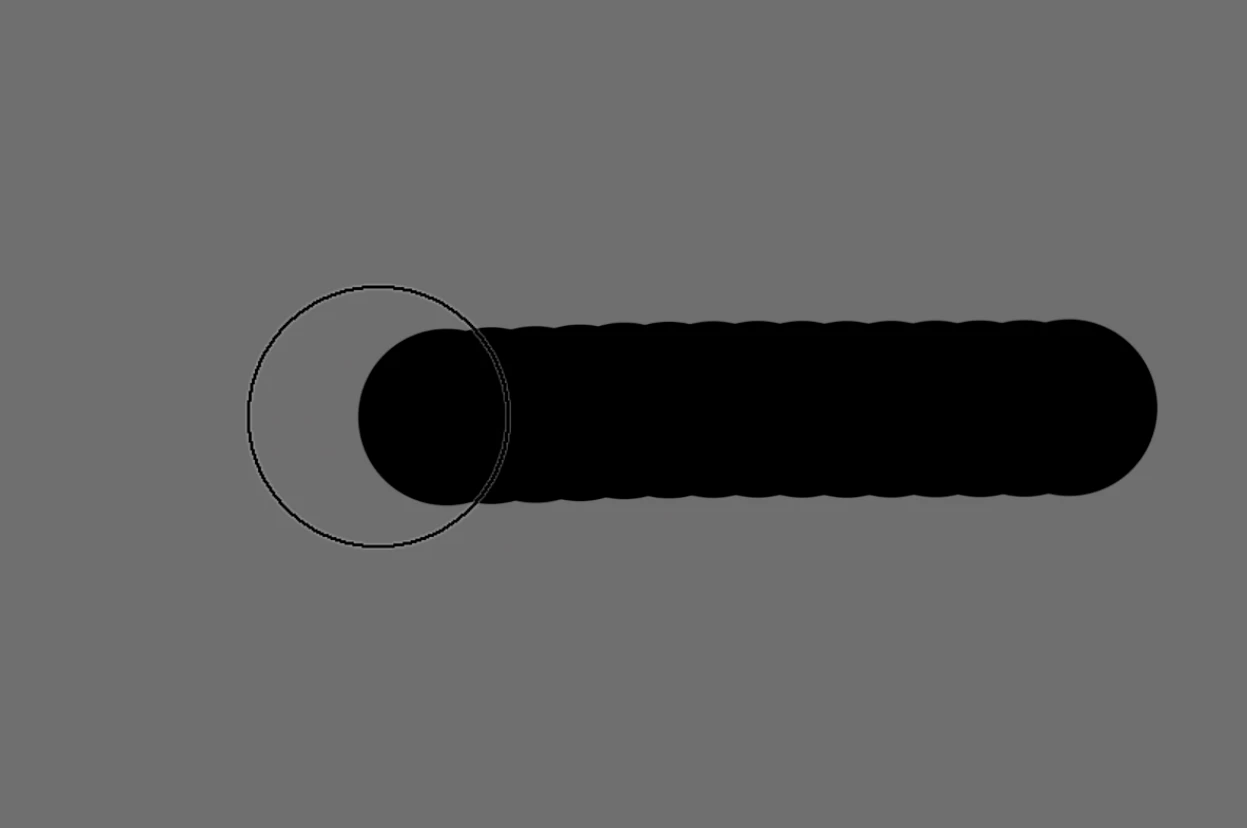
Why does the brush tool not fill the circle?
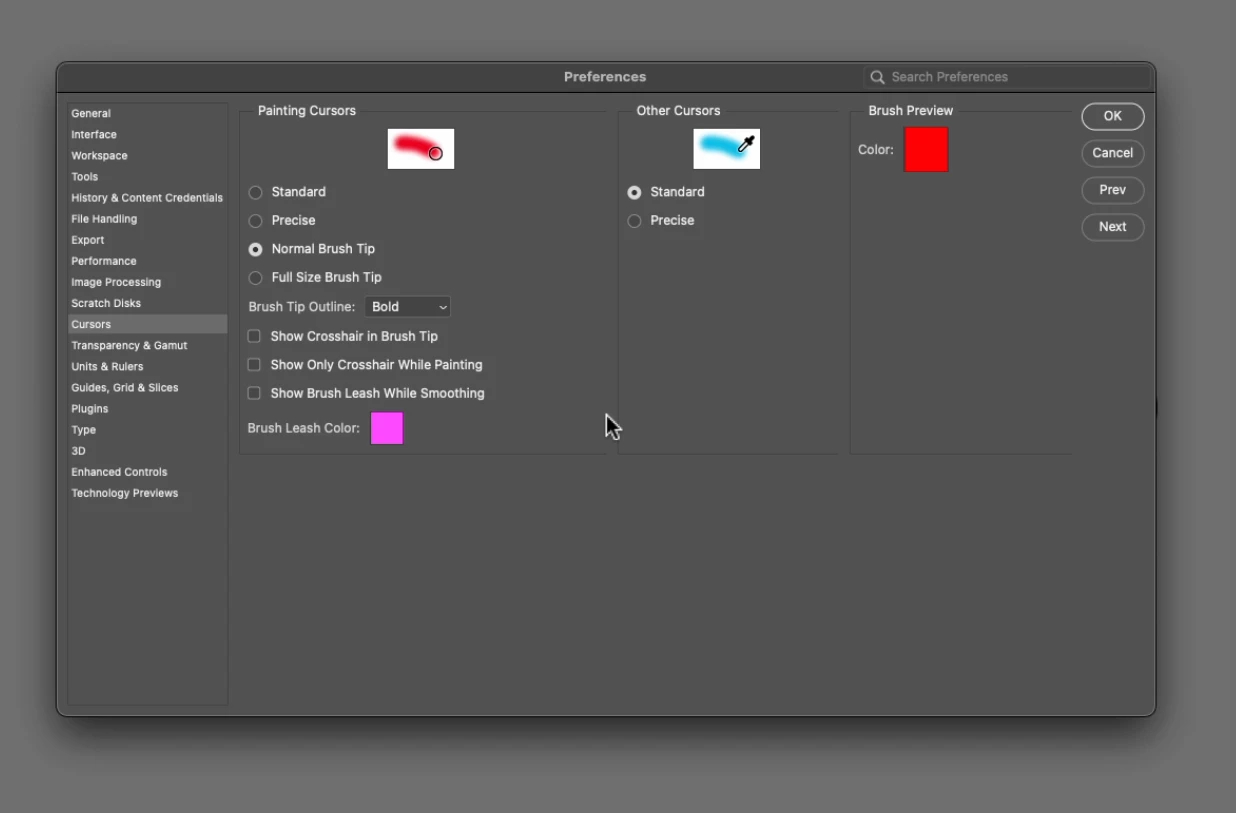
I have a new install of Adobe Creative Cloud and Adobe Photoshop. Before I did anything, I tried using the brush tool to paint a line. I discovered that at 100% hardness, the brush tool does not fill the circle that represents the brush all the way to the edge. See attached photos. (1) The first photo shows the brush filling black paint on a gray background. You can see that the paint does not fill in to the edge of the circle. The brush is set to 100% hardness, 100% Opacity, 100% Flow, 10% Smoothing. Default setup from Adobe install. (2) The second photo shows the Settings for the Cursor in Preferences. Again, all default from Adobe. Why is this not filling the circle 100% and how can I change this? Thank you!


 AdChoices